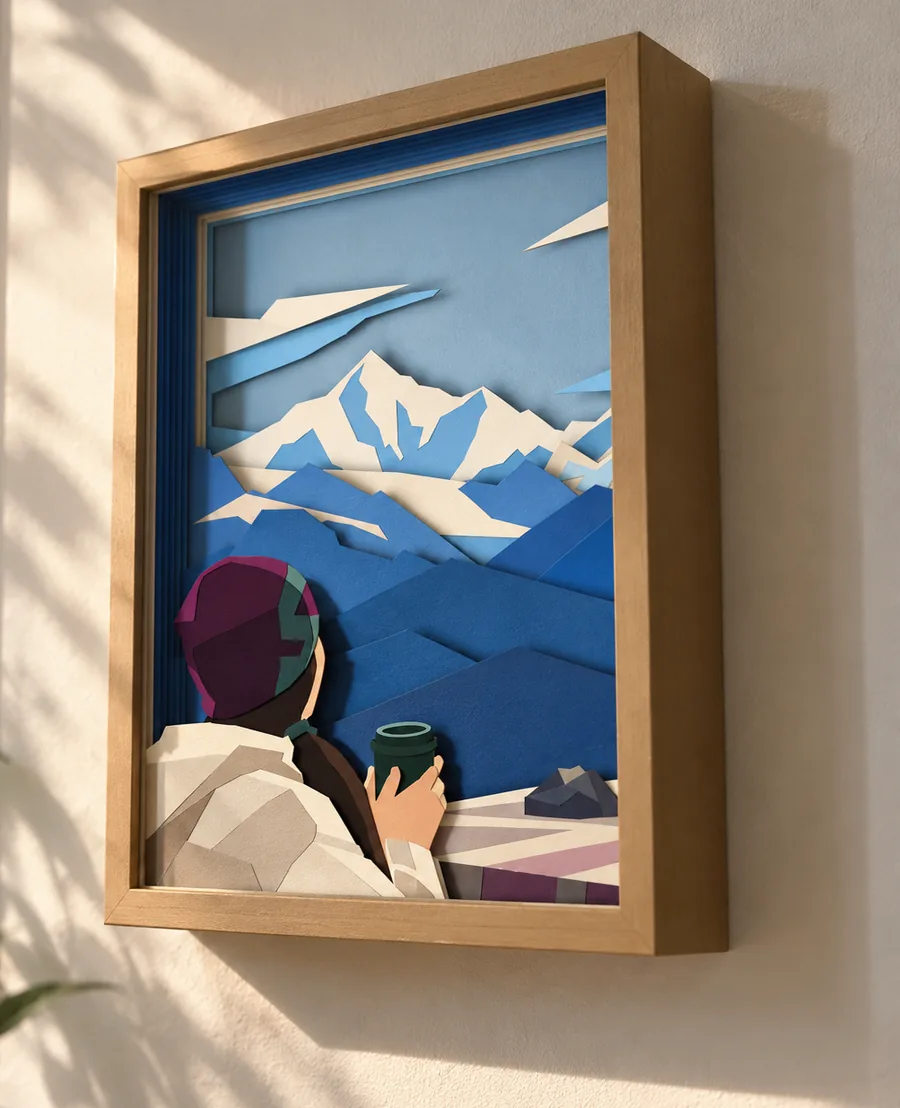
A layered SVG is built from clear boundaries. A photograph is built from gradients, texture, reflected light and small changes in tone. Sending the original photo straight into a layer generator can produce too many fragments, weak strips of paper and muddy averaged colors.
The useful preparation step is not ordinary photo tracing. It is redrawing: keep the subject and composition, but rebuild the picture from a few large, solid shapes.
What simplification changes
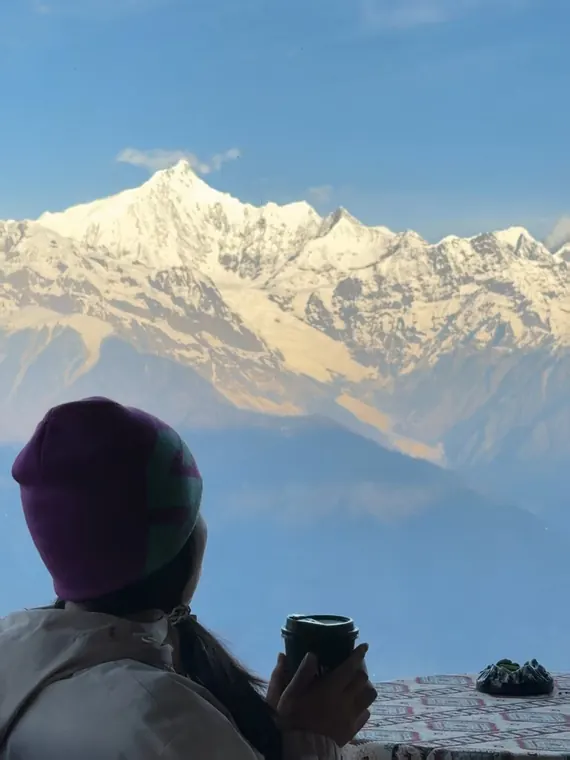
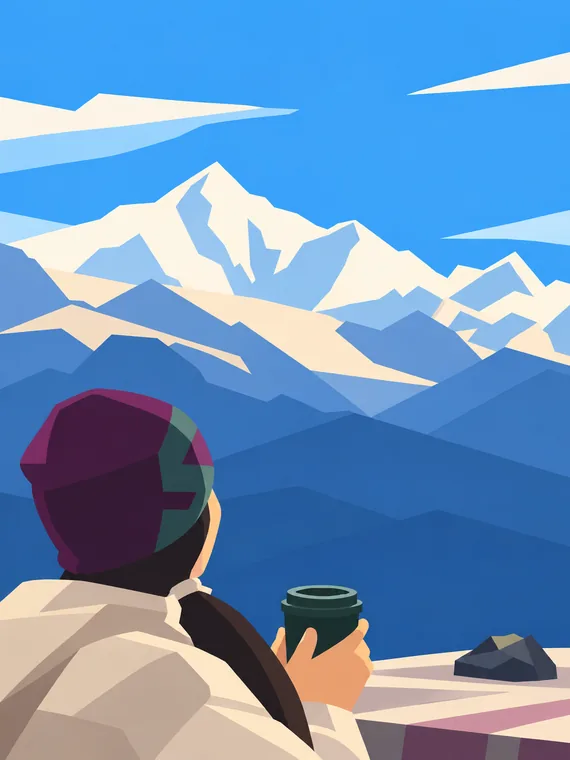
This example was made with ChatGPT. It shows the target level of abstraction, not a guaranteed result. Different image models can interpret the same photo and prompt differently, so we cannot guarantee the result.
Want just the steps? The Color block style puts the prompt, the generator and the cleanup on one page.
1. Choose a photo with a clear structure
Start with a photo whose subject, silhouette and main foreground and background areas remain recognizable when small details disappear.
One clear subject, a readable silhouette, broad areas of different color and a background that can be reduced to a few masses.
Busy crowds, fine foliage, fur filling most of the frame, low contrast, many overlapping objects or a subject that depends on tiny facial detail.
Crop before simplifying. Giving the main subject more of the frame leaves more physical room for strong paper shapes later.
2. Reduce the photo to large color shapes
Redraw the photo as a small number of large solid color areas. Remove texture, gradients, tiny highlights and background clutter rather than converting them into more shapes.
Keep the important relationships: the subject's pose, the direction it faces, the main silhouette, the horizon and the balance between foreground and background. Exact texture and photographic shading are not useful here.
Copy the simplification prompt
The prompt asks an image model to preserve the subject and composition while aggressively reducing detail. Attach your photo, paste the prompt, and request one final image.
3. Check the simplified image
Look at the result from a distance. The subject, pose and composition should still read clearly, while the image itself should look flat and deliberately simple.
- Large areas should use one solid color instead of several similar shades.
- Texture should be removed, not replaced with clusters of small polygons.
- The subject should remain recognizable from its silhouette and a few distinctive features.
- Small isolated marks should be deleted unless recognition depends on them.
If the result looks like low-poly art, a mosaic or a detailed vector trace, simplify it again before generating layers.
4. Generate the layered SVG in KerfPress
Open the simplified artwork in KerfPress, start with color clustering and set the color count to the cardstock colors you plan to use.
The layering method decides how pixels are grouped into layers:
- Color clustering groups pixels by color. It suits most images, including art in only two colors.
- Tonal peaks finds the few shades an image is built from and gives each one a layer. Use it for art in three or more flat shades, such as posterized art or silhouettes in several grays. It reads lightness only, so two colors of similar lightness end up on one layer.
- Equal area gives each layer the same share of the image, from dark to light. It suits black-and-white photos and smooth gradients.
- Equal brightness splits the range from darkest to lightest into even steps. It keeps the original contrast, but some layers can come out nearly empty.
If a color image turns muddy, check the layering method before changing every other setting.
5. Check whether the layers can be cut
Inspect thin paper strips and floating pieces before downloading. Raise the minimum paper width, add bridges or turn loose pieces into decals where needed.
A screen preview can preserve detail that real card cannot. Judge the result at its intended physical width, and use the 3D preview to check whether the main depth changes still read once the sheets are stacked.
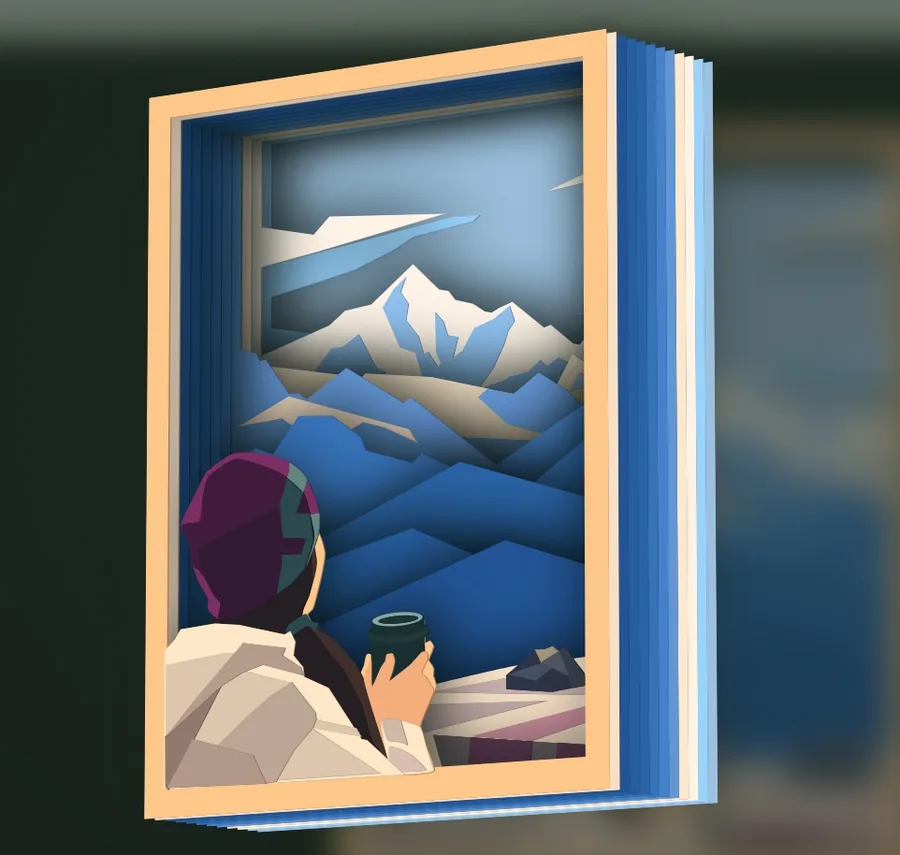
How it looks in a shadow box frame