
Shadow box ideas, ready to cut
Pick a design and open it in the generator with its settings ready, or download a free template. Generating, editing and the 3D preview are free.
Design library
Each design opens in the generator with colors, layers and size already set. One click turns it into cut files. Keep it as it is, or make it yours with new colors, layers or size.

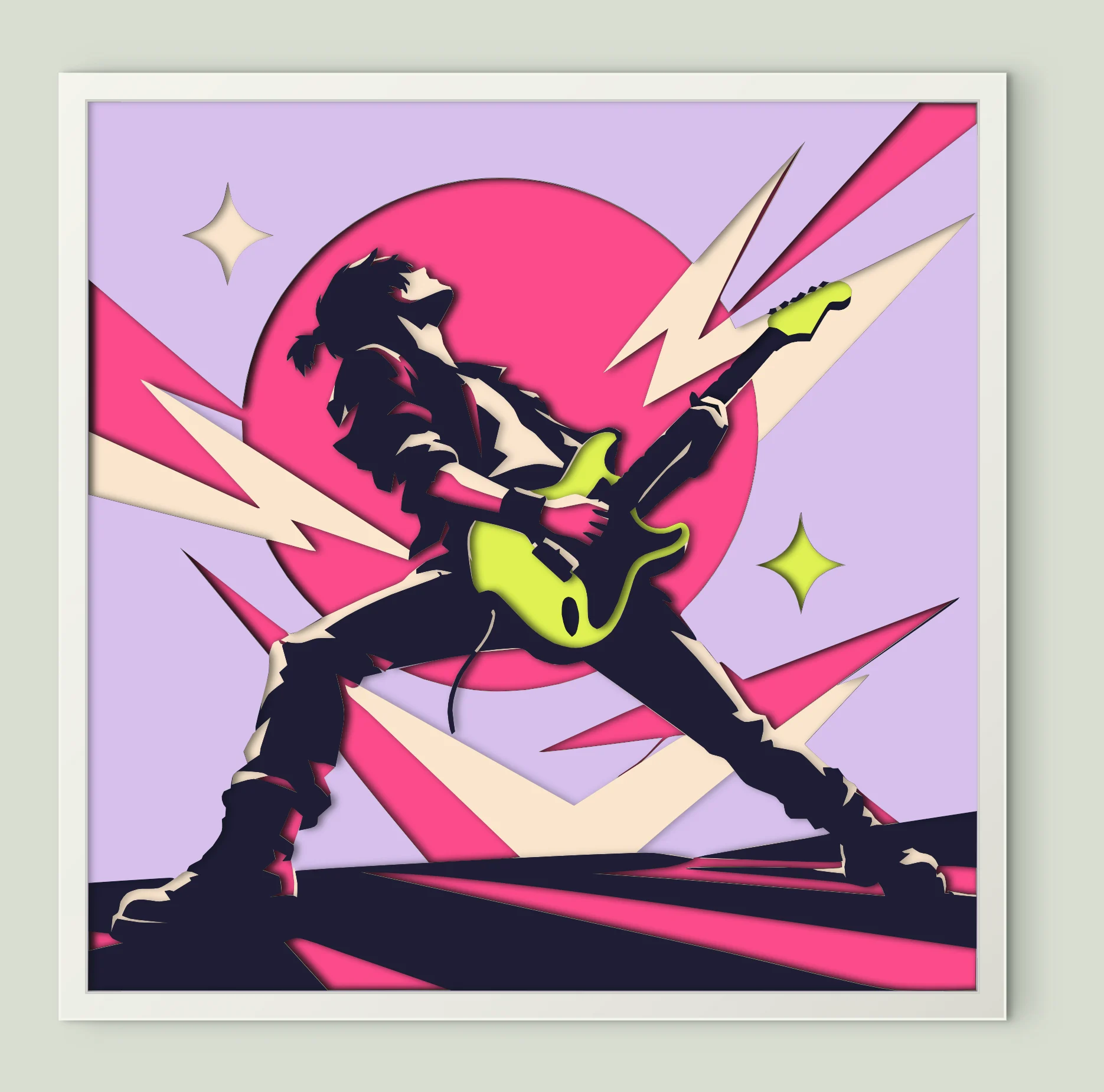
Rock Guitarist Pop Art
7 sheets · 200 mm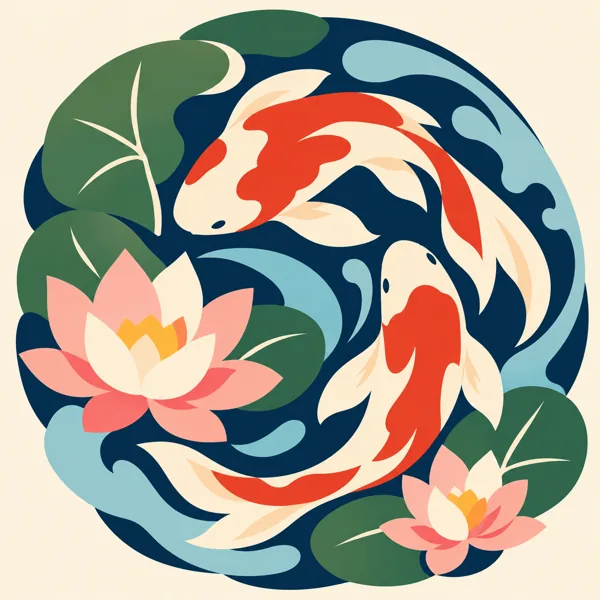
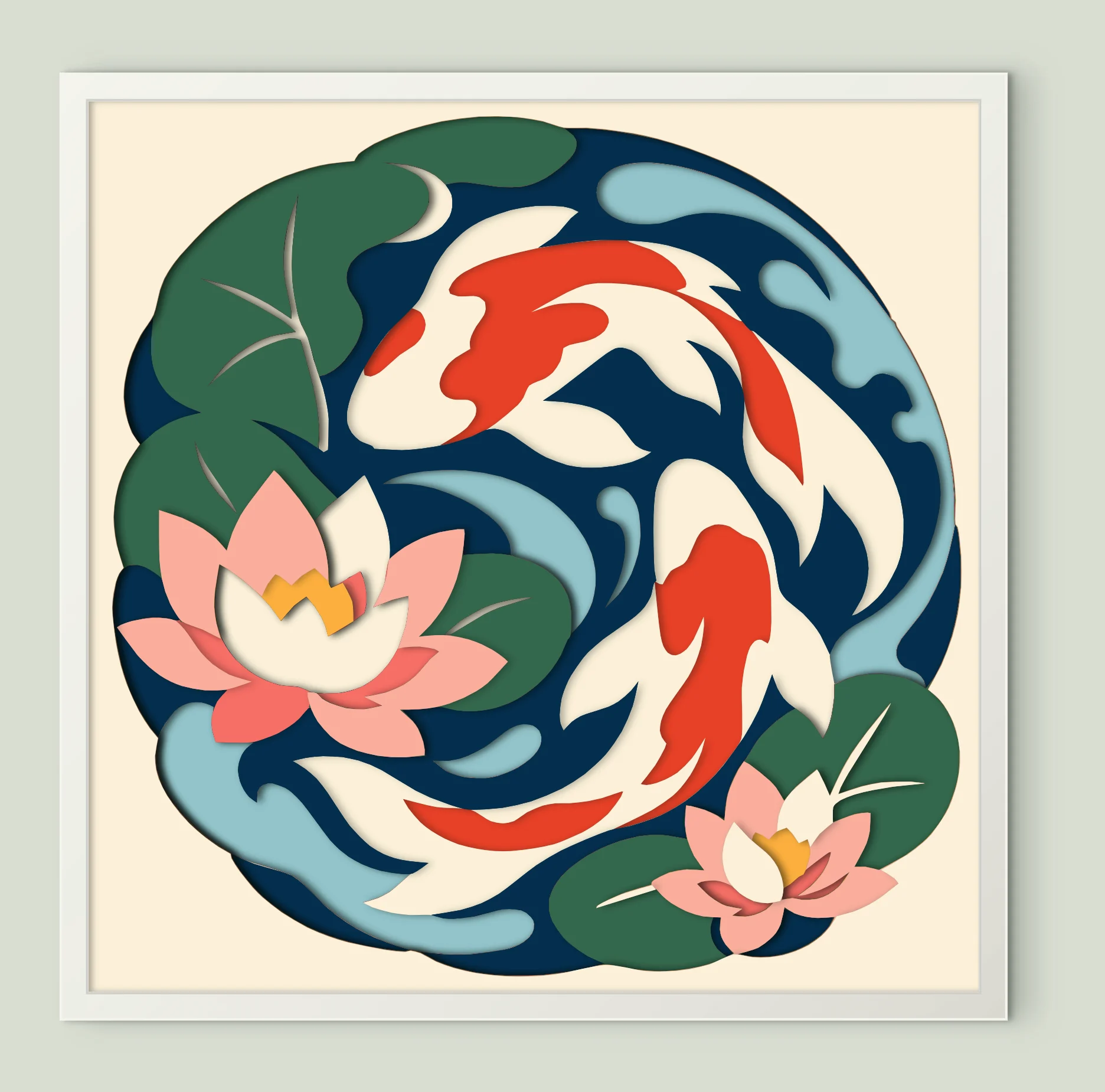
Koi Fish Lotus Pond
9 sheets · 200 mm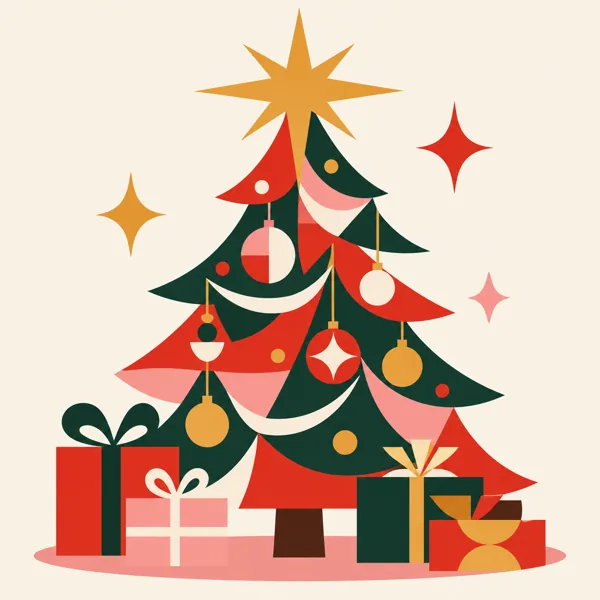
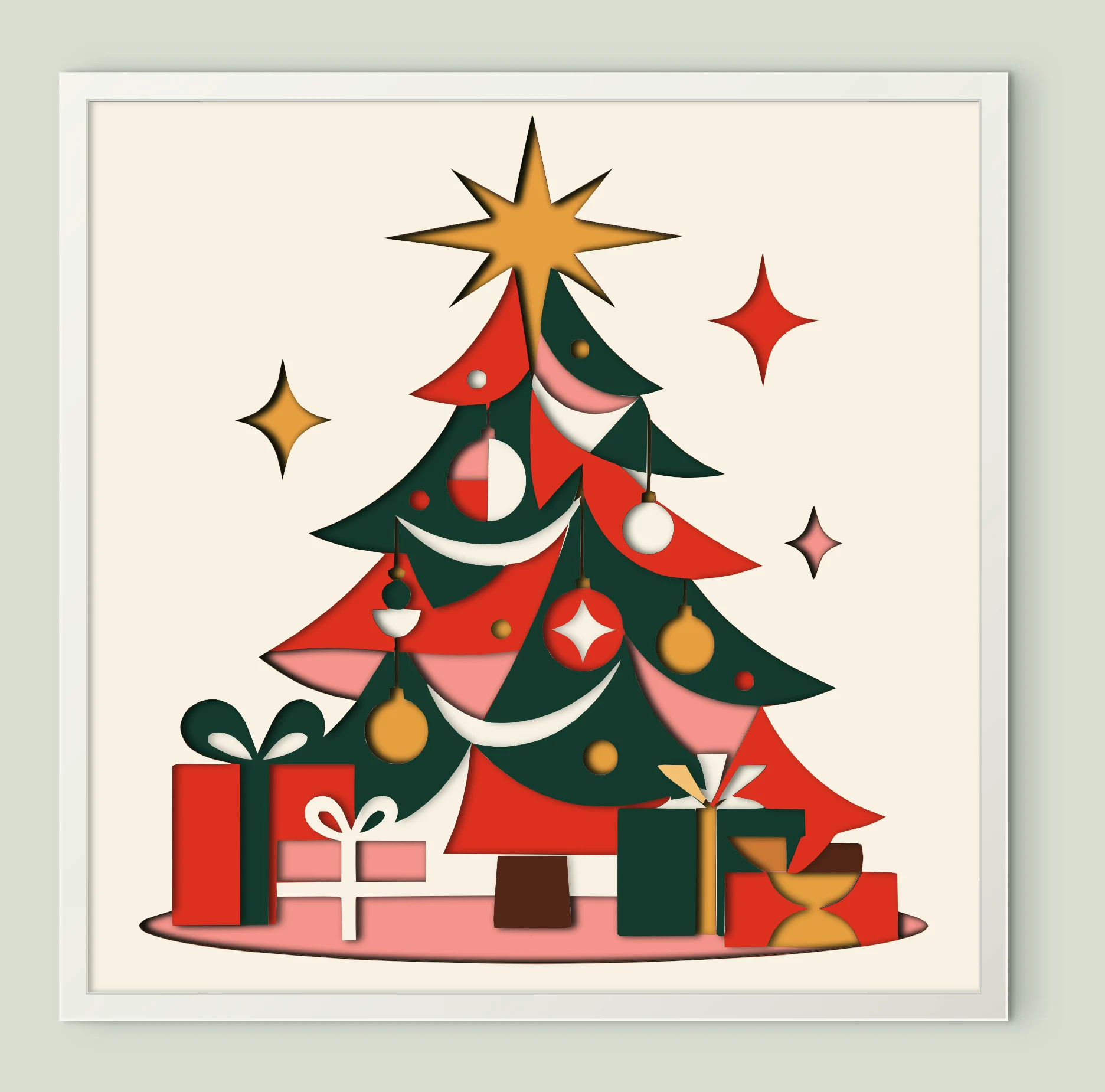
Christmas Tree With Gifts
12 sheets · 200 mm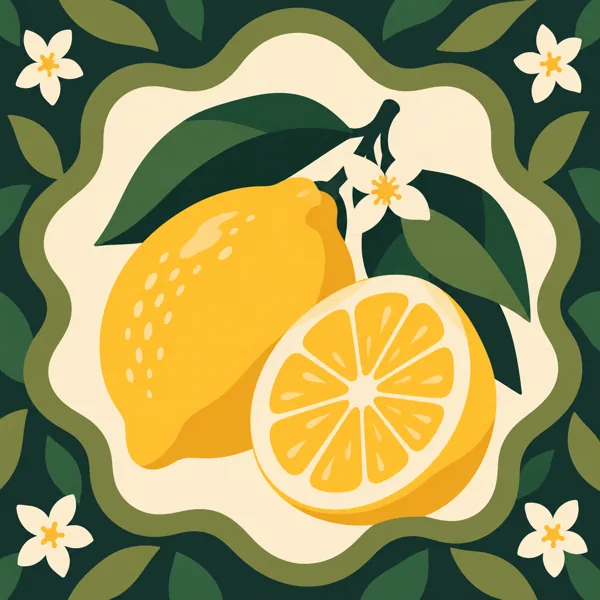
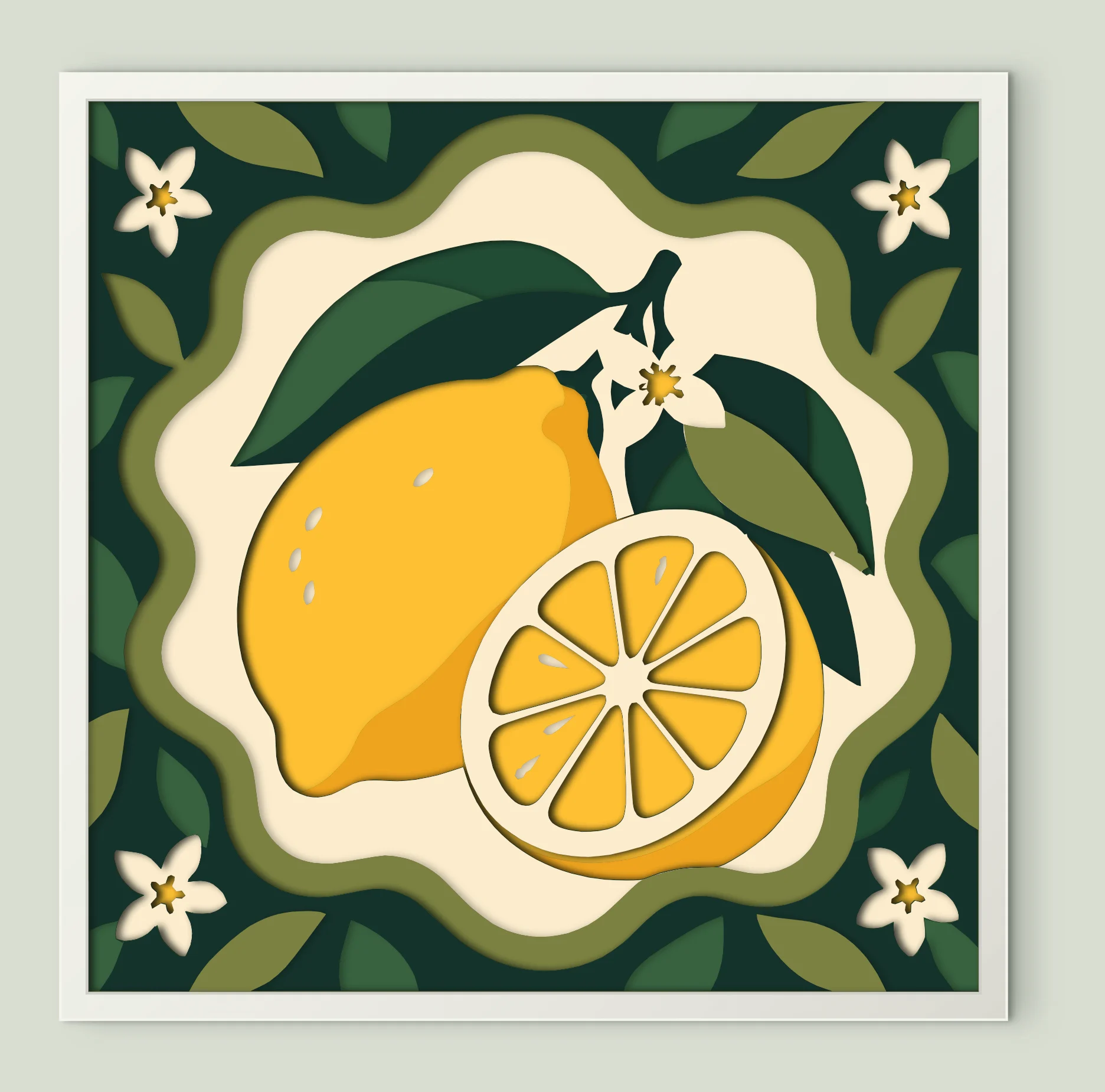
Lemon Fruit Blossom
12 sheets · 200 mm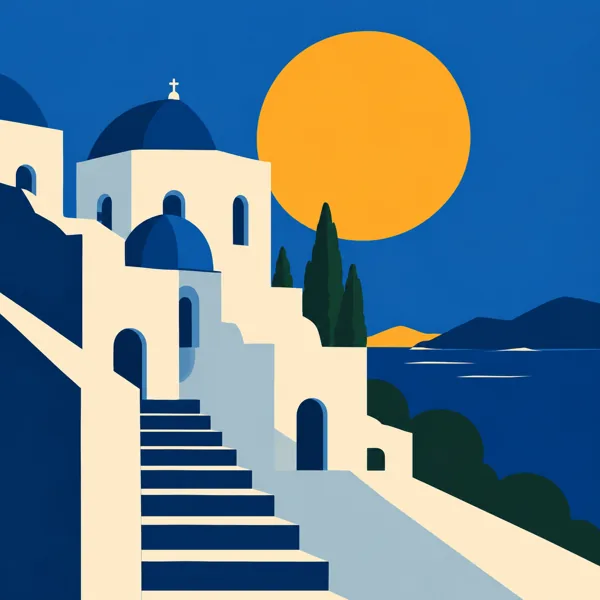
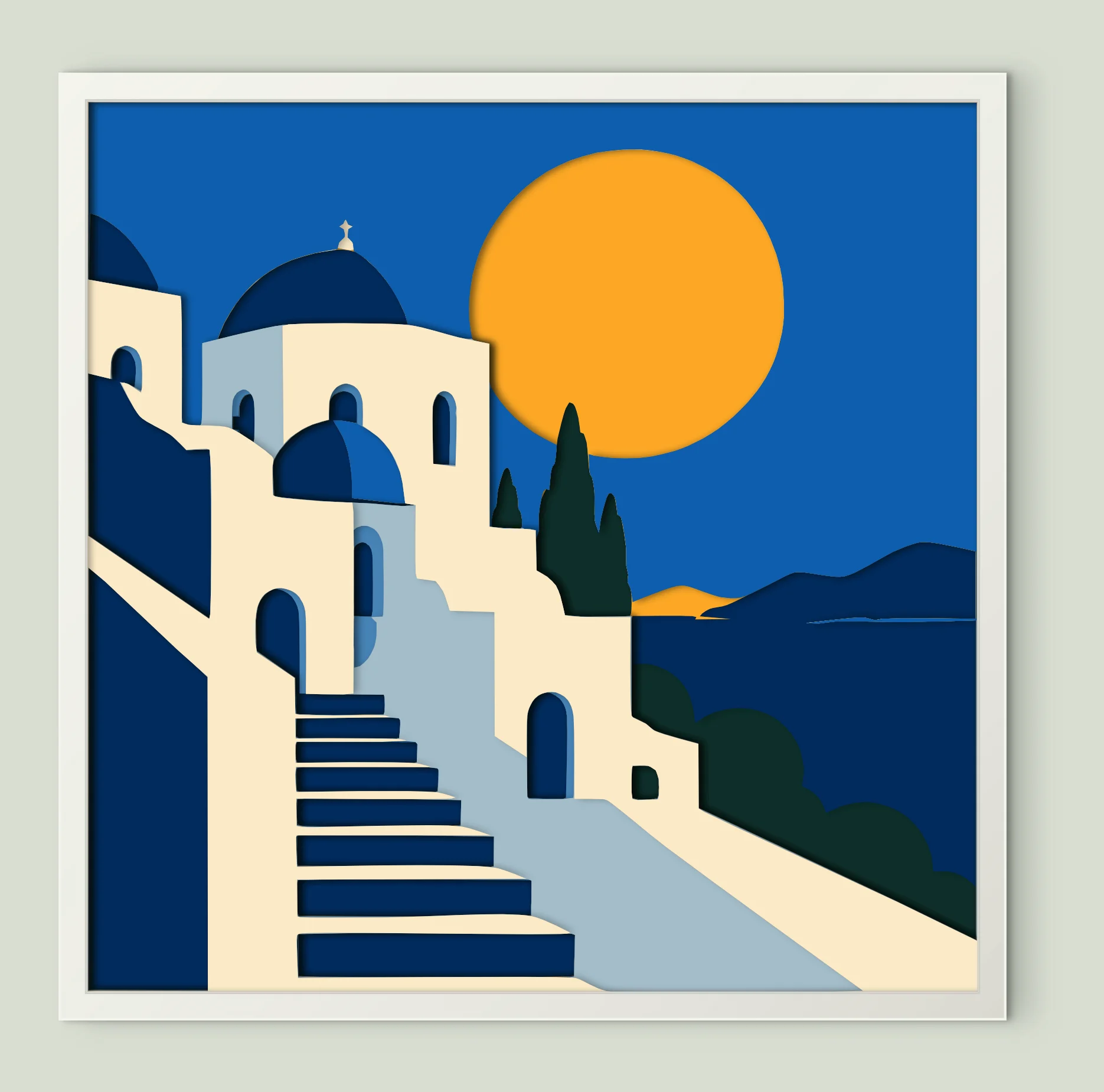
Greek Island Blue Domes
8 sheets · 200 mm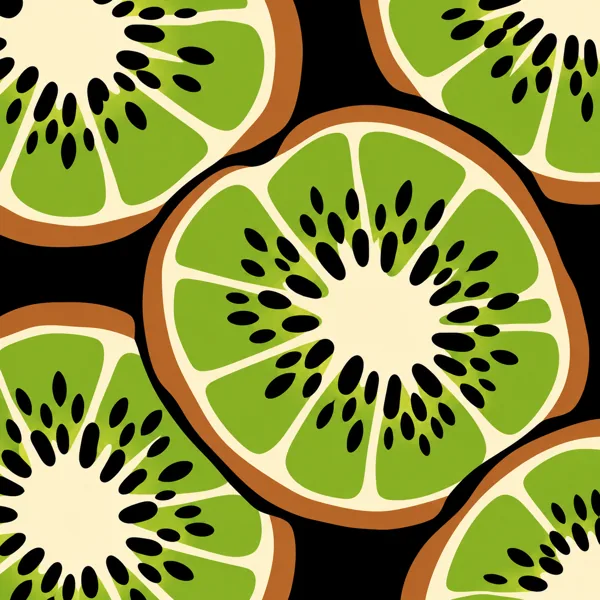
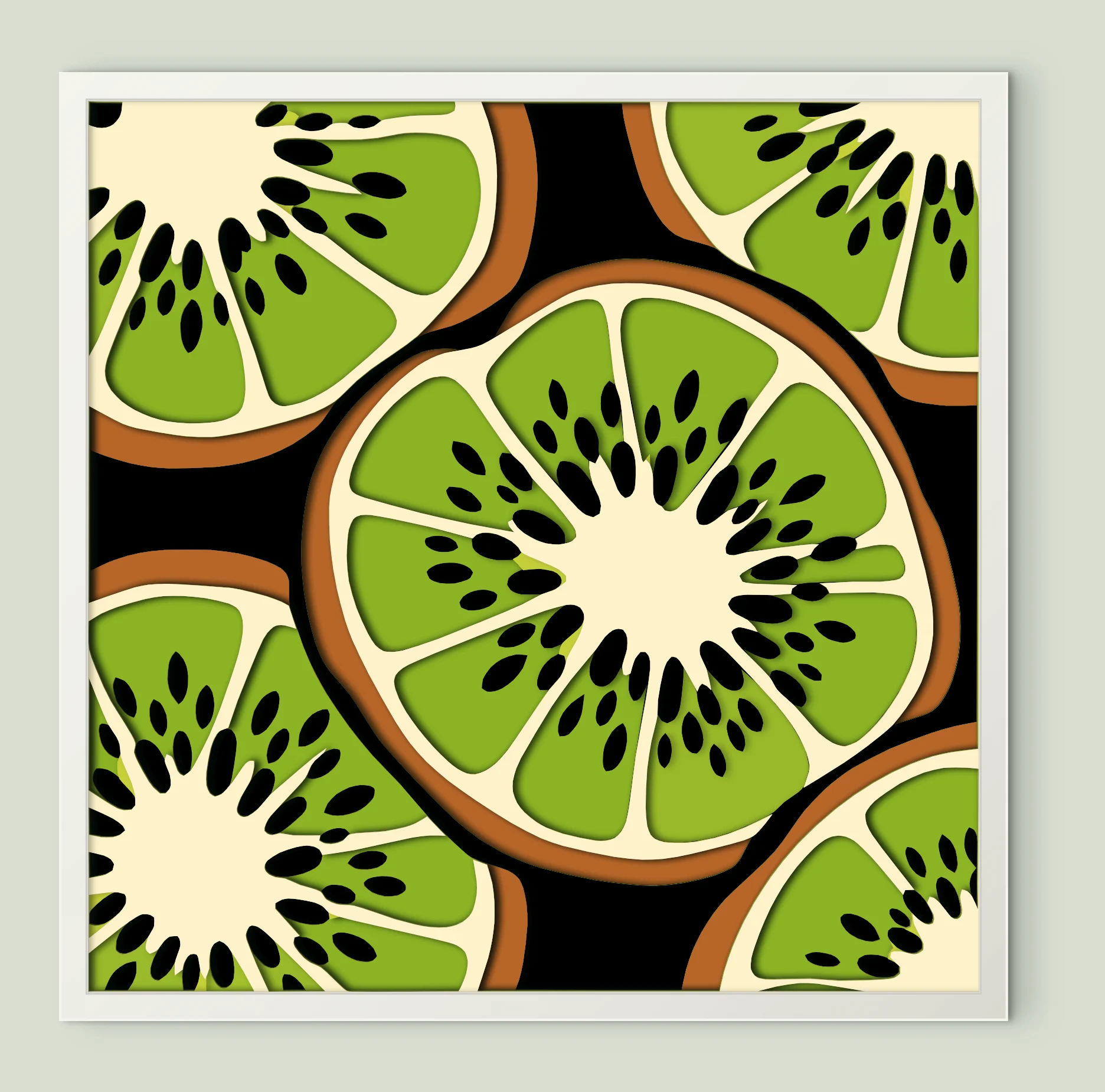
Kiwi Fruit Slices
13 sheets · 200 mm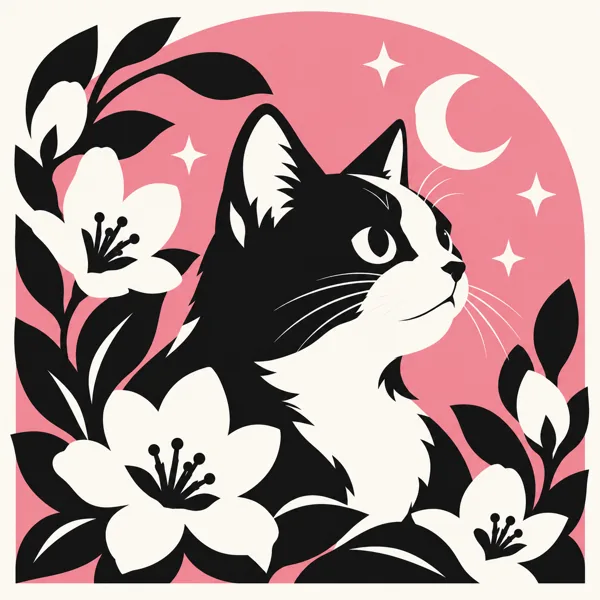
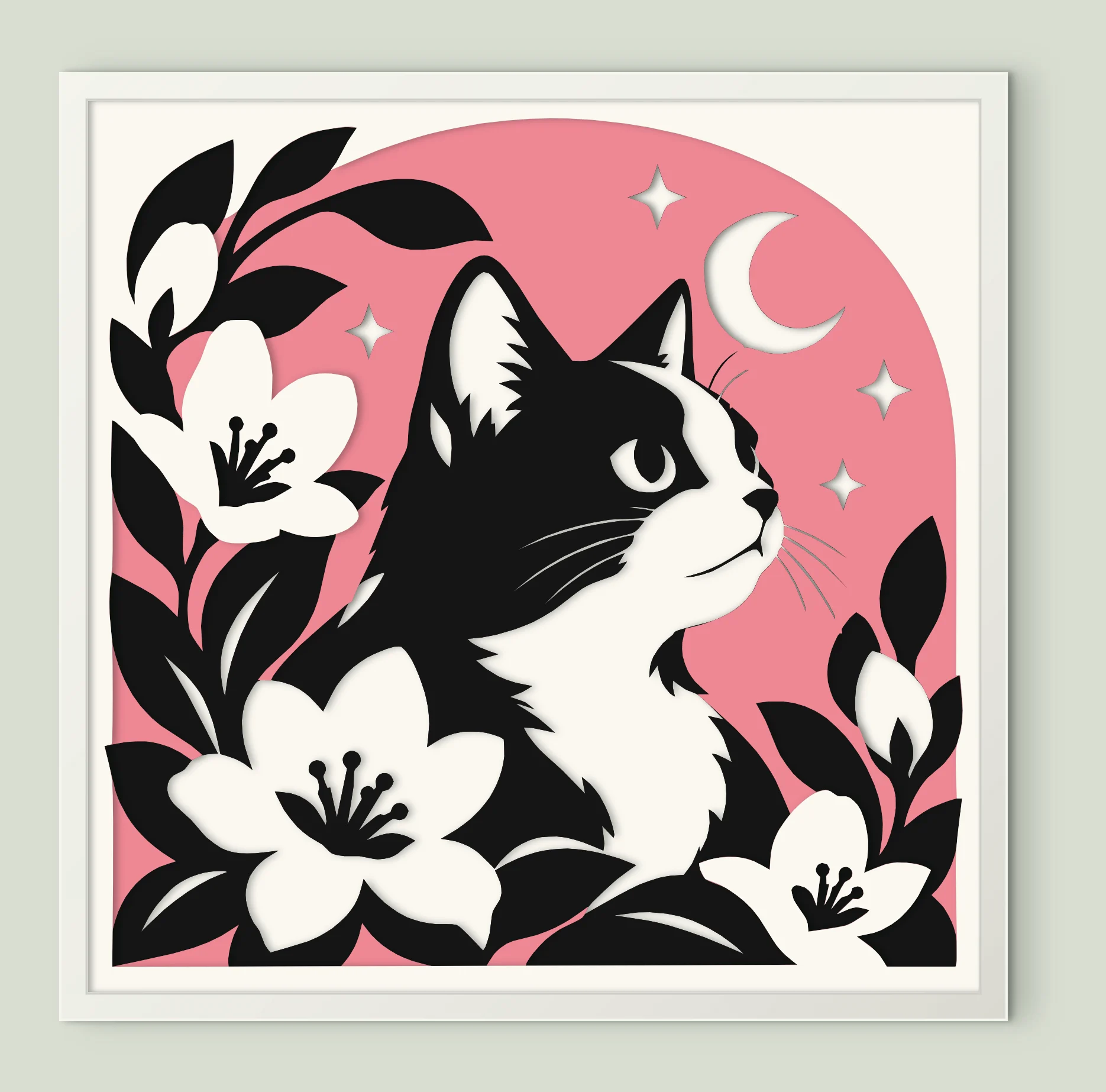
Black White Cat Moon
4 sheets · 200 mm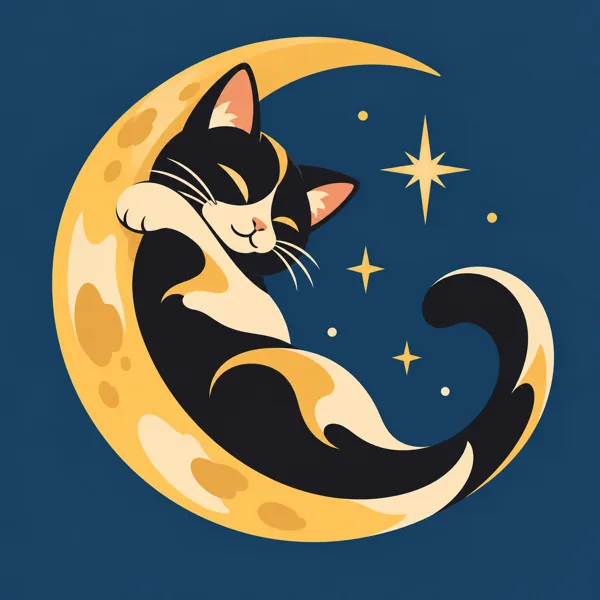
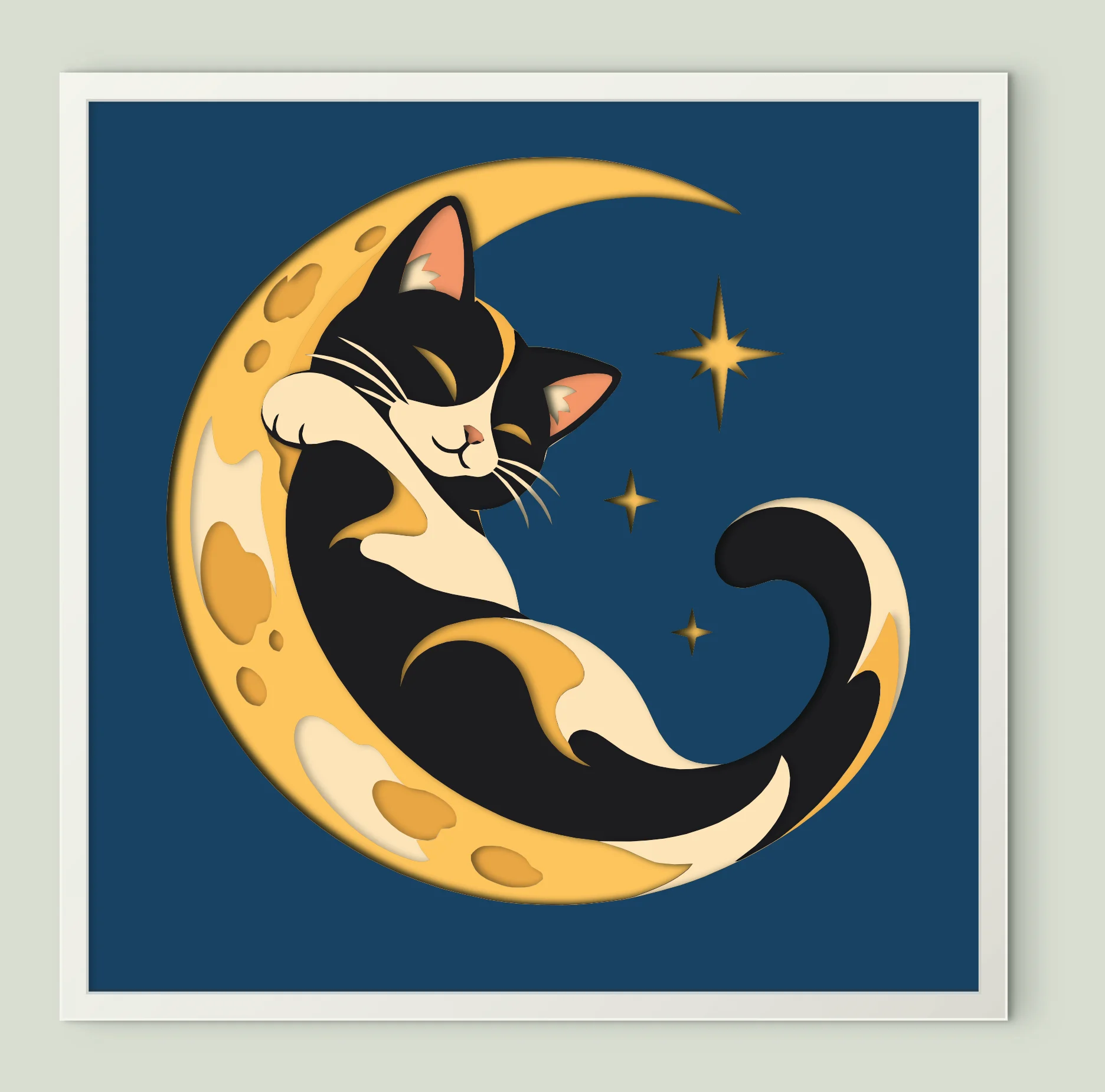
Sleeping Cat Crescent Moon
9 sheets · 200 mm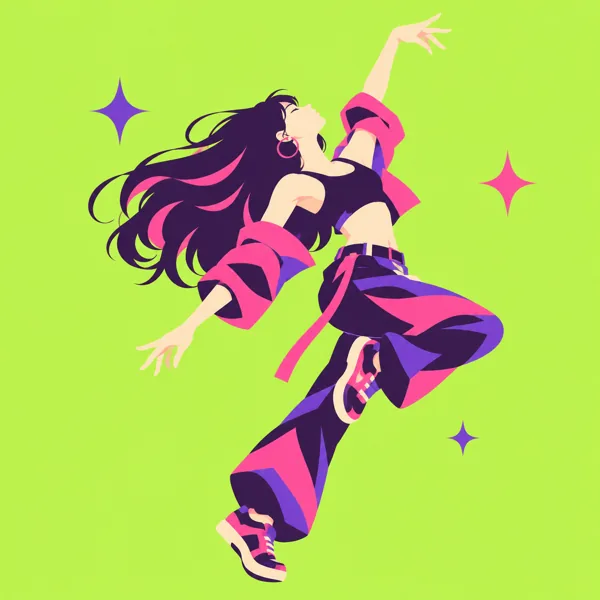
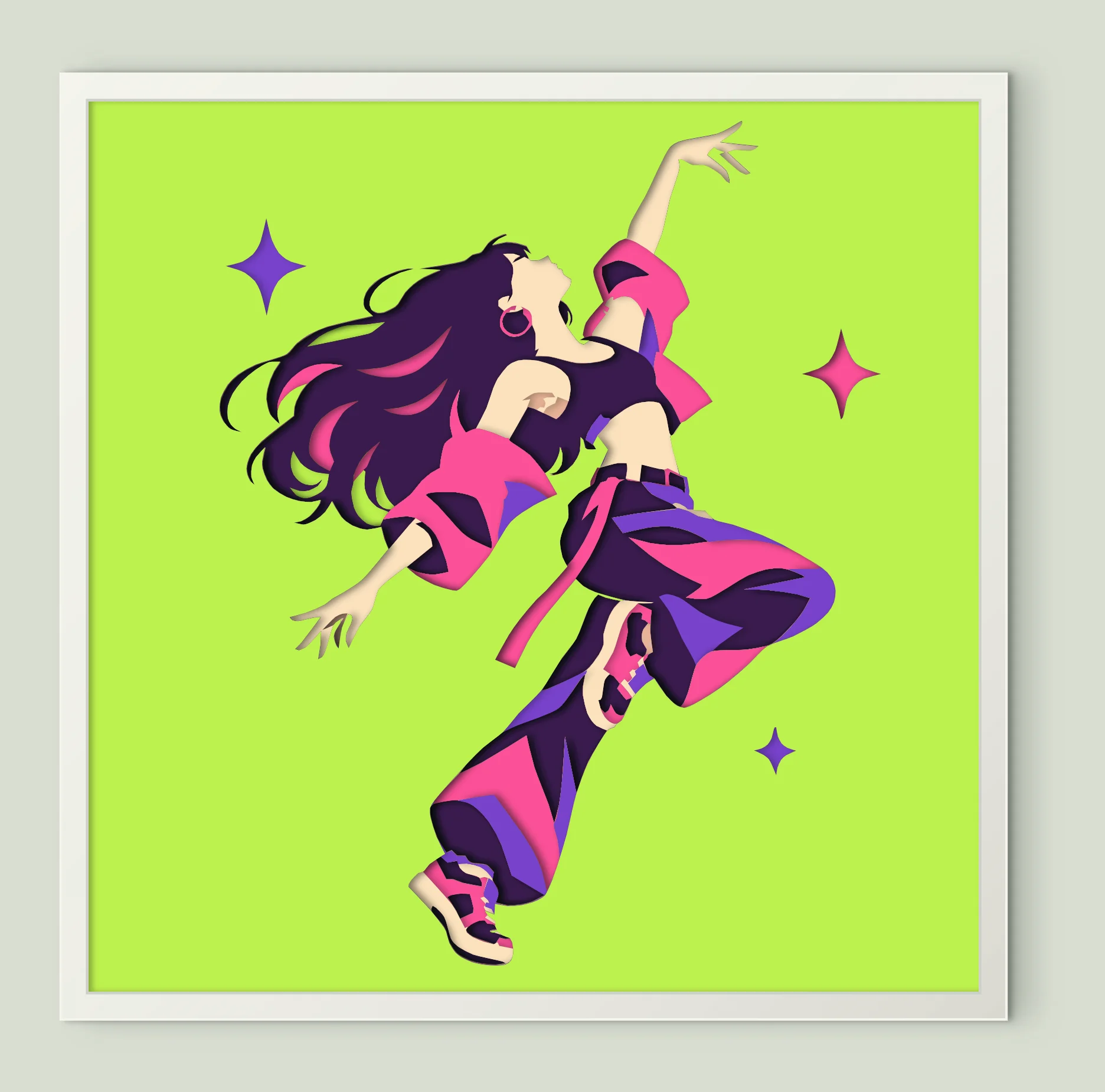
Dancing Woman Pop Art
10 sheets · 200 mm

Breakdancer One Hand Freeze
8 sheets · 200 mm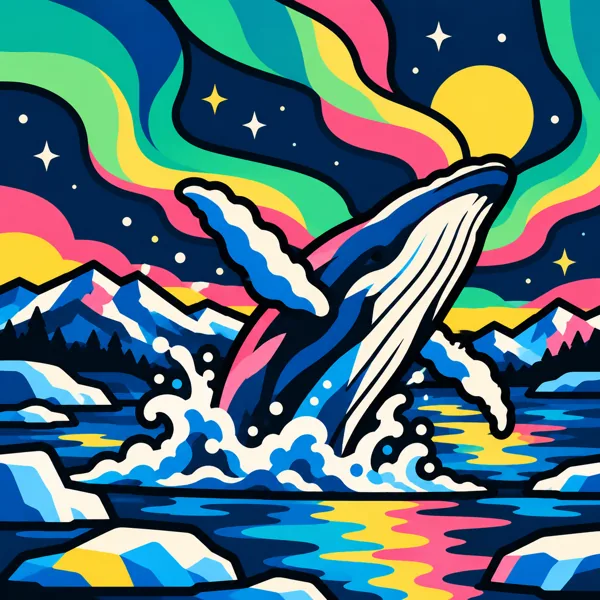
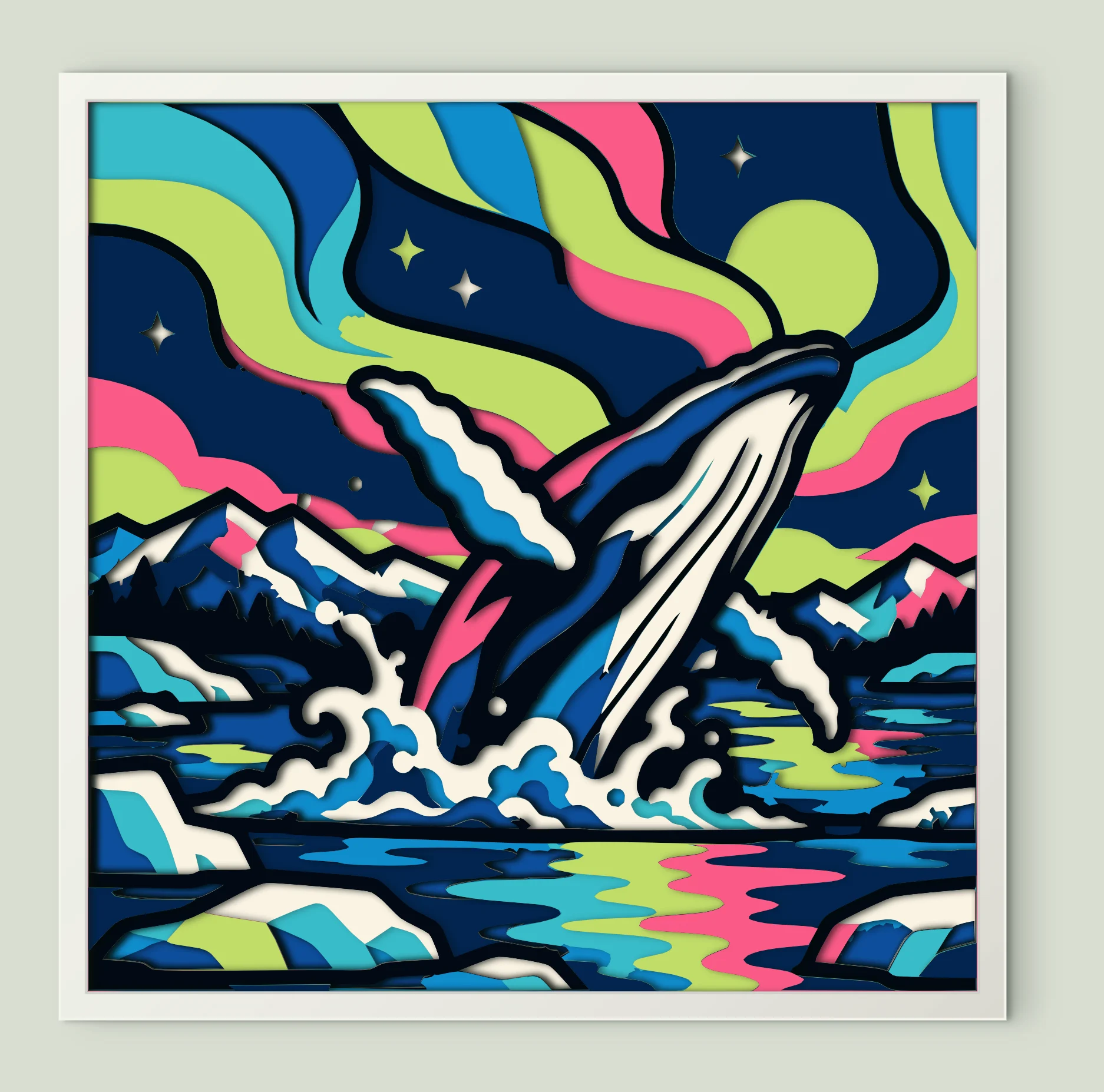
Whale Aurora Night Sky
16 sheets · 200 mm

Retro Vintage Microphone
6 sheets · 200 mm

Rock Music Hand Gesture
8 sheets · 200 mm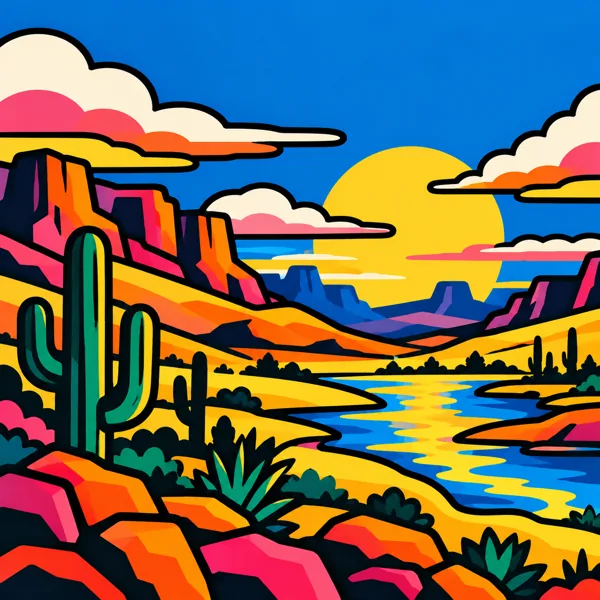
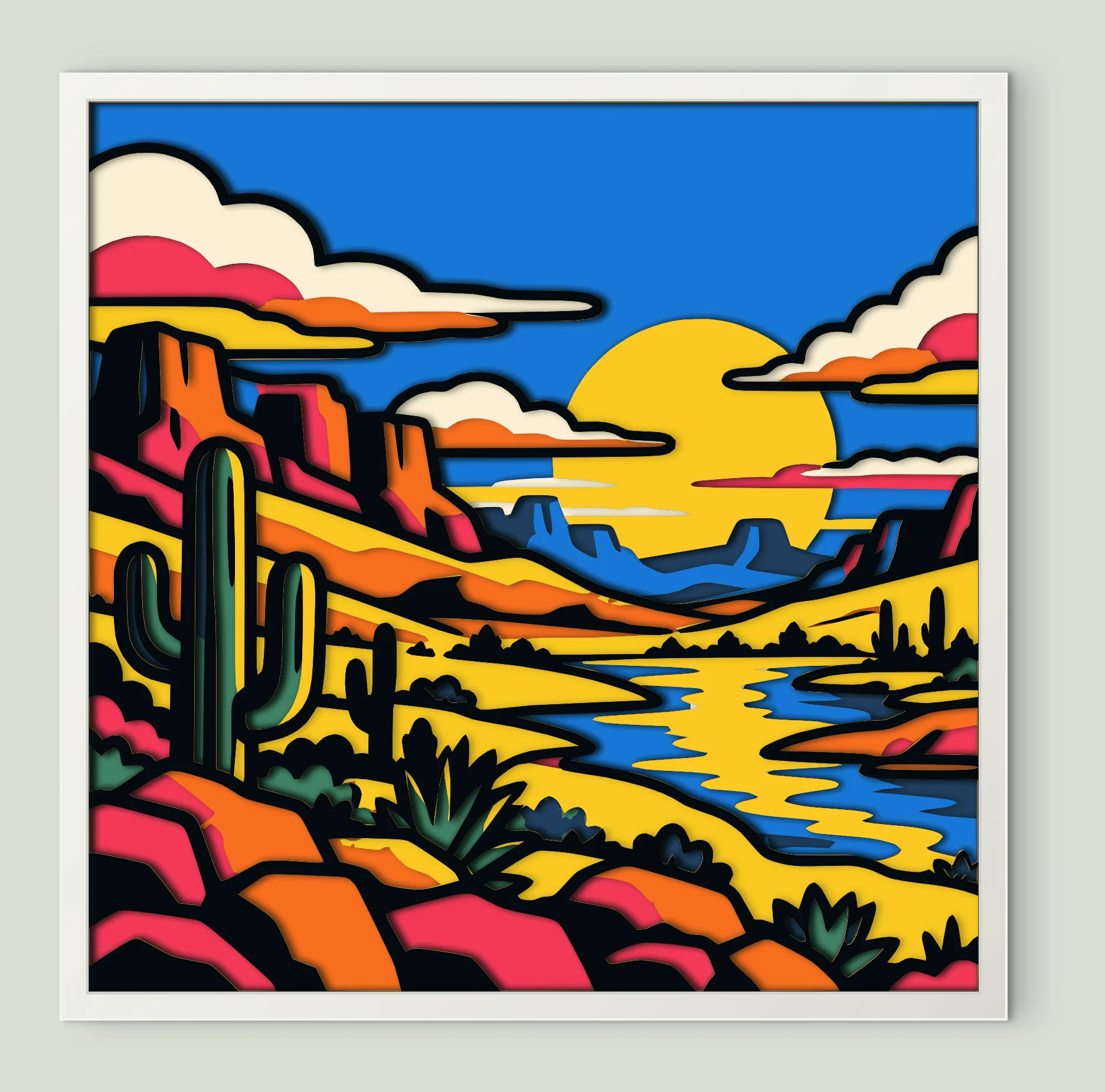
Desert Canyon River
9 sheets · 200 mm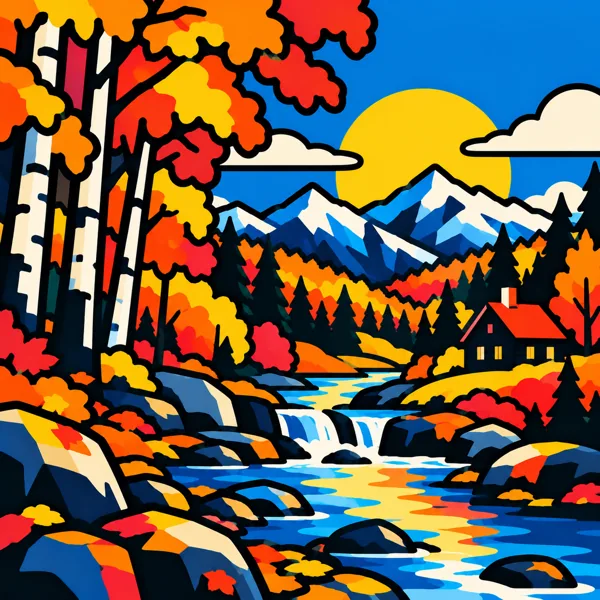
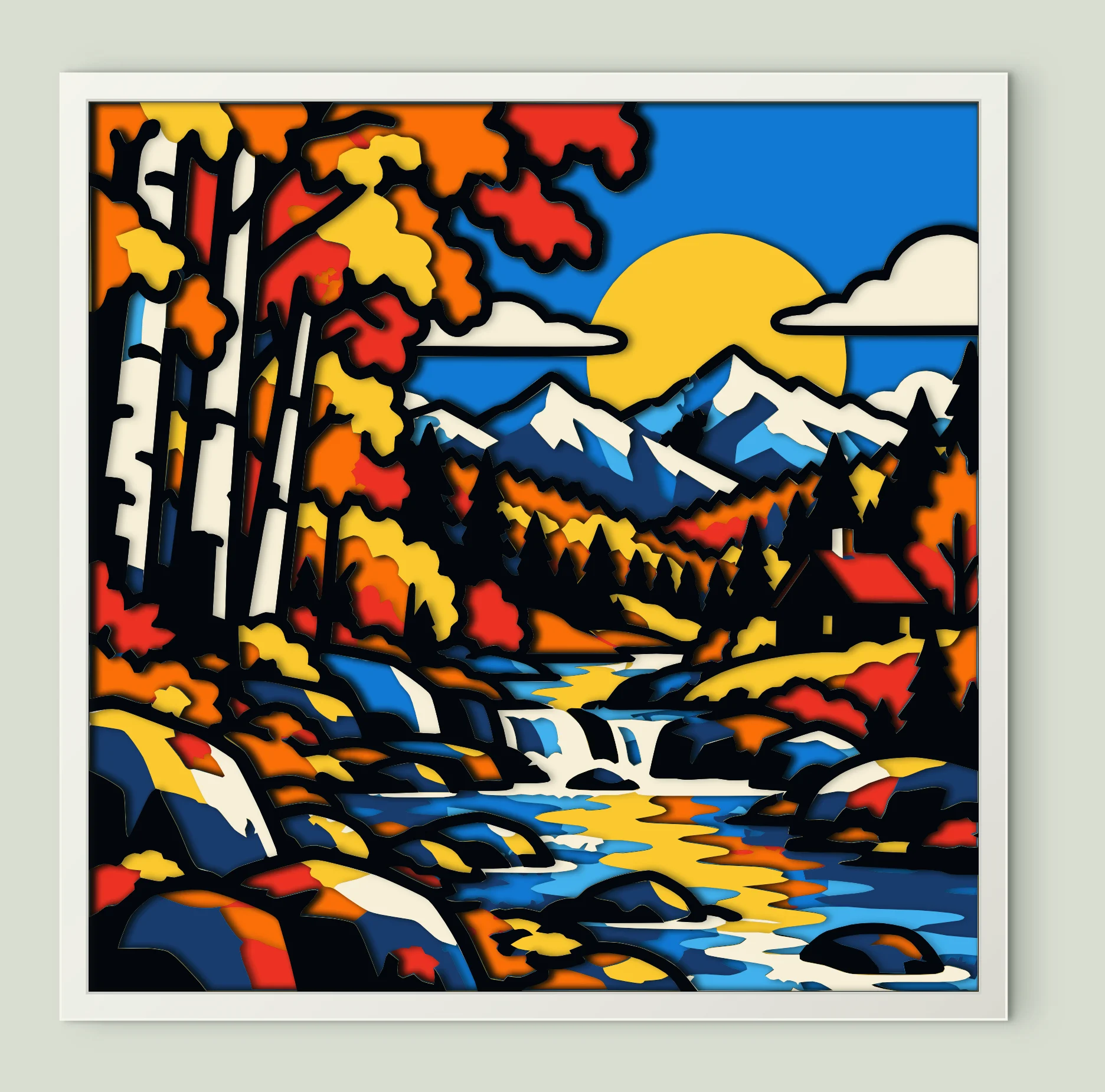
Autumn Mountain Cabin Stream
10 sheets · 200 mm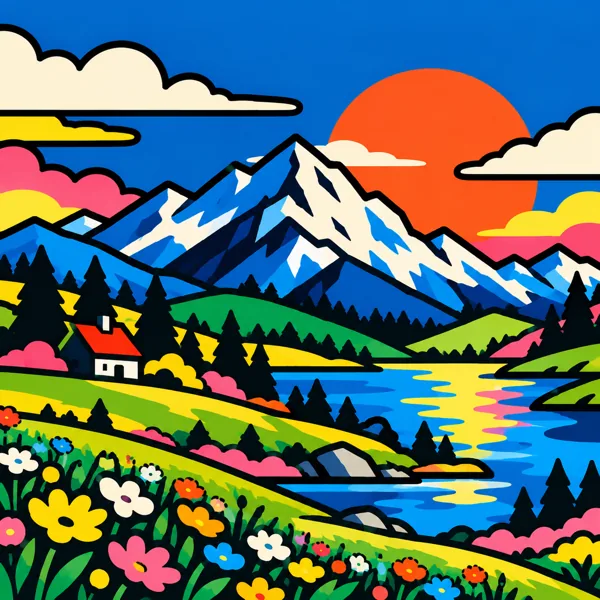
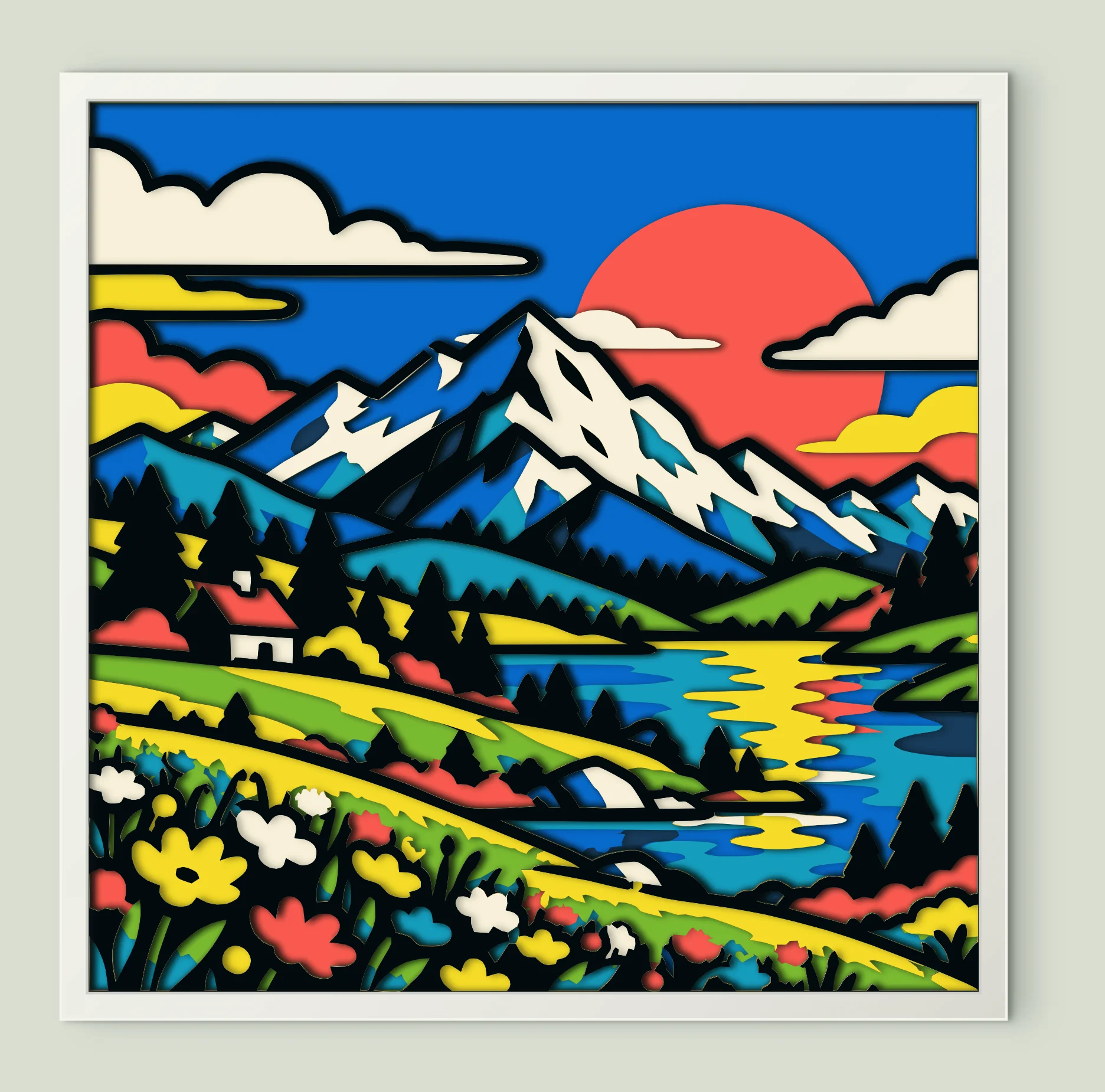
Mountain Lake Flower Meadow
10 sheets · 200 mm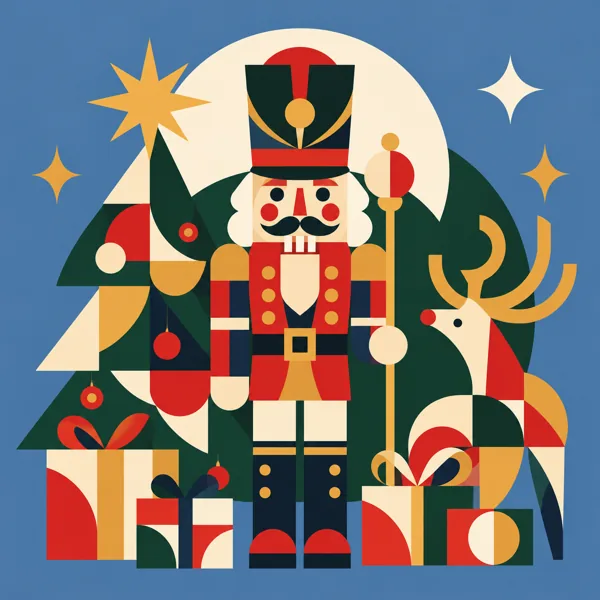
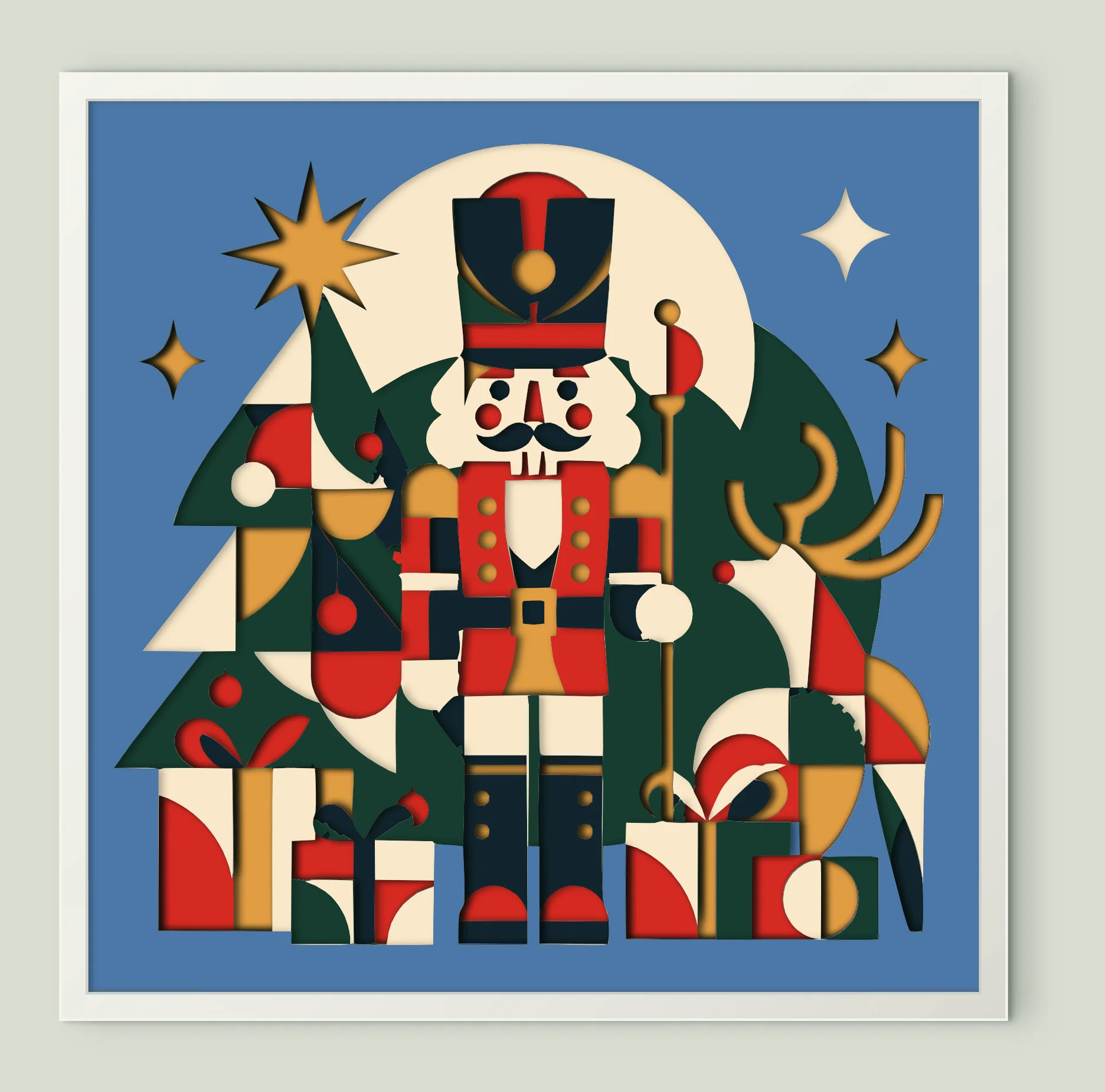
Nutcracker Reindeer
12 sheets · 200 mm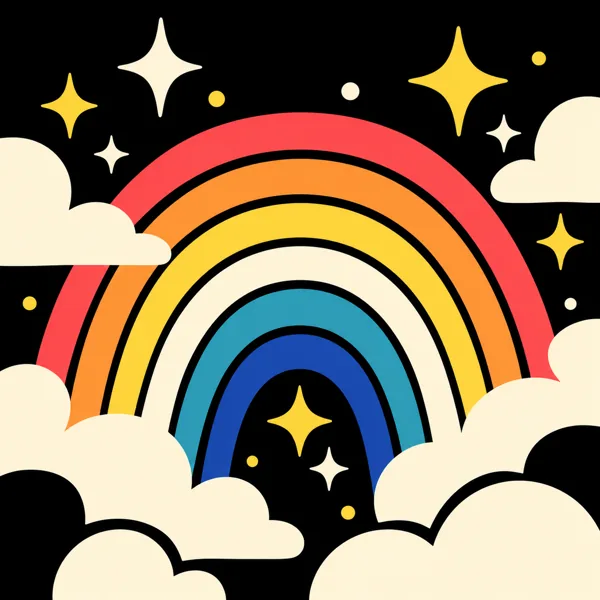
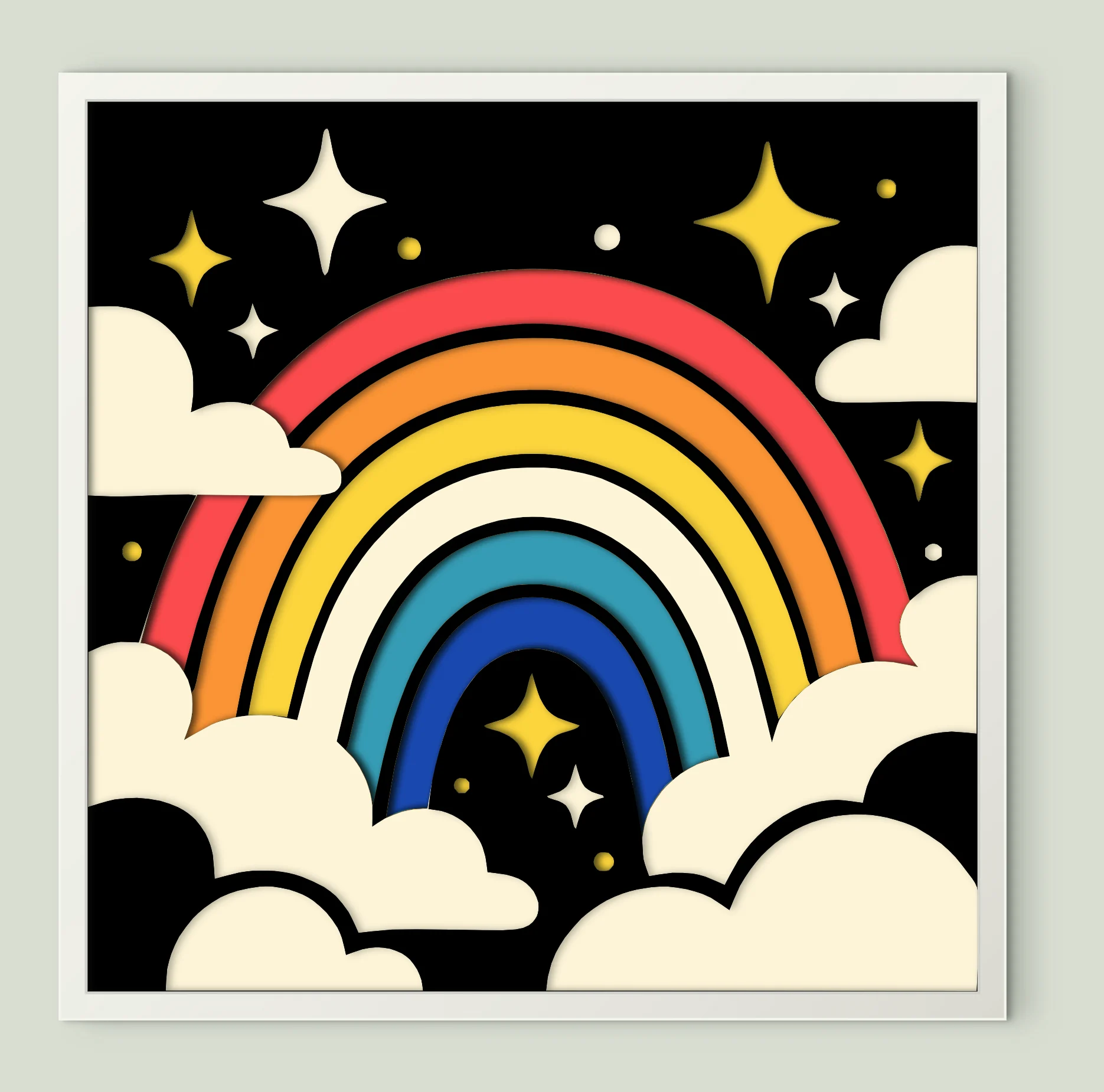
Night Rainbow Stars Clouds
8 sheets · 200 mm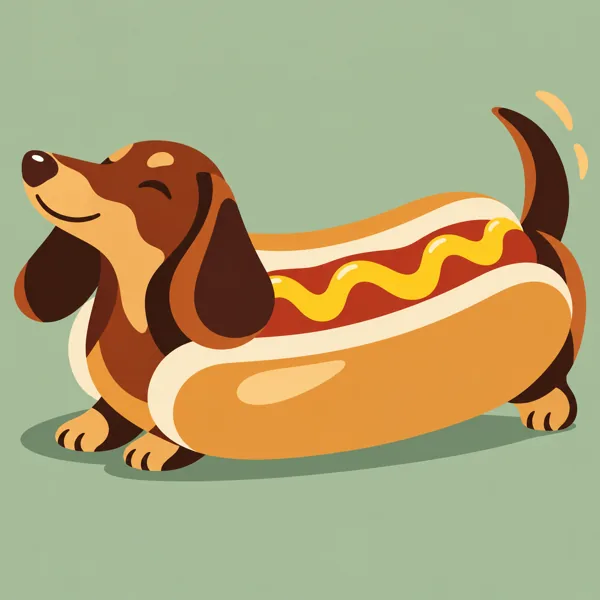
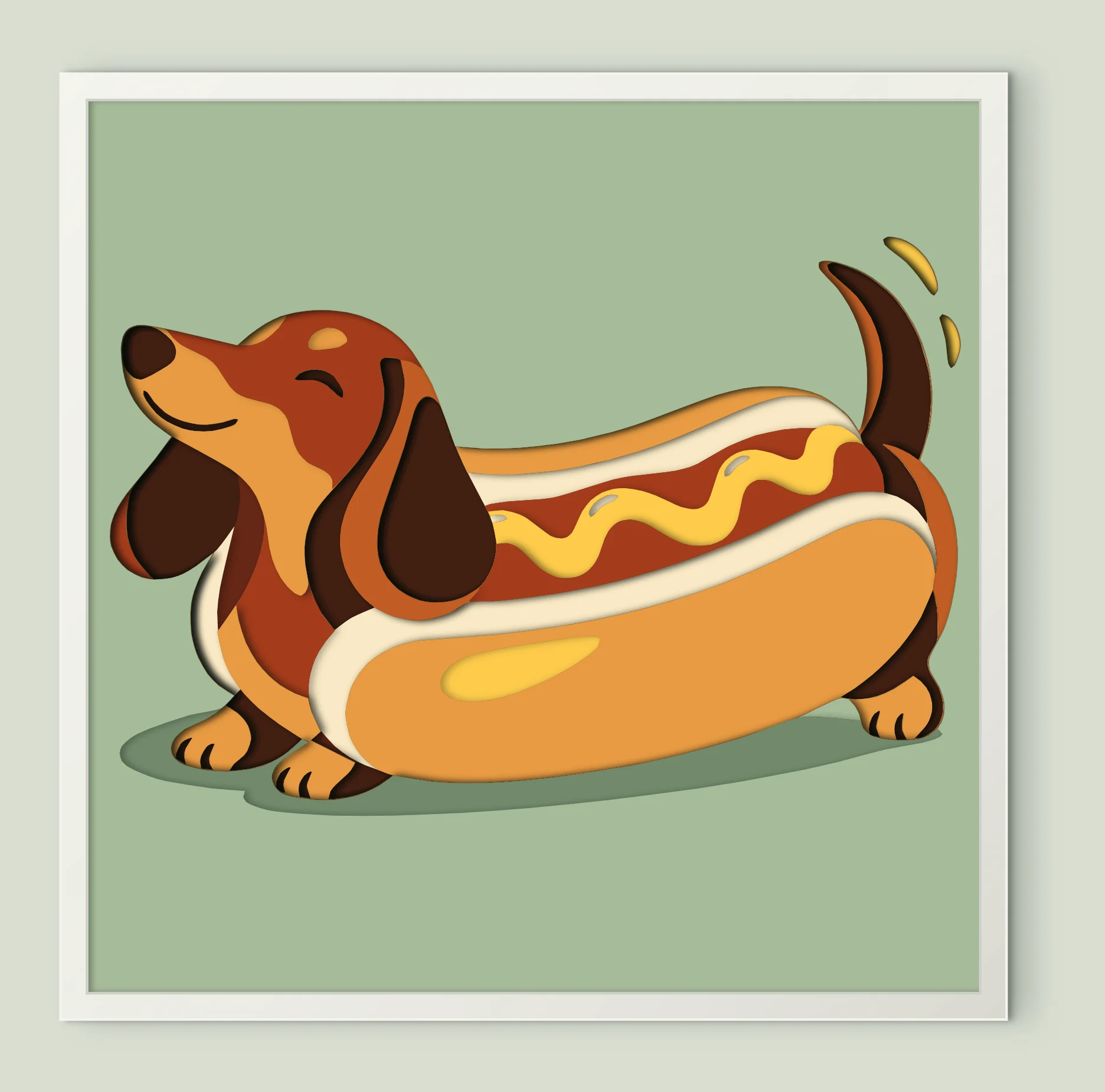
Hot Dog Dachshund
11 sheets · 200 mm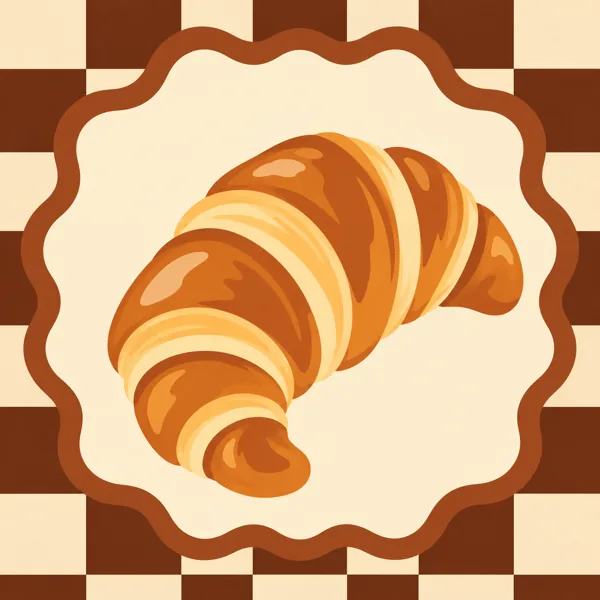
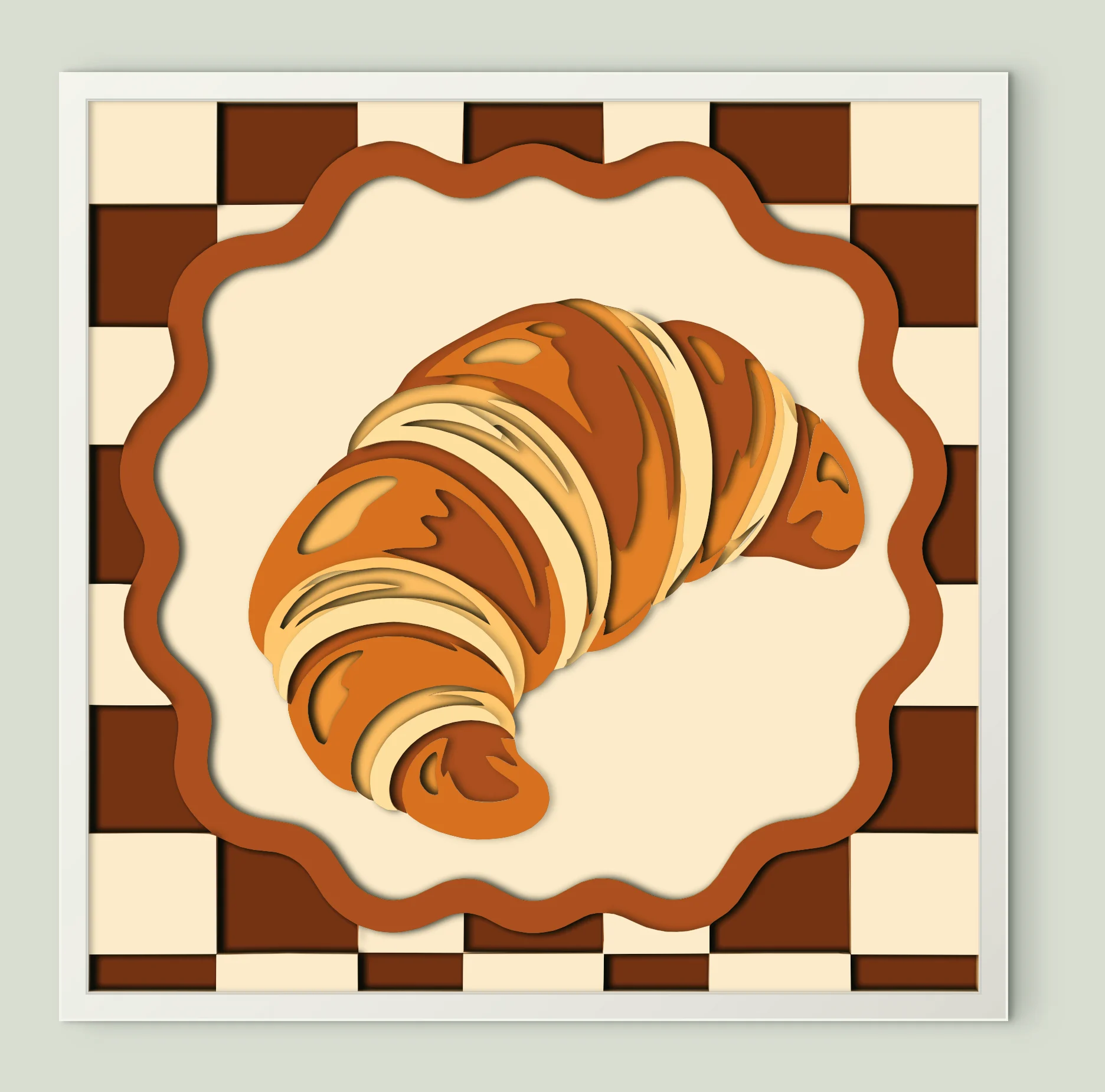
Golden Baked Croissant
13 sheets · 200 mm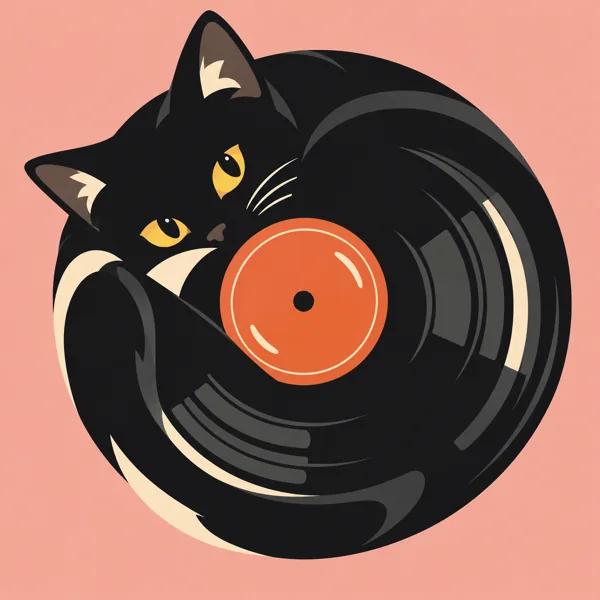
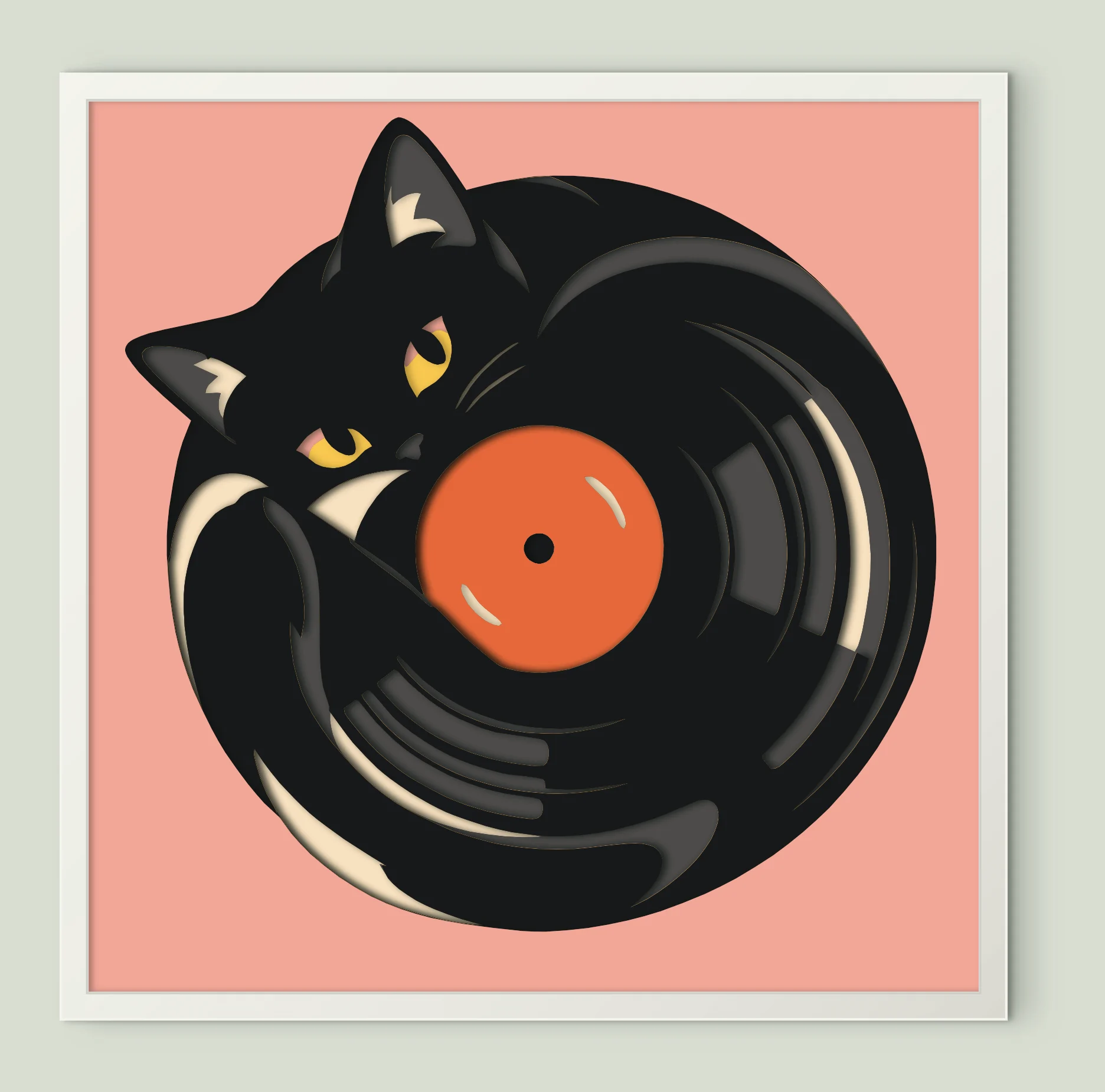
Black Cat Vinyl Record
9 sheets · 200 mm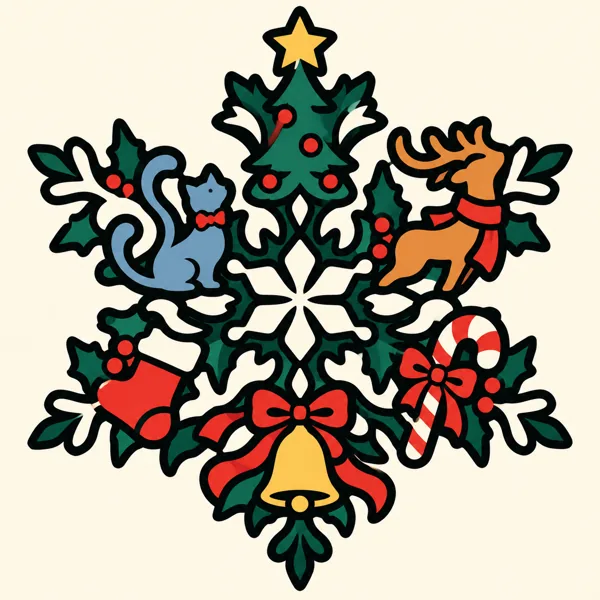
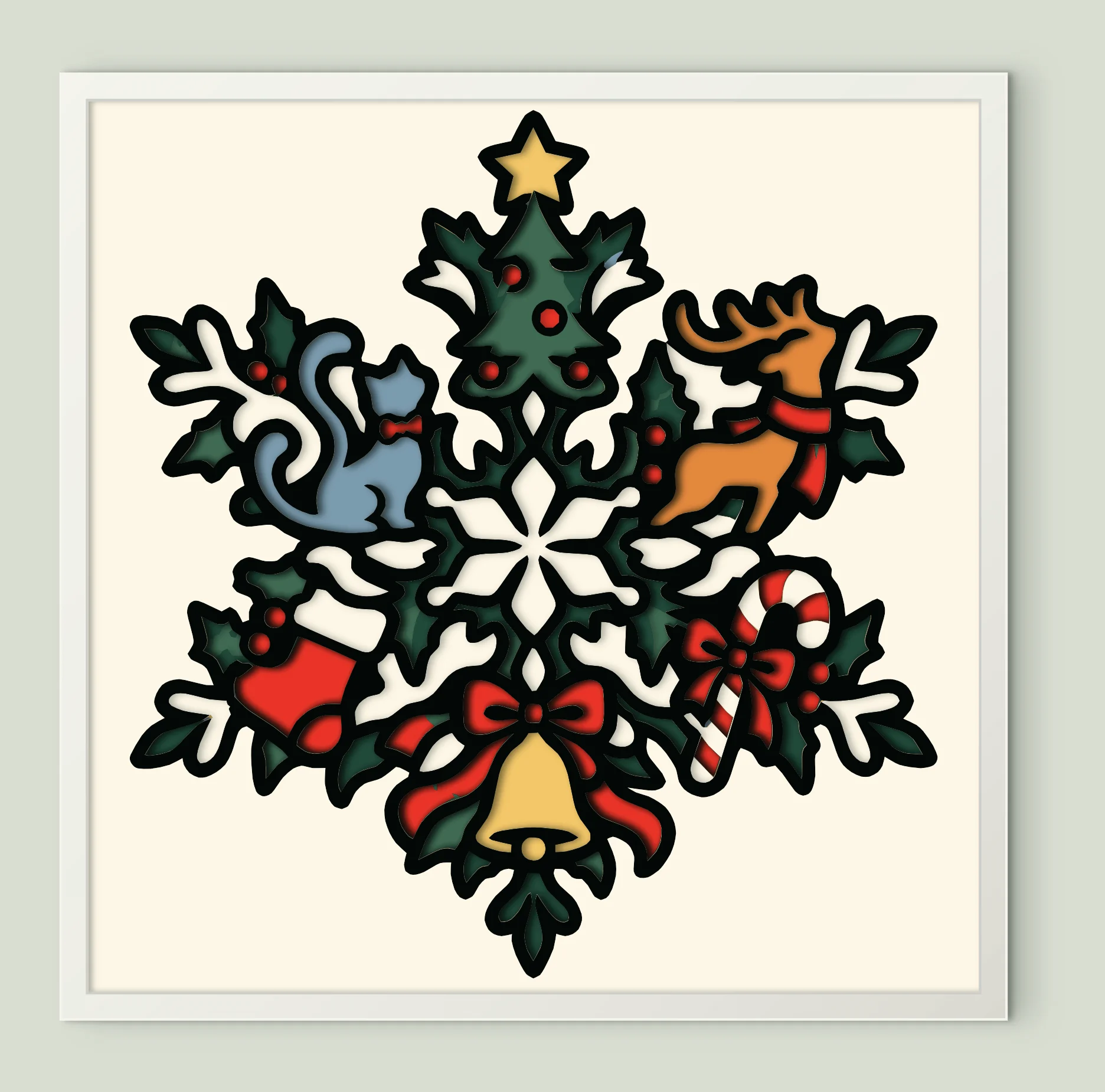
Christmas Snowflake Mandala
10 sheets · 200 mm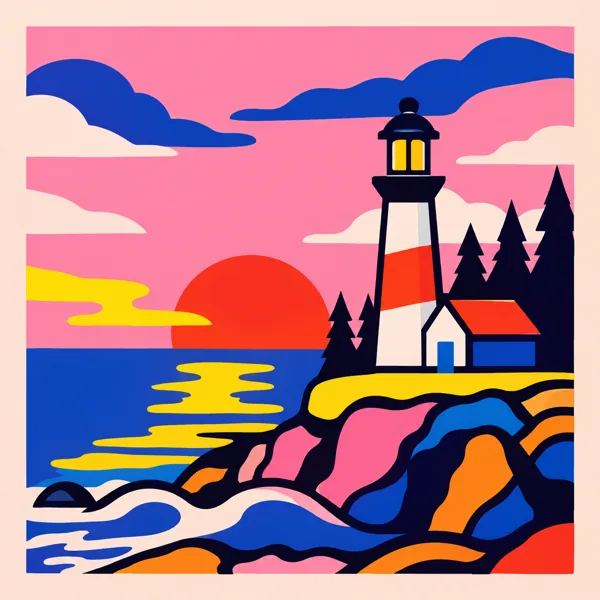
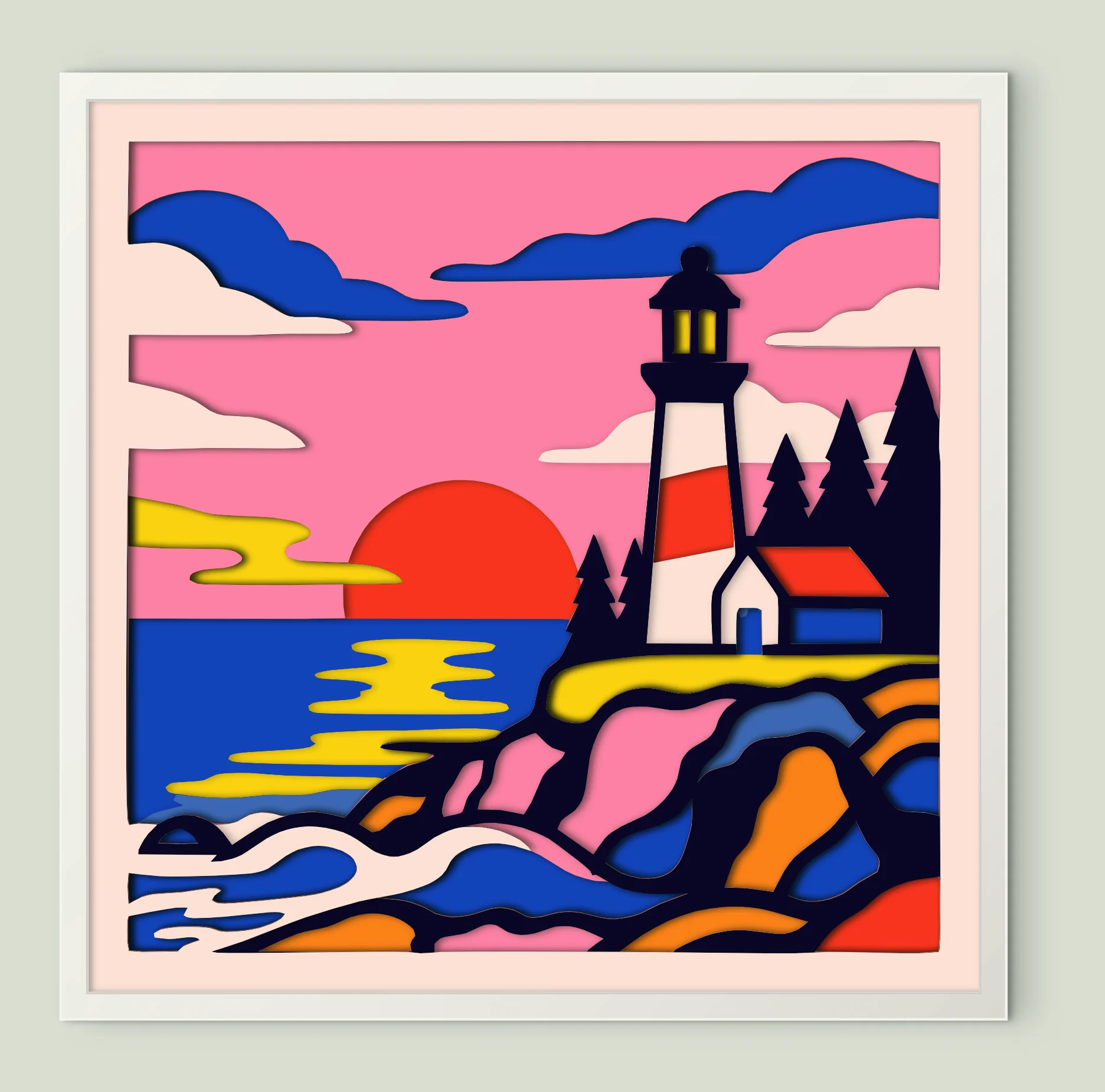
Coastal Lighthouse Sunset
9 sheets · 200 mm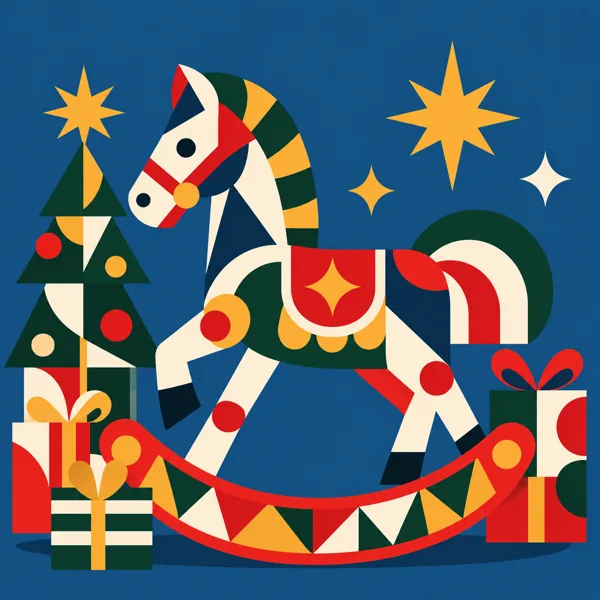
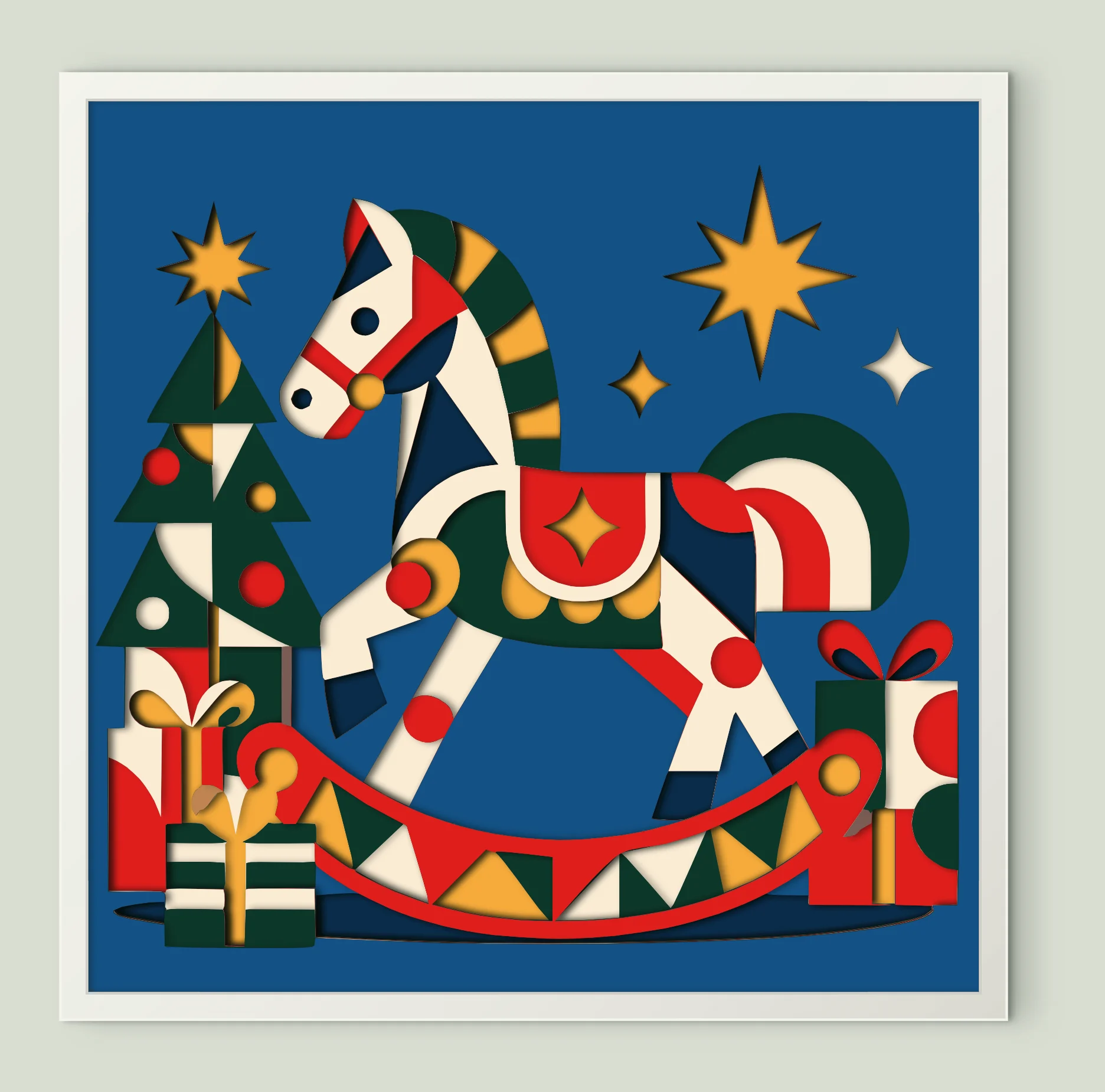
Rocking Horse Gifts
12 sheets · 200 mm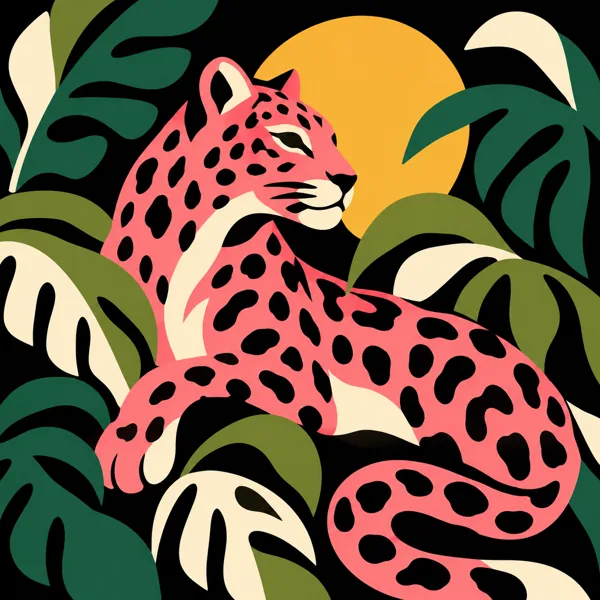
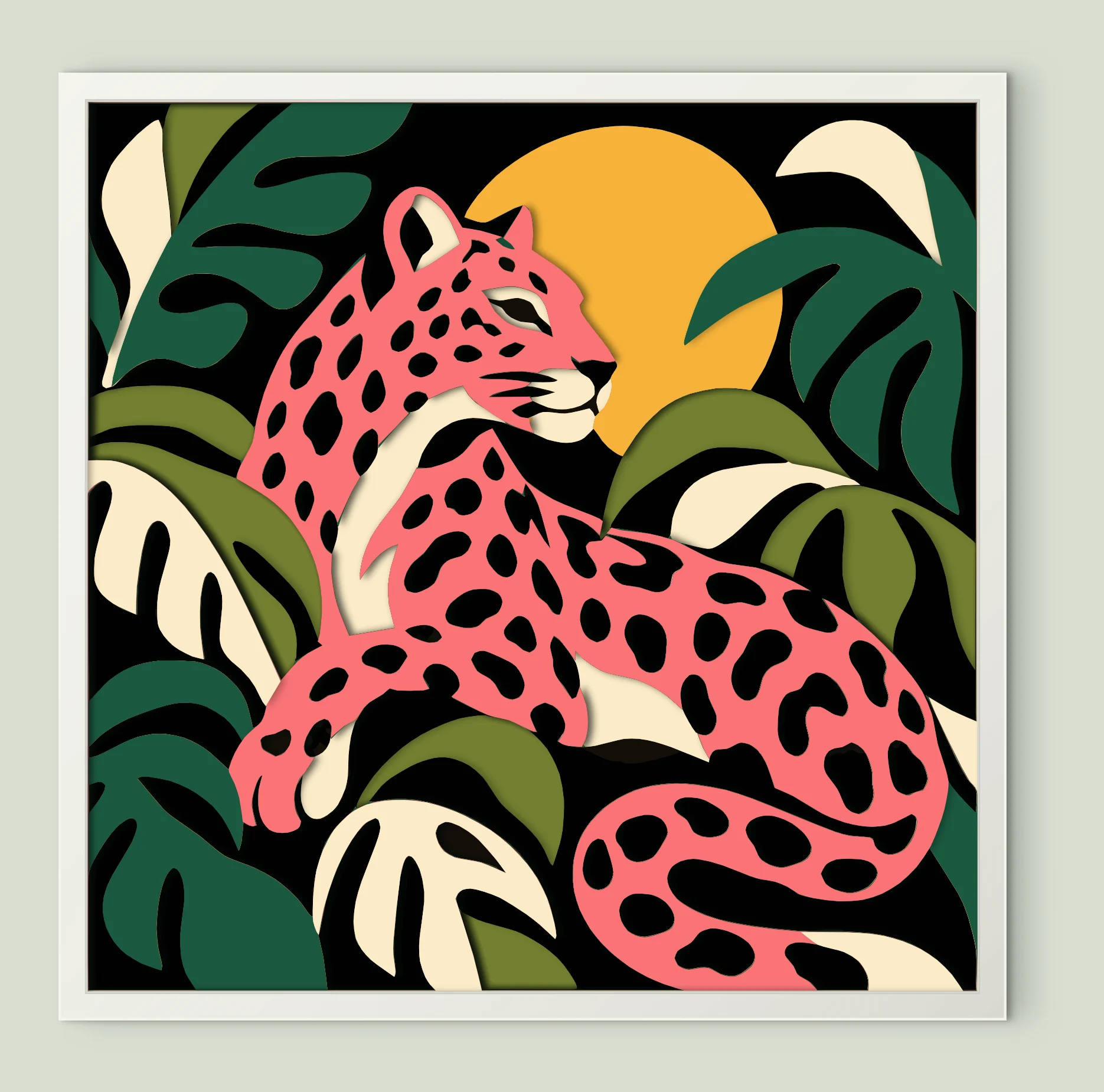
Pink Spotted Jungle Cat
8 sheets · 200 mm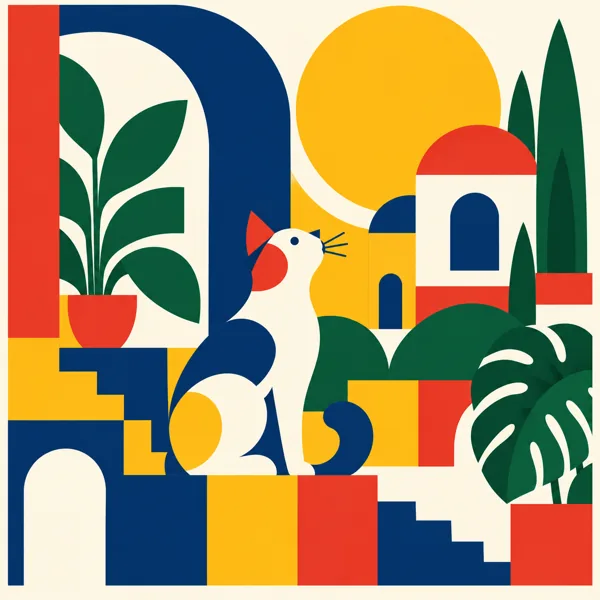
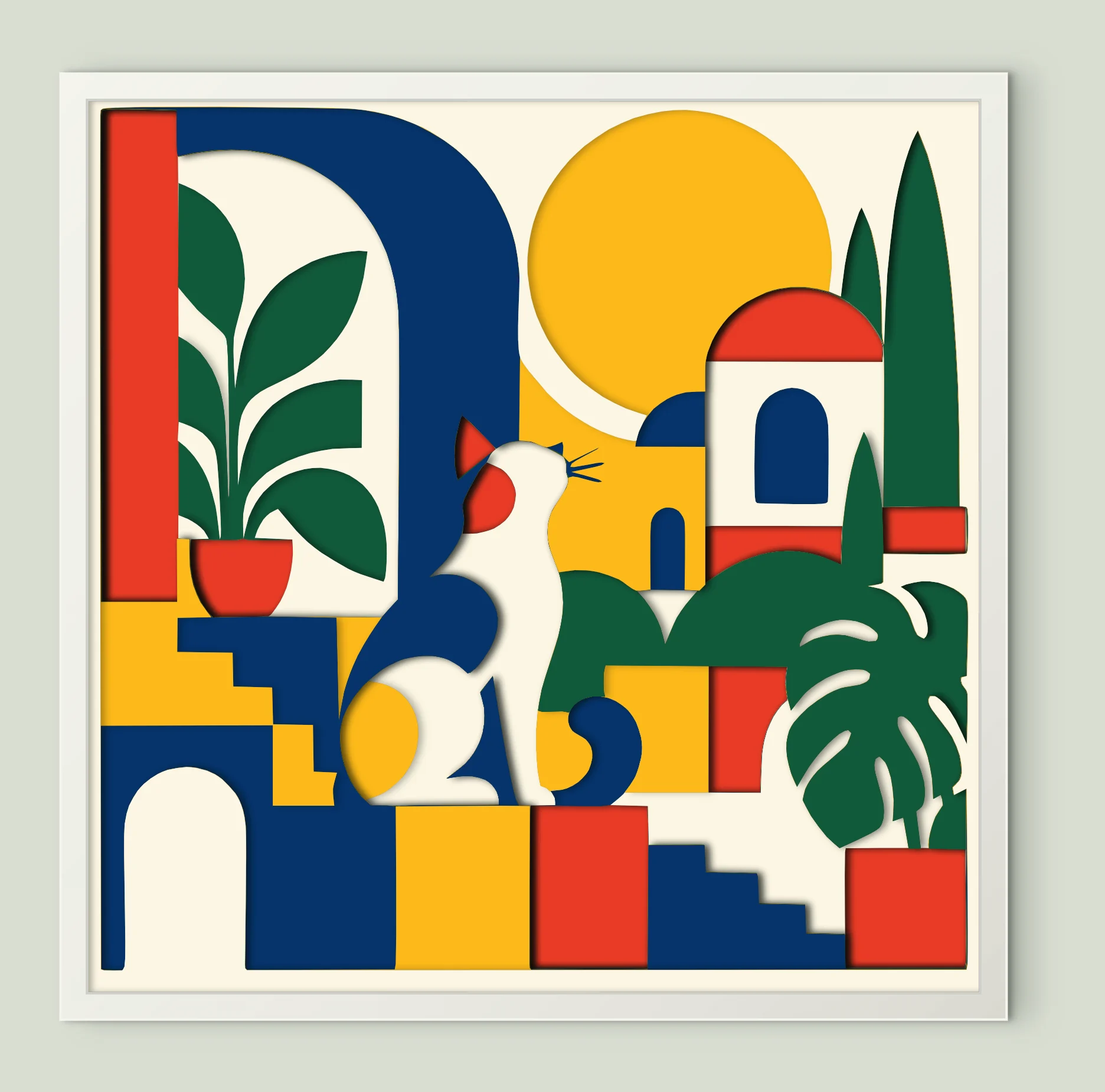
Geometric Cat Terrace
11 sheets · 200 mm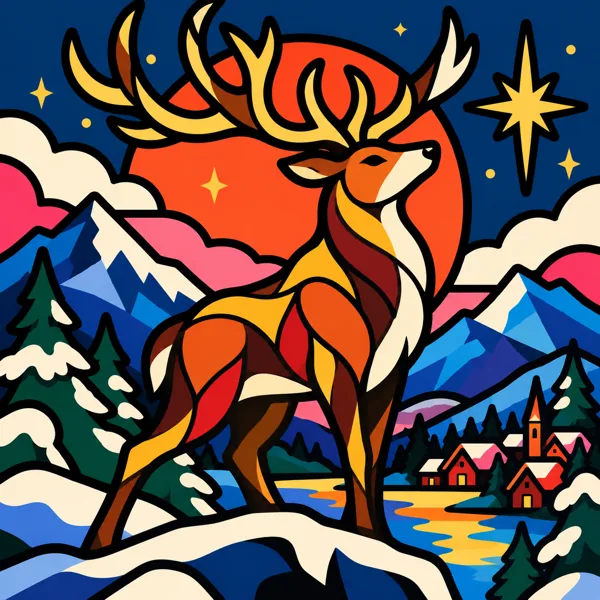
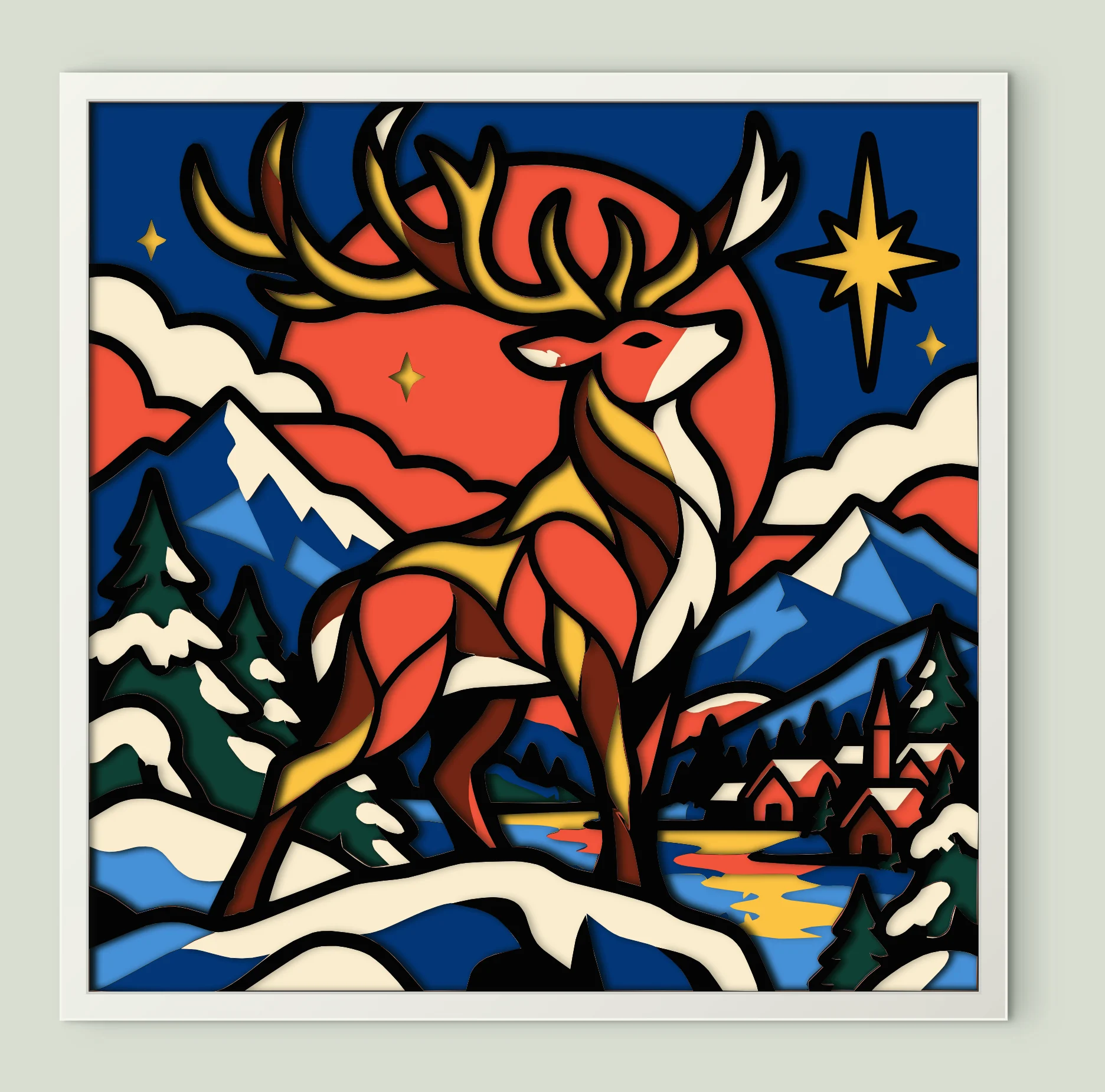
Mountain Deer Night
9 sheets · 200 mm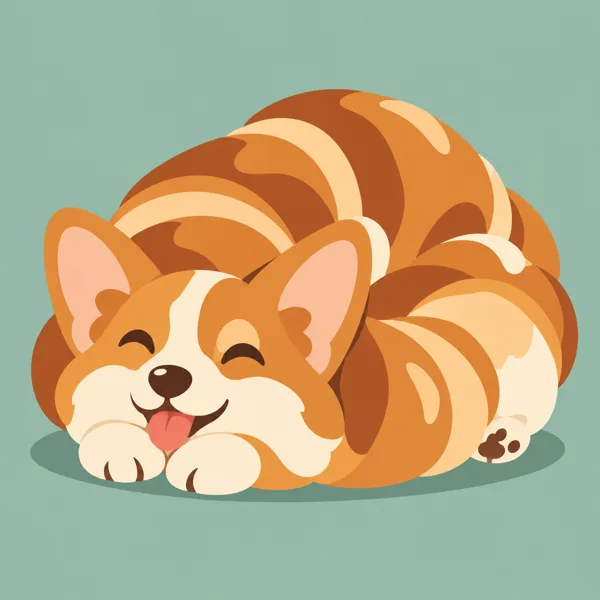
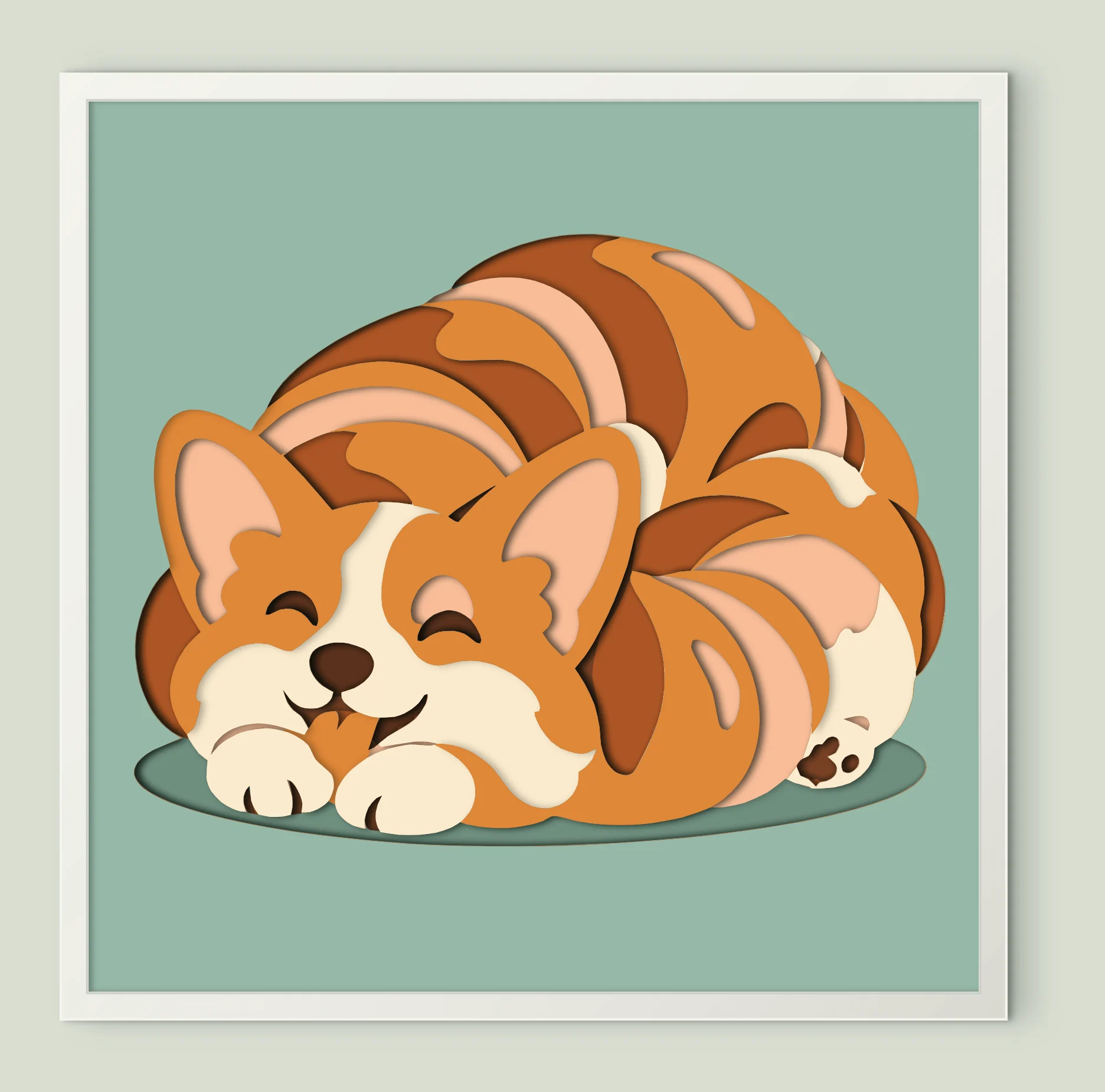
Happy Sleeping Corgi
9 sheets · 200 mm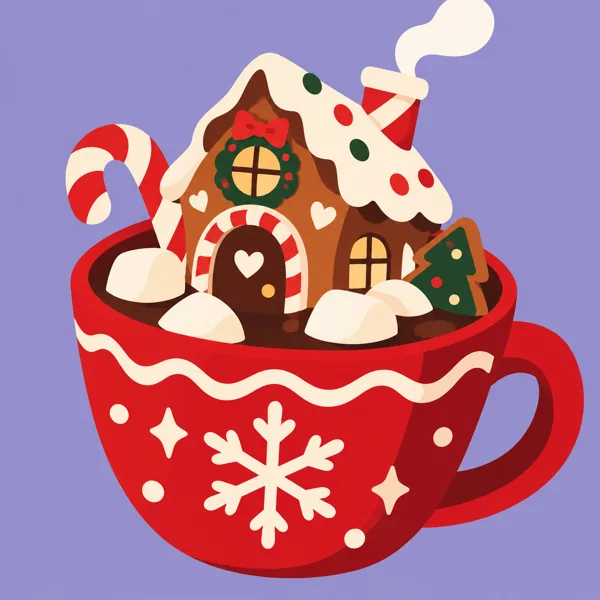
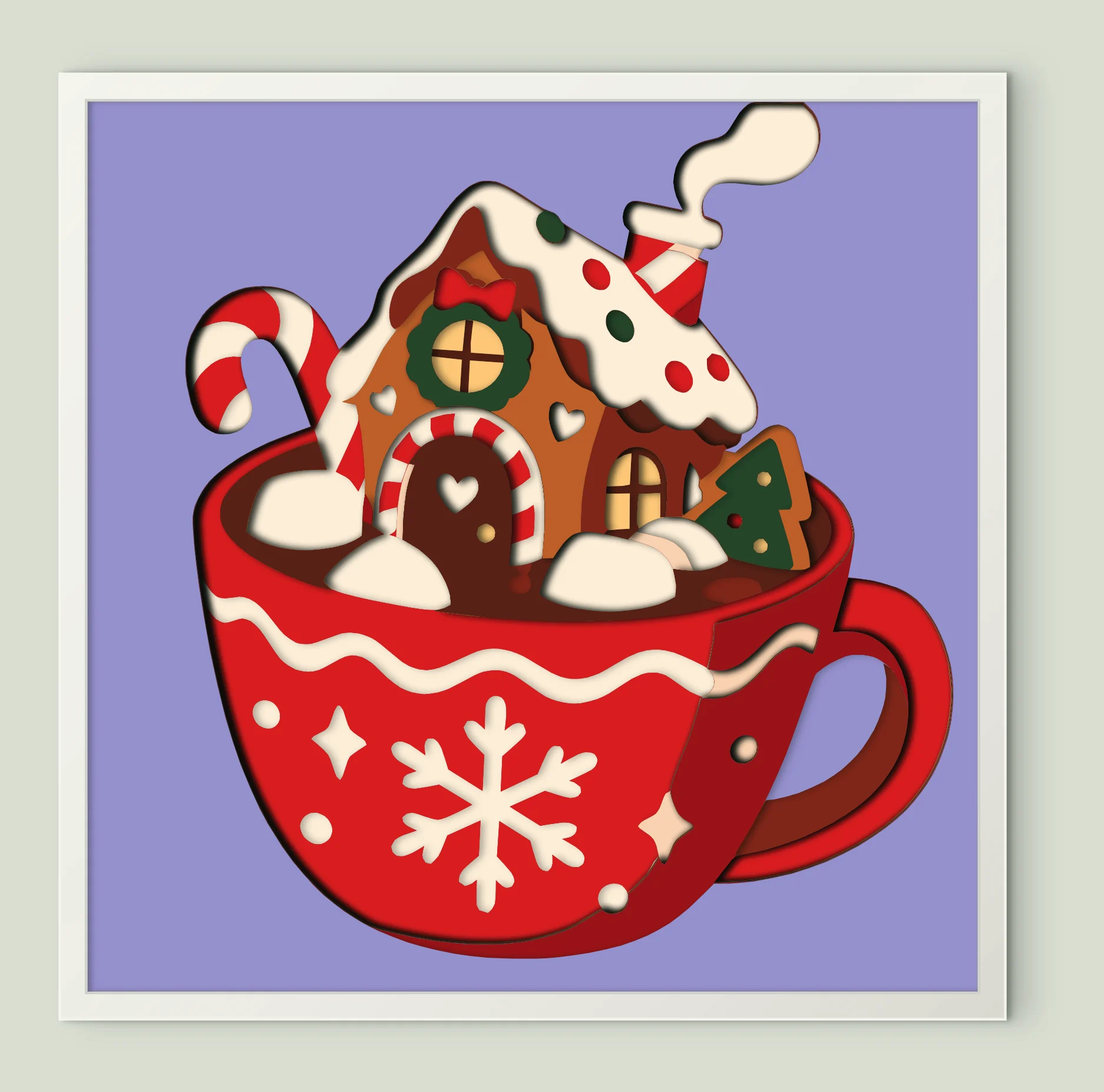
Gingerbread House Mug
17 sheets · 200 mm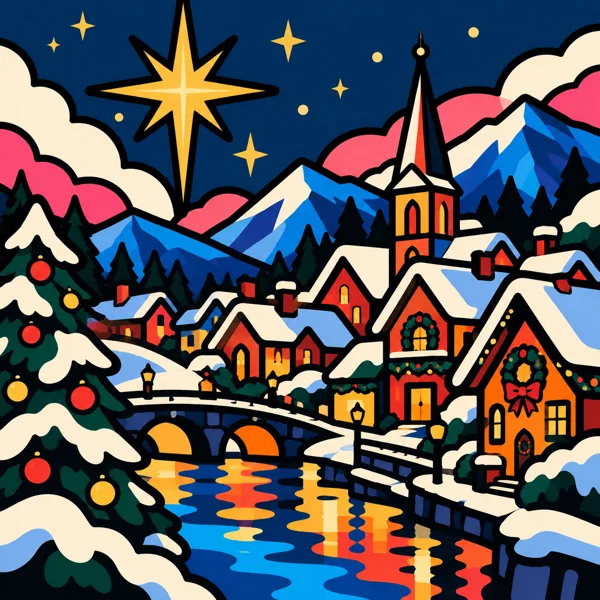
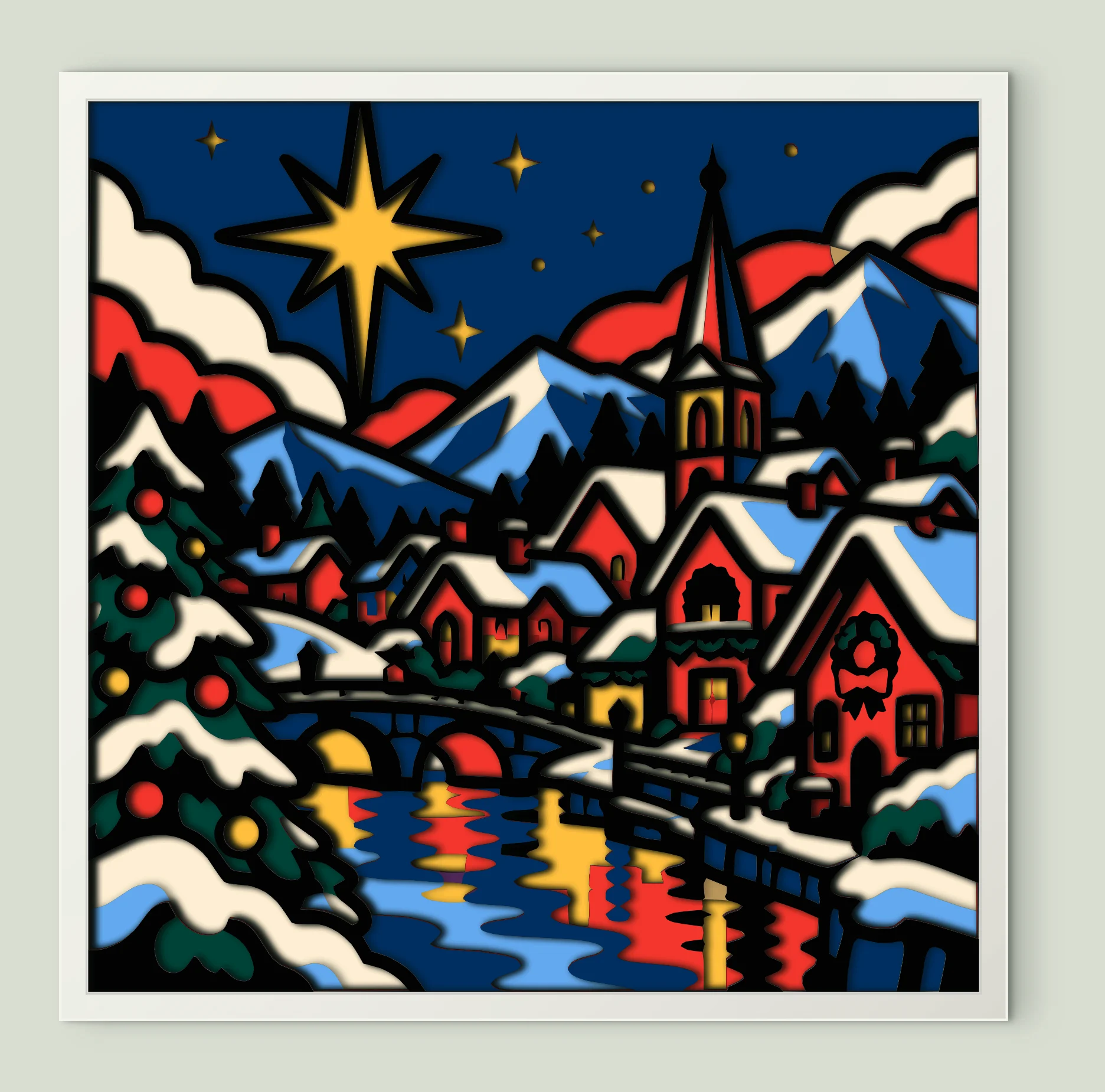
Snowy Christmas Village
13 sheets · 200 mm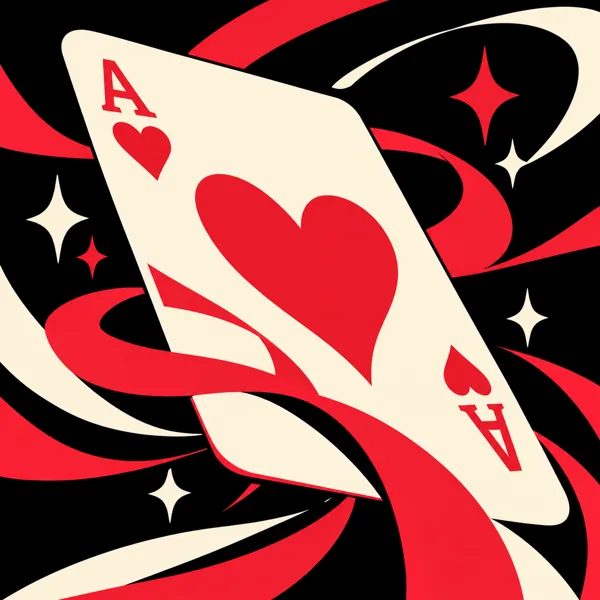
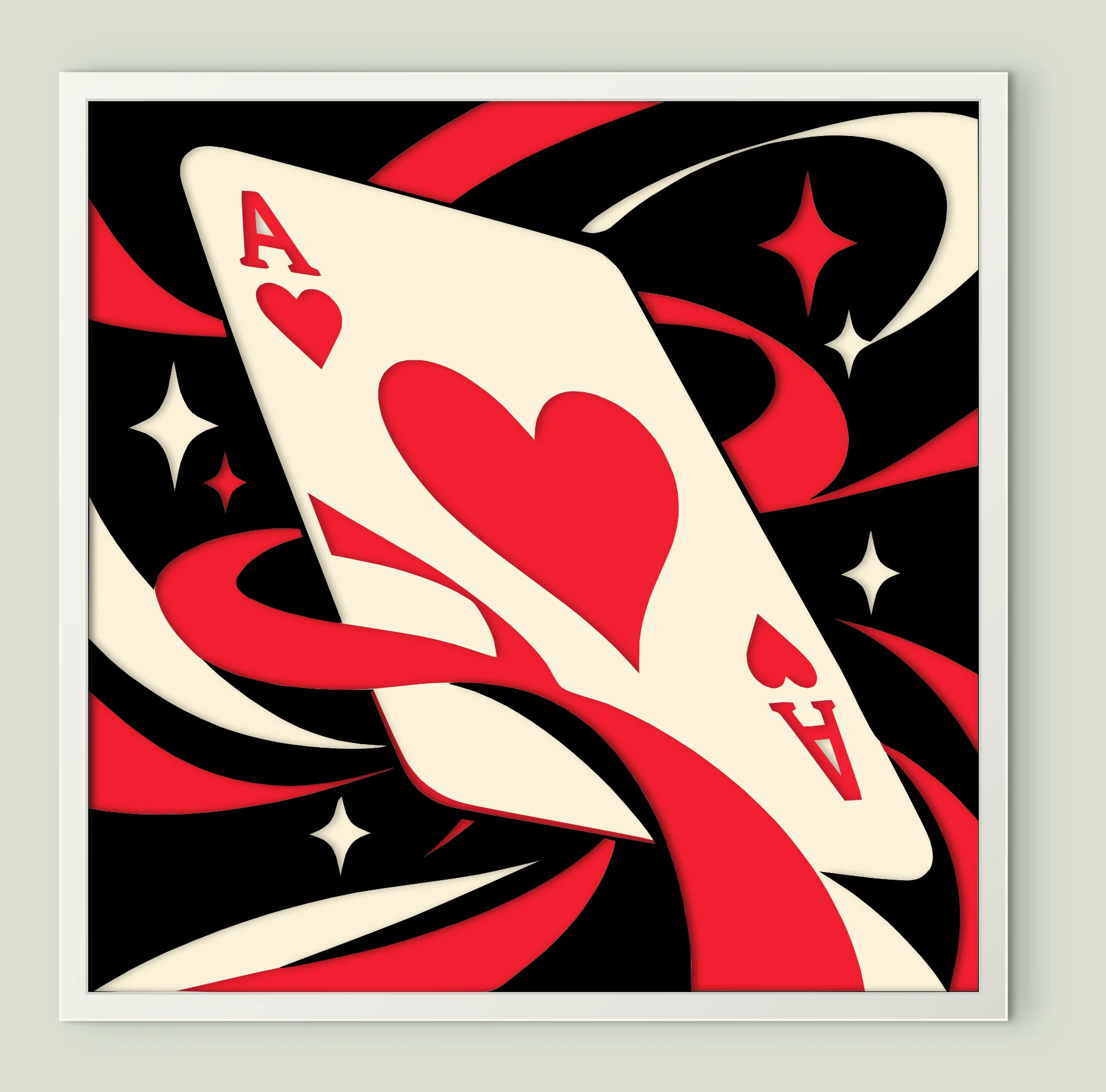
Ace Hearts Card
4 sheets · 200 mm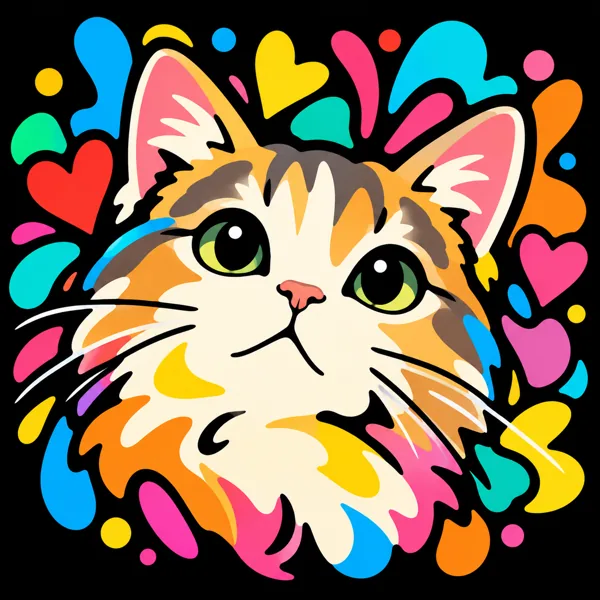
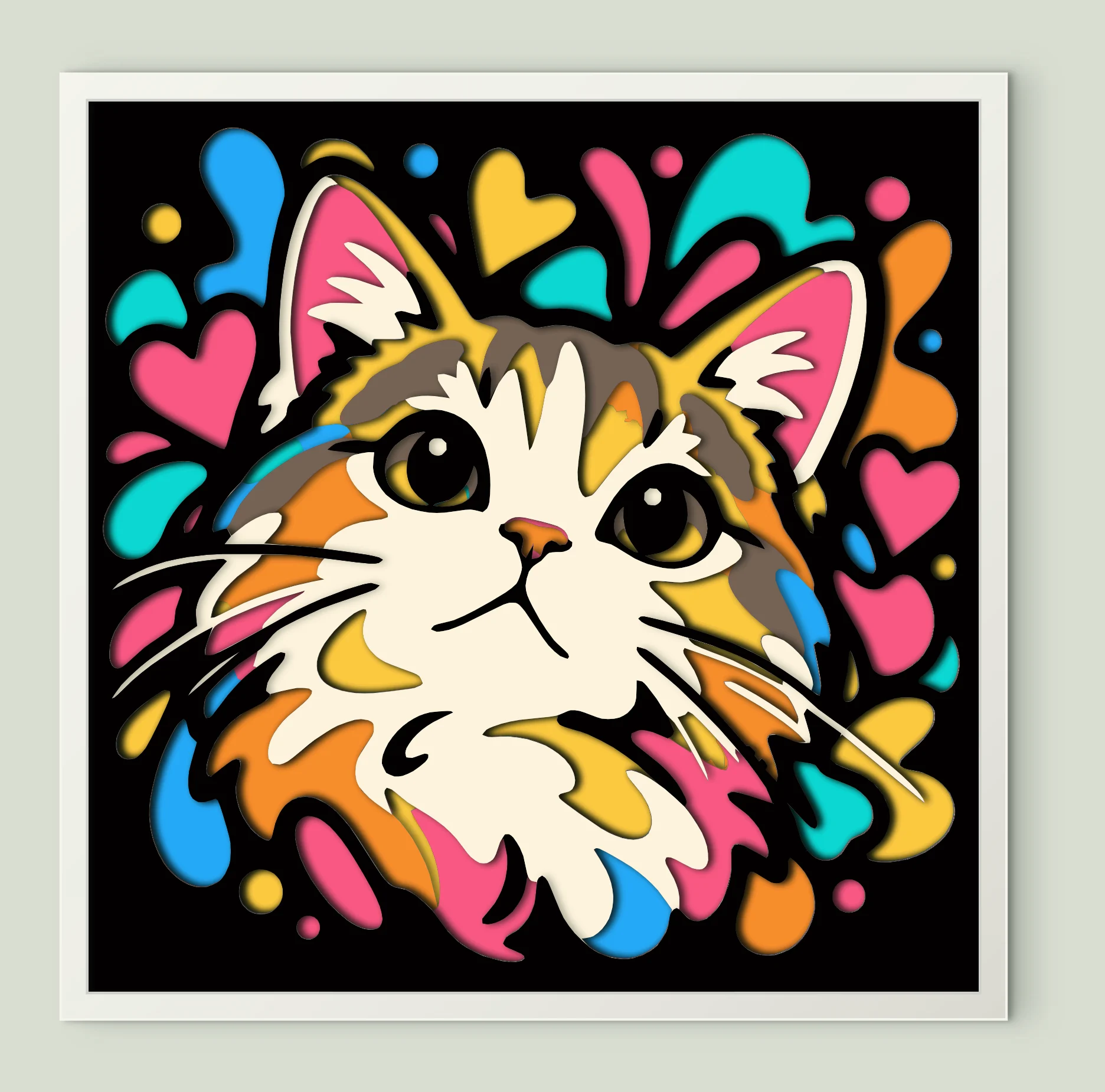
Colorful Cat Portrait
10 sheets · 200 mm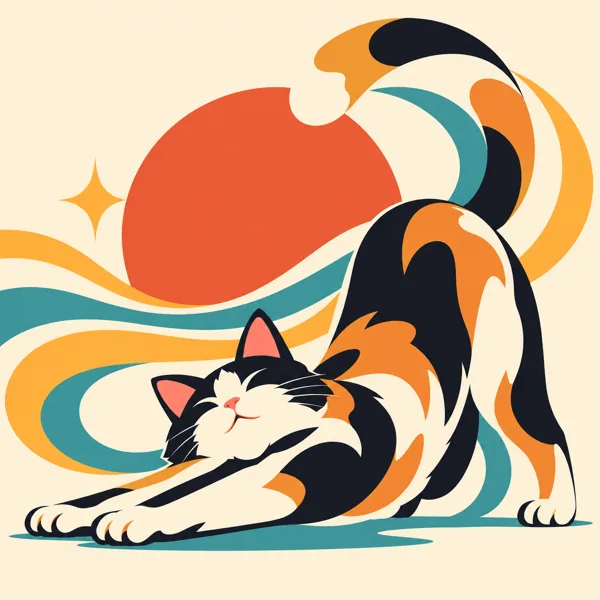
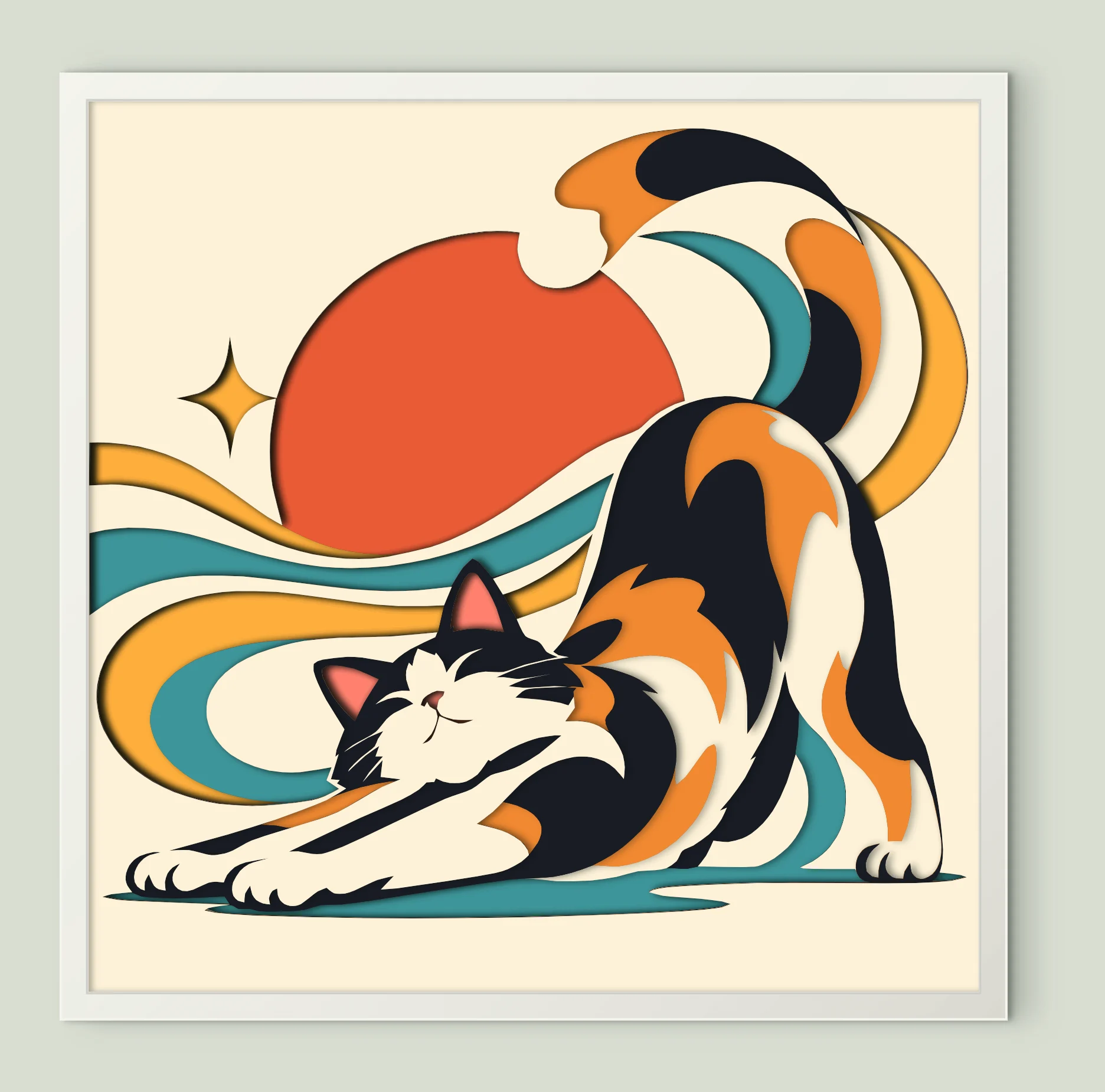
Stretching Calico Cat
9 sheets · 200 mm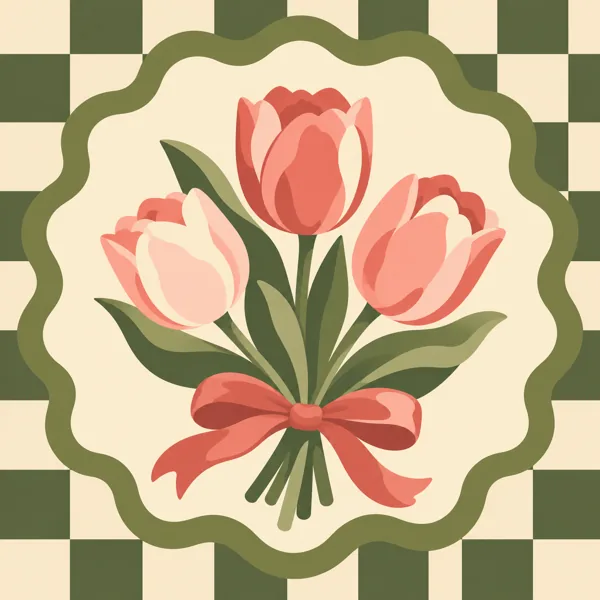
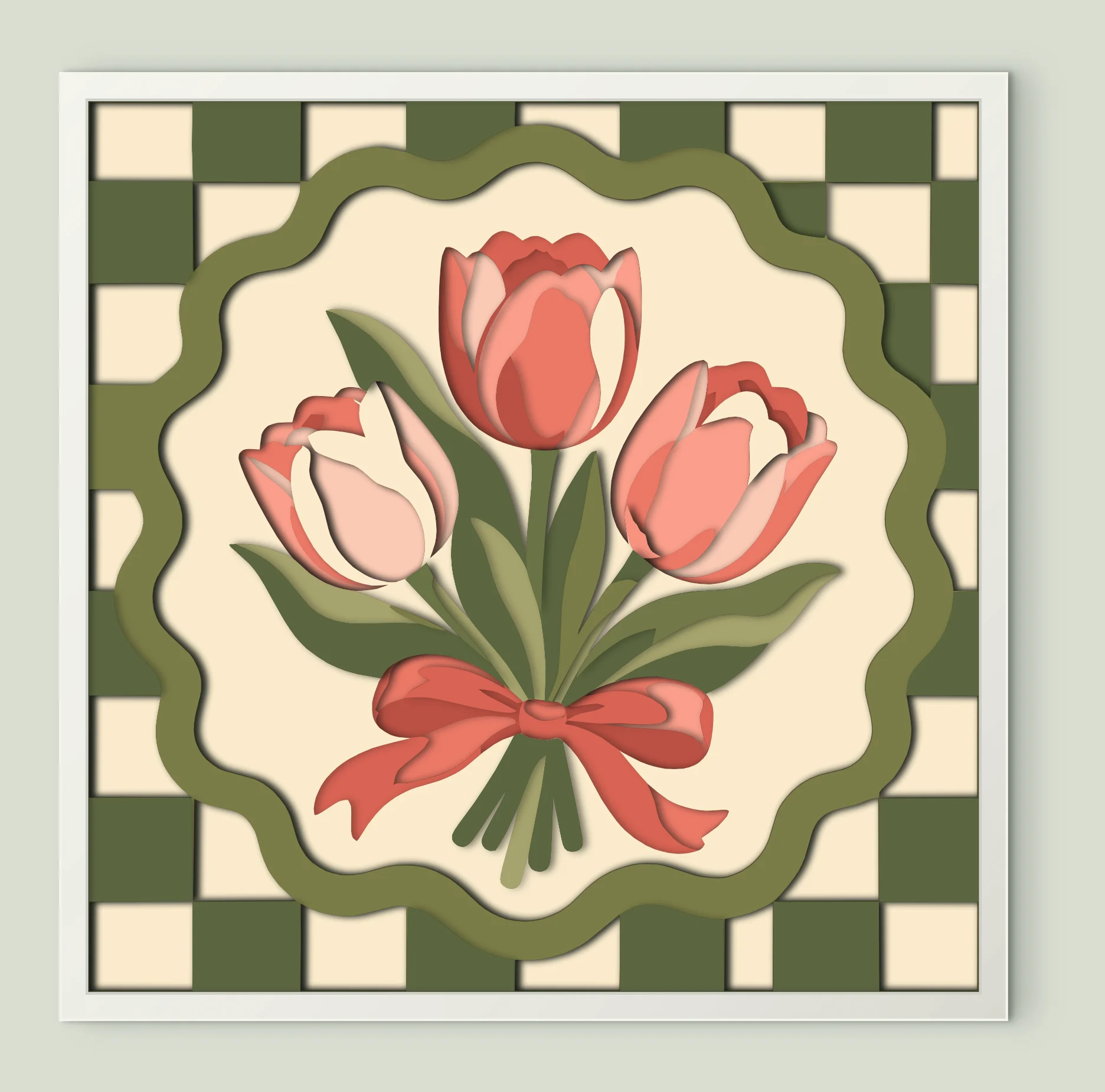
Pink Tulip Bouquet
13 sheets · 200 mm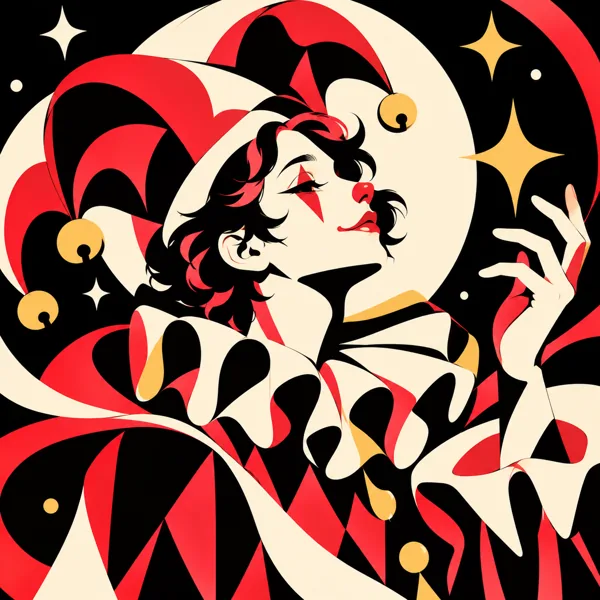
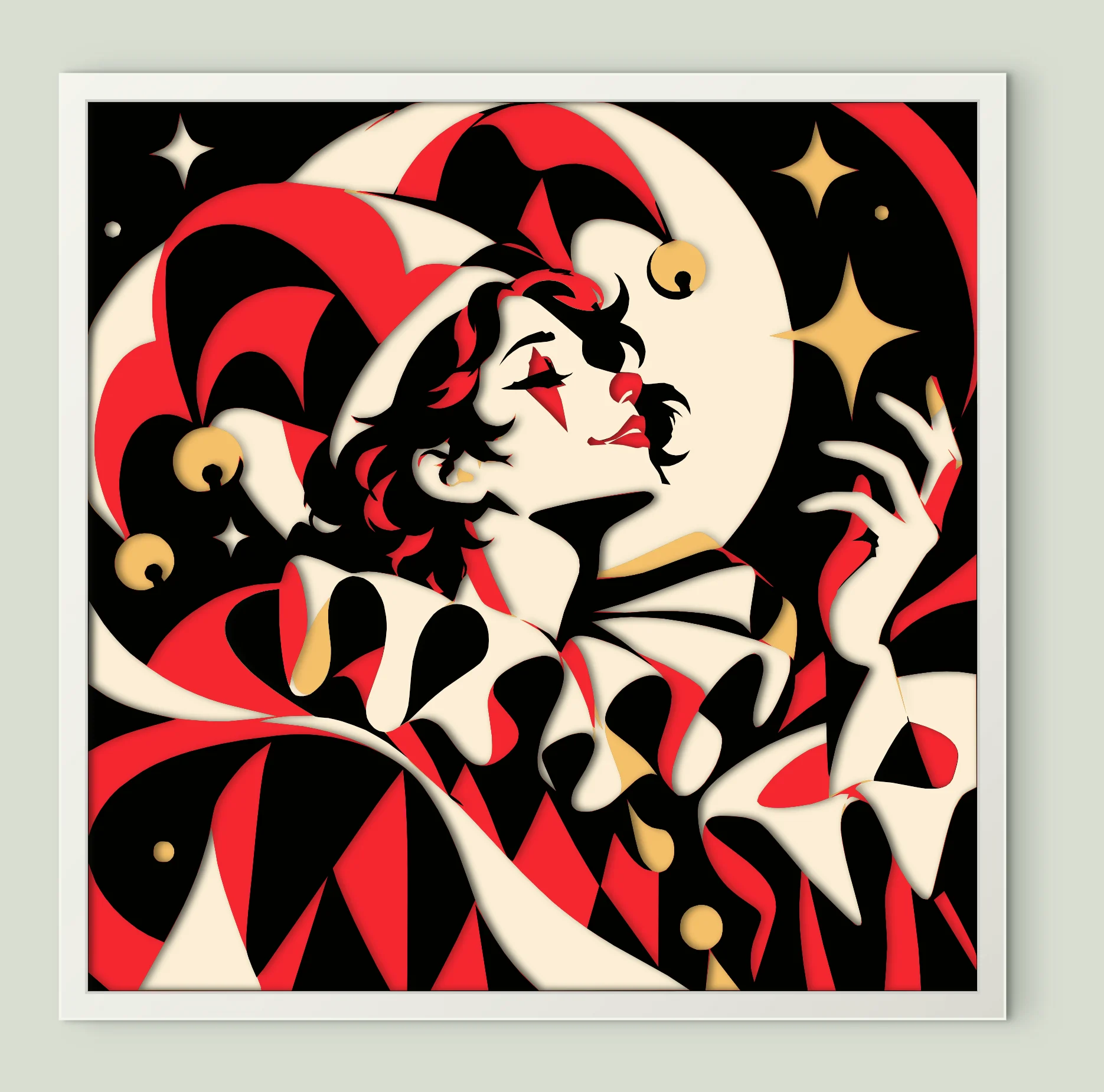
Clown Portrait
6 sheets · 200 mm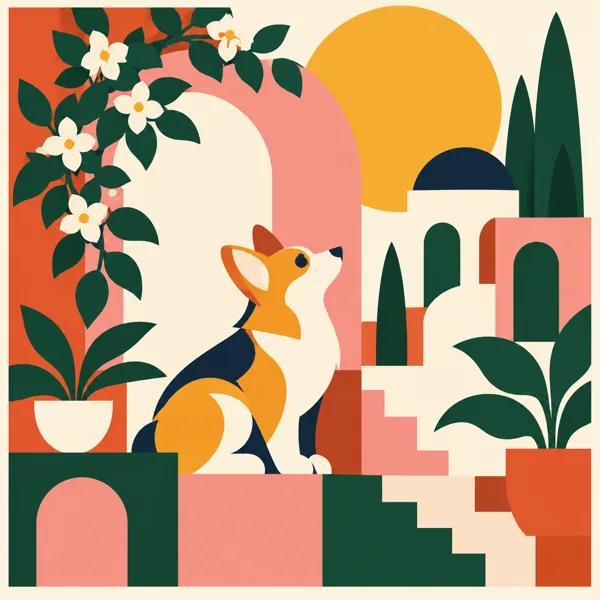
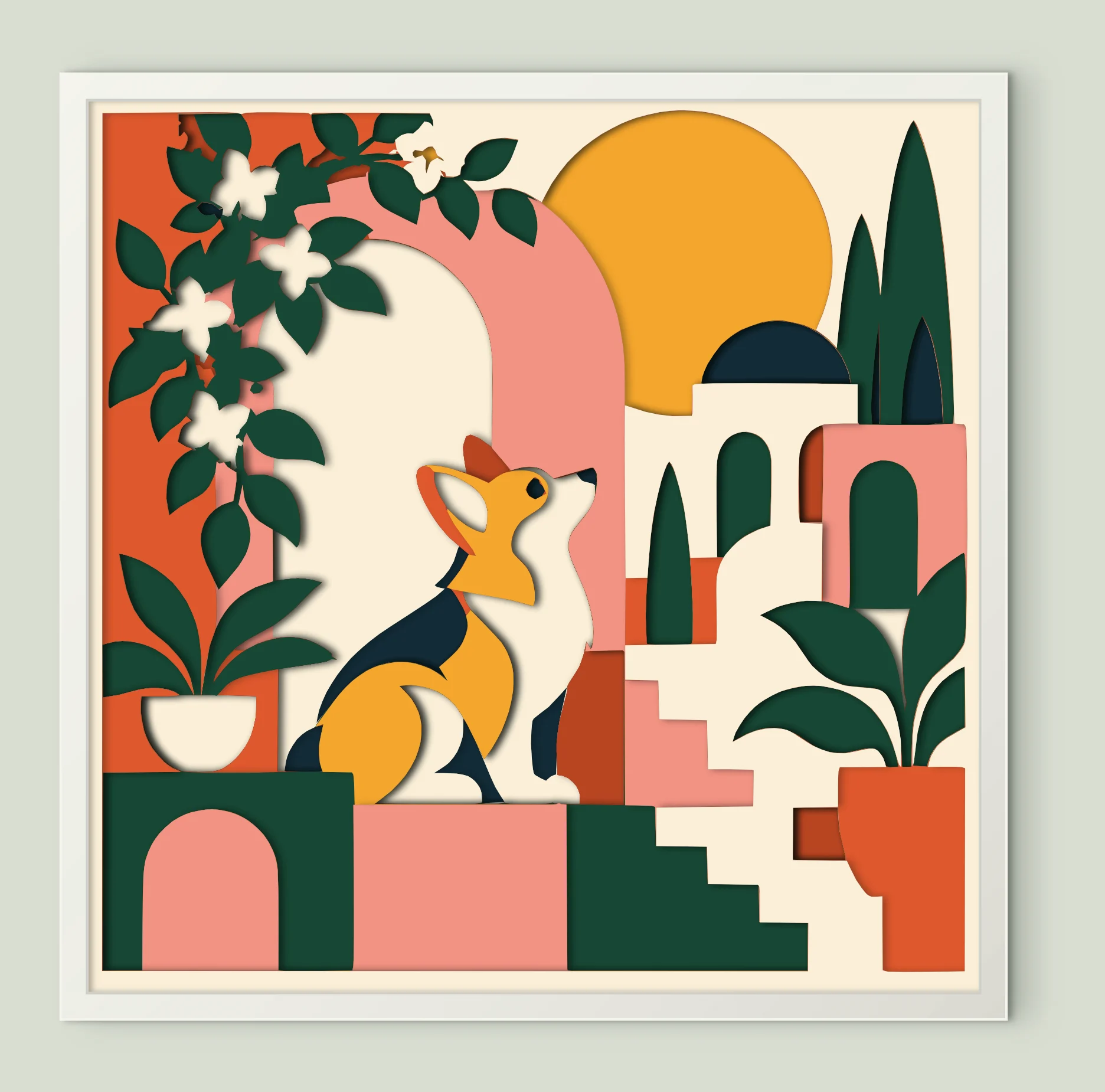
Corgi Geometric Garden
10 sheets · 200 mm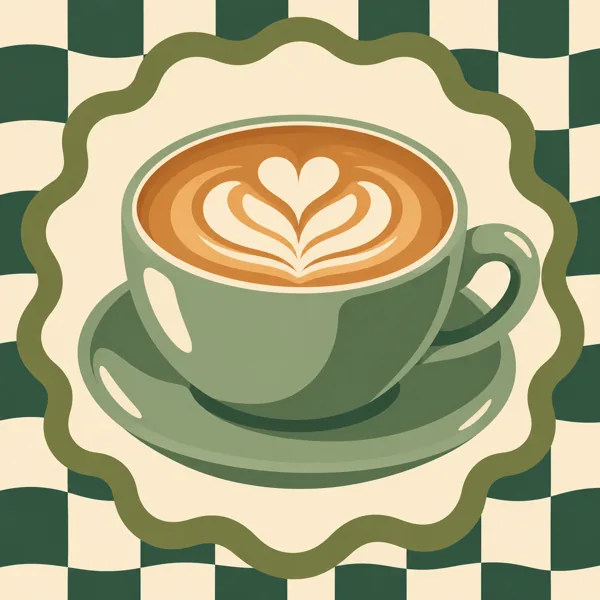
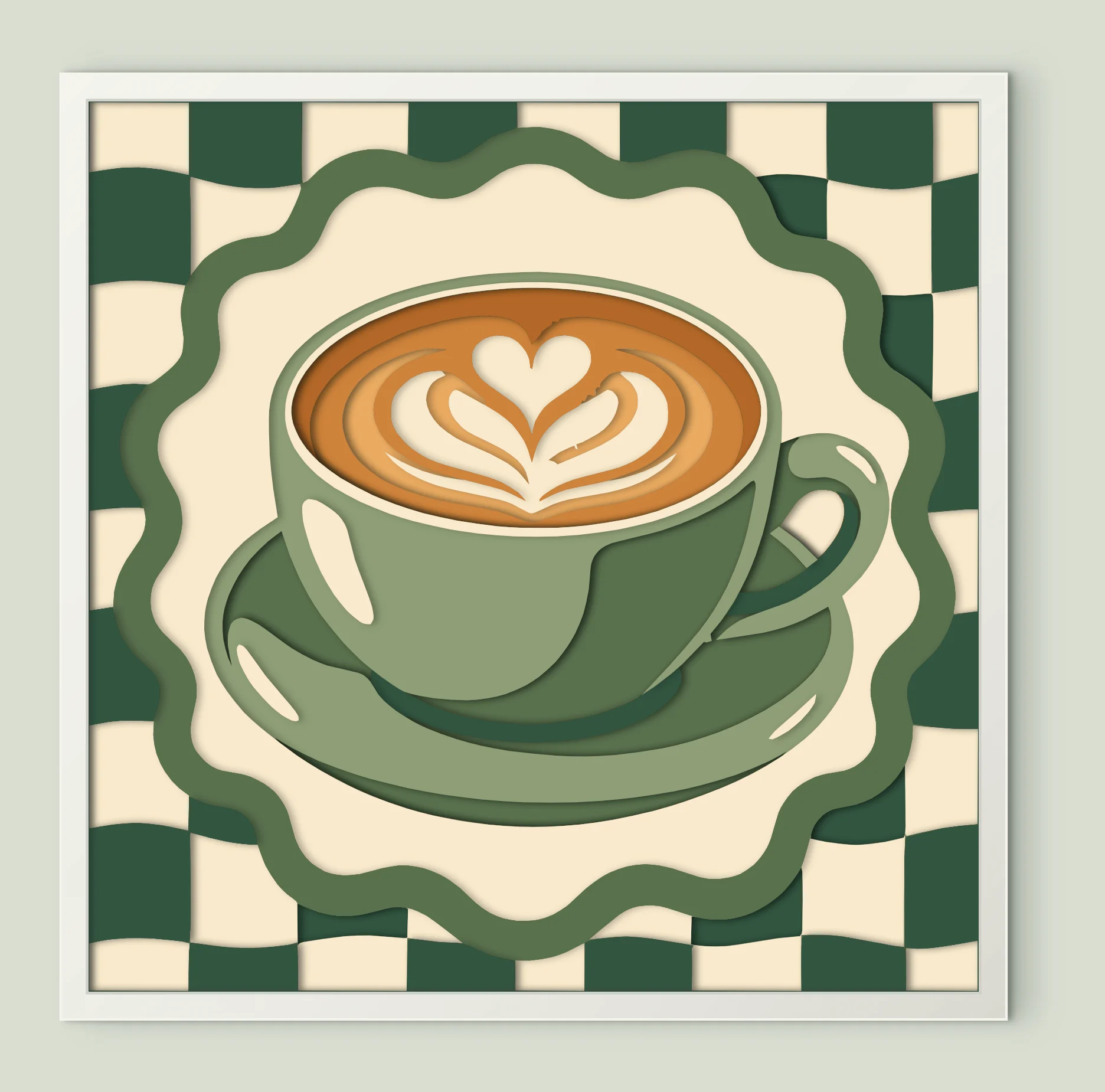
Latte Art Cup
10 sheets · 200 mm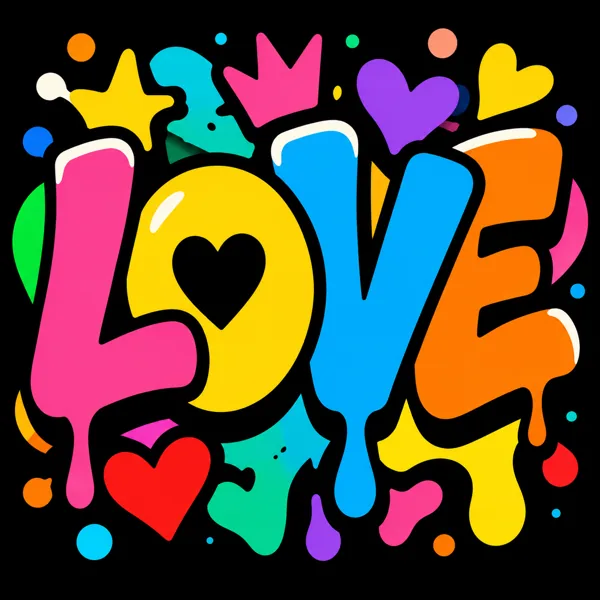
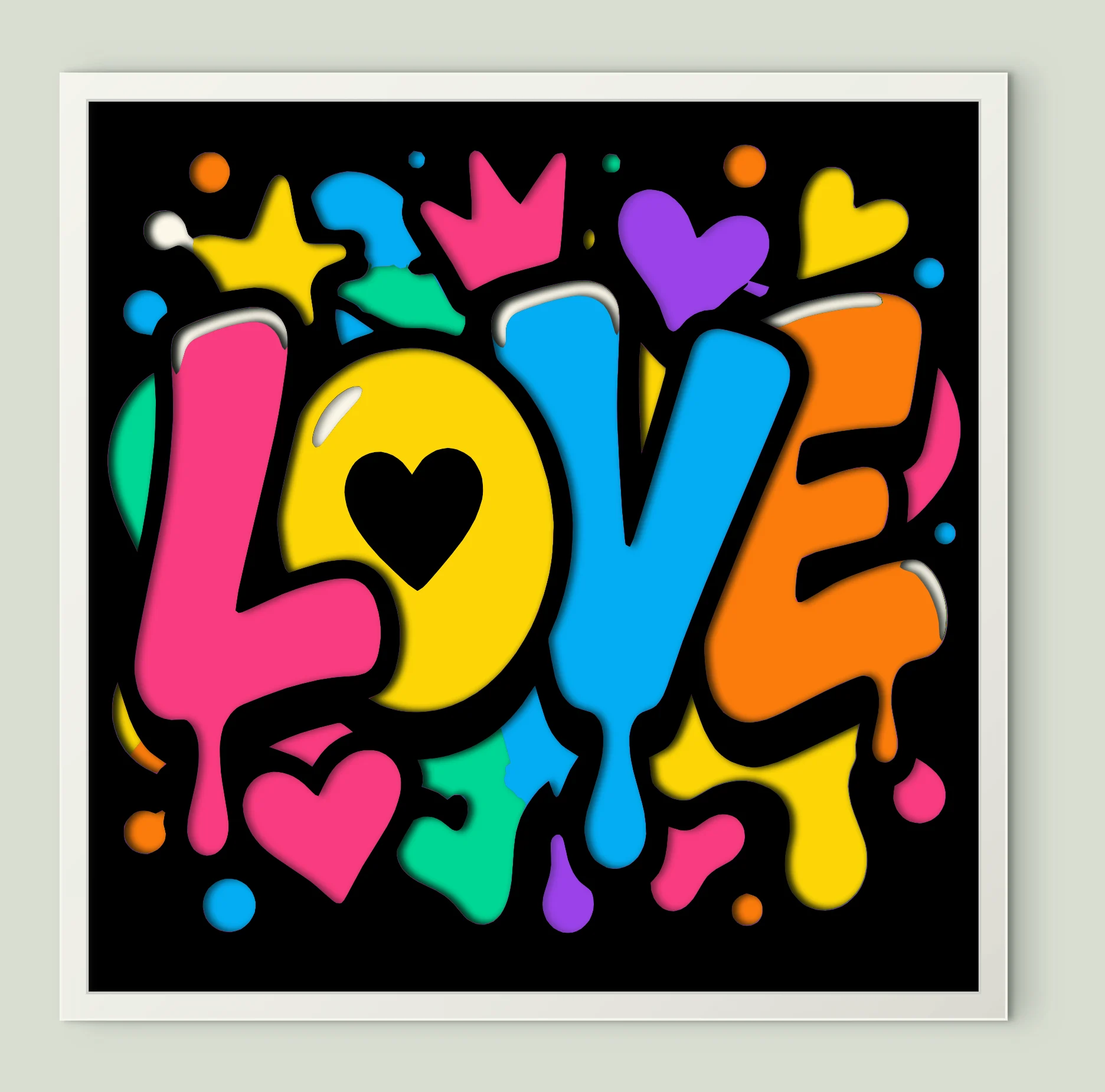
Colorful Love Letters
9 sheets · 200 mm
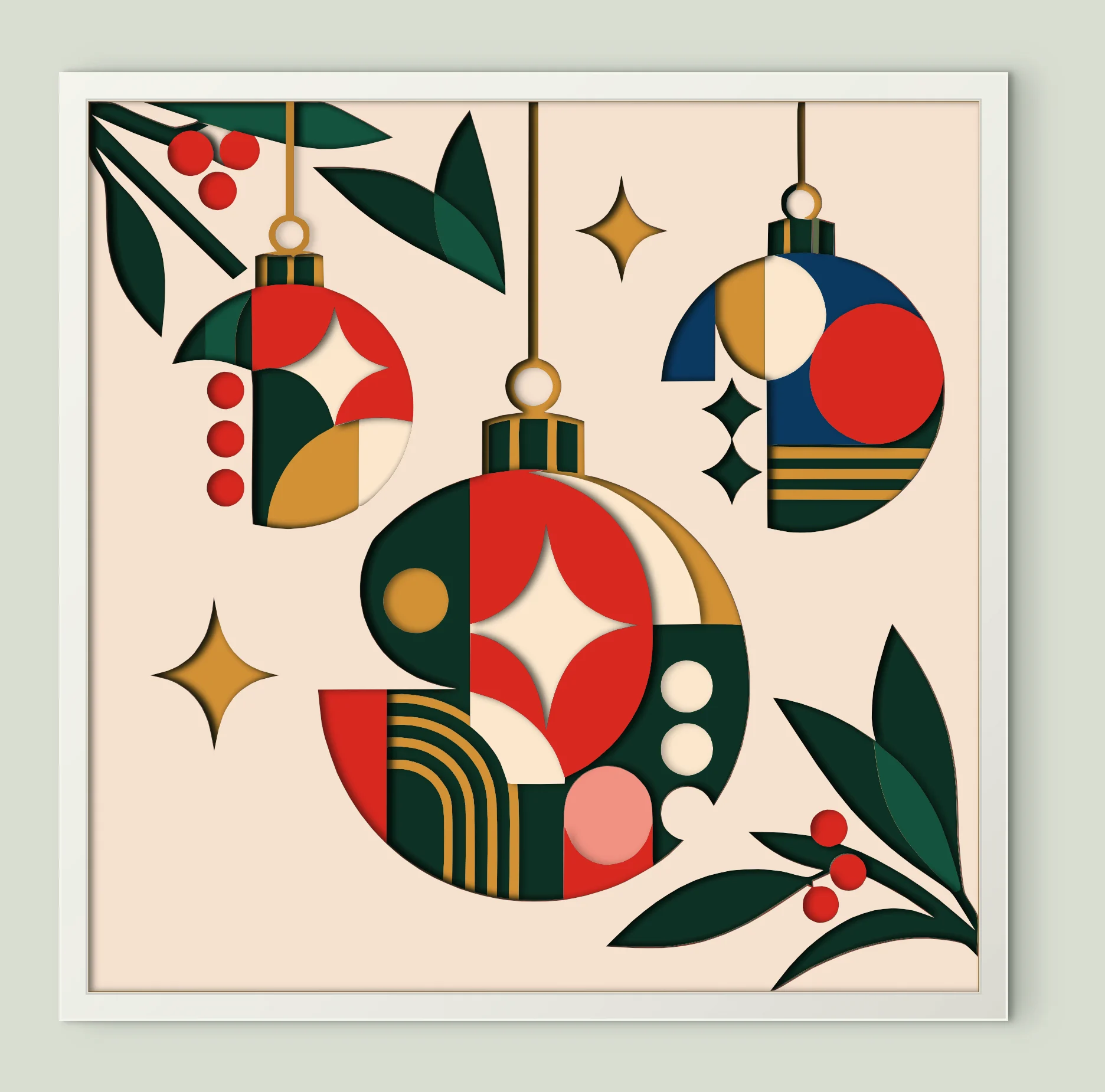
Christmas Ornaments
13 sheets · 200 mm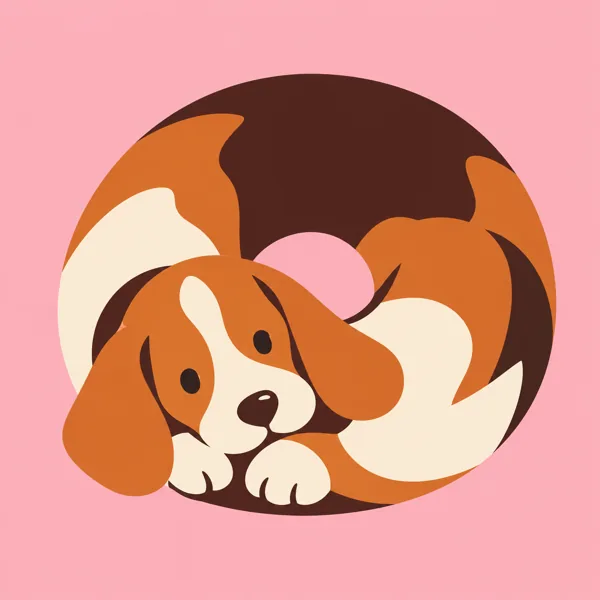
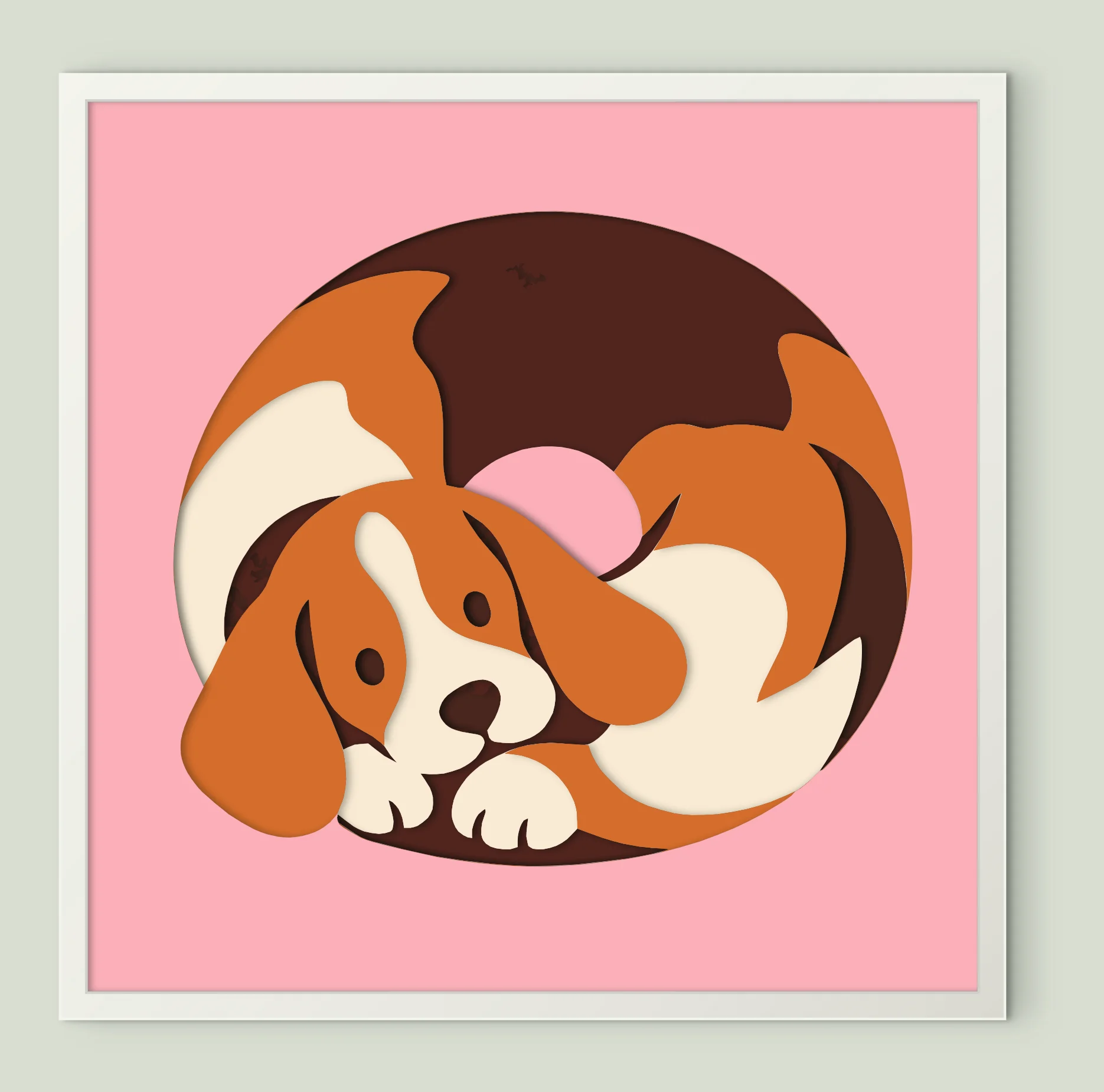
Sleeping Beagle Puppy
6 sheets · 200 mm
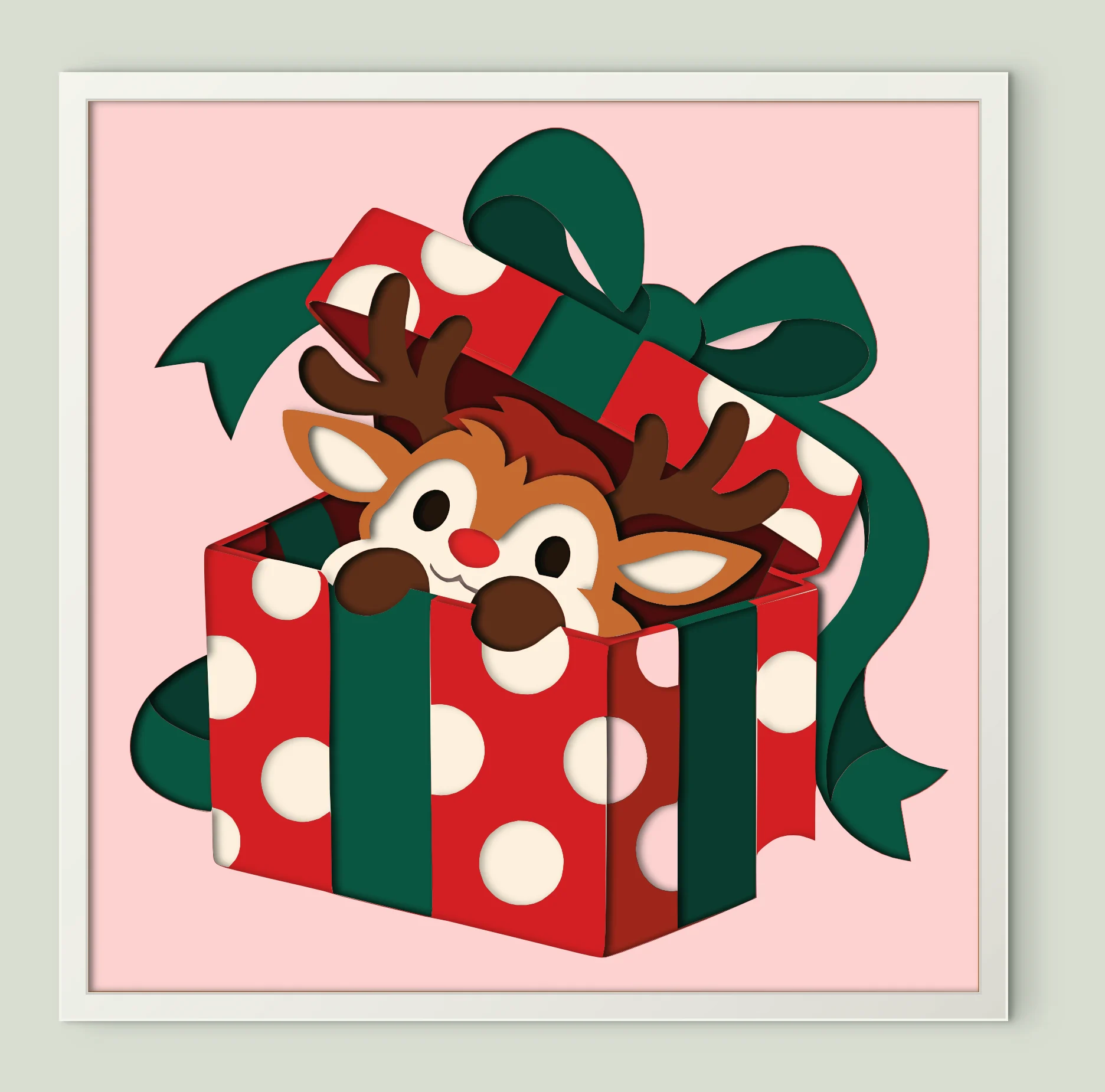
Reindeer Gift Box
13 sheets · 200 mm
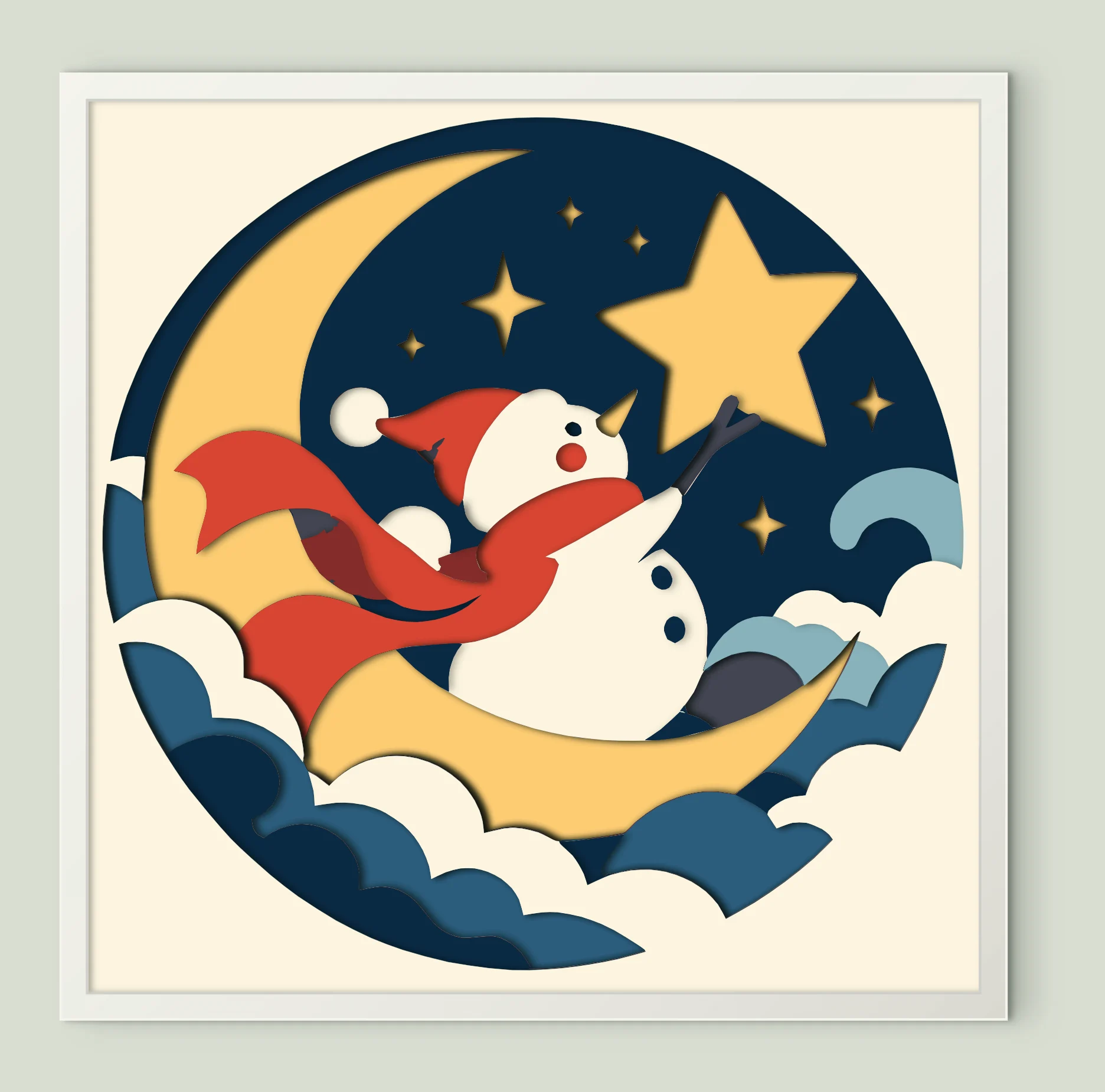
Snowman on the Moon
10 sheets · 200 mm
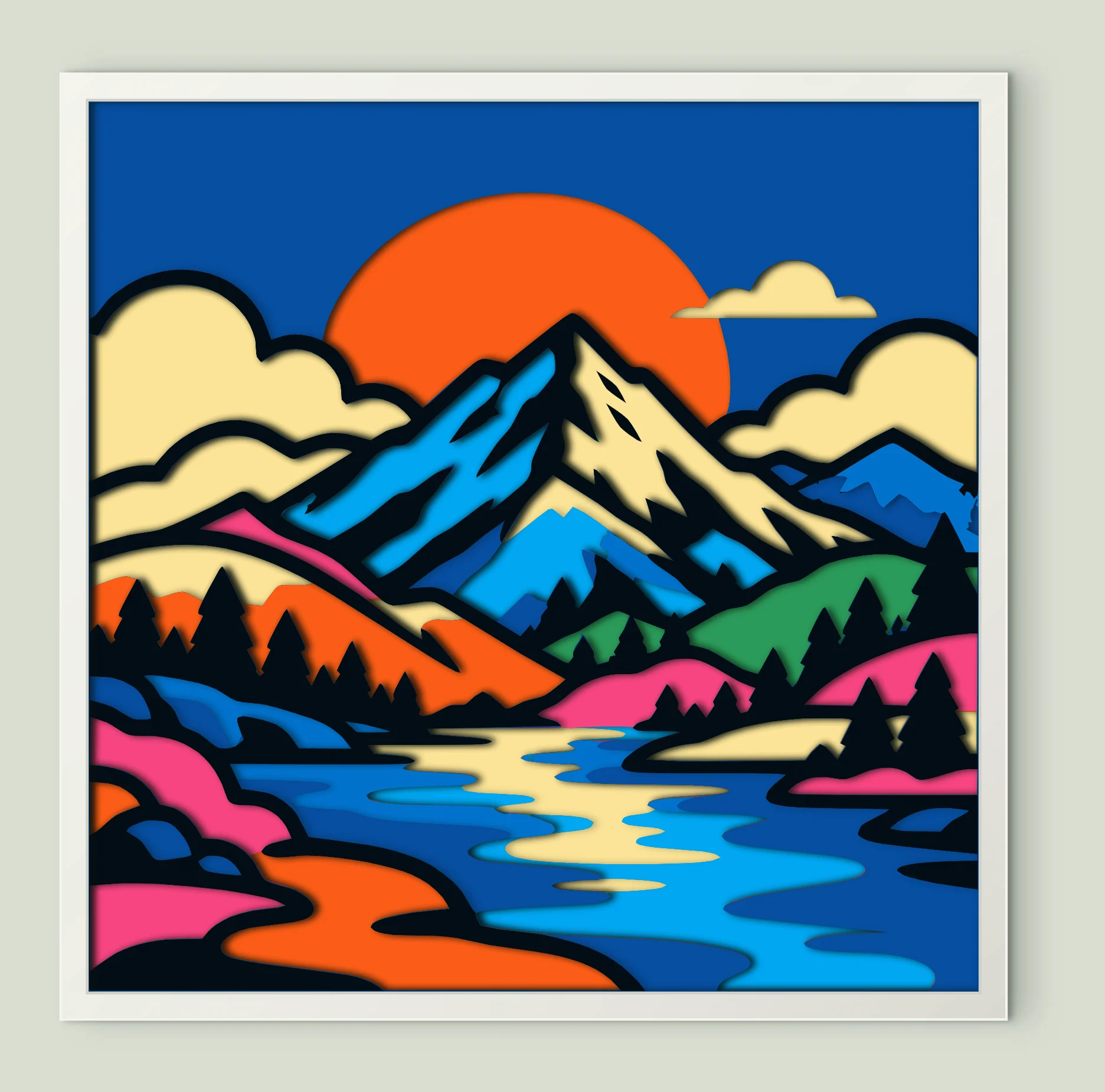
Colorful Mountain River
10 sheets · 200 mm
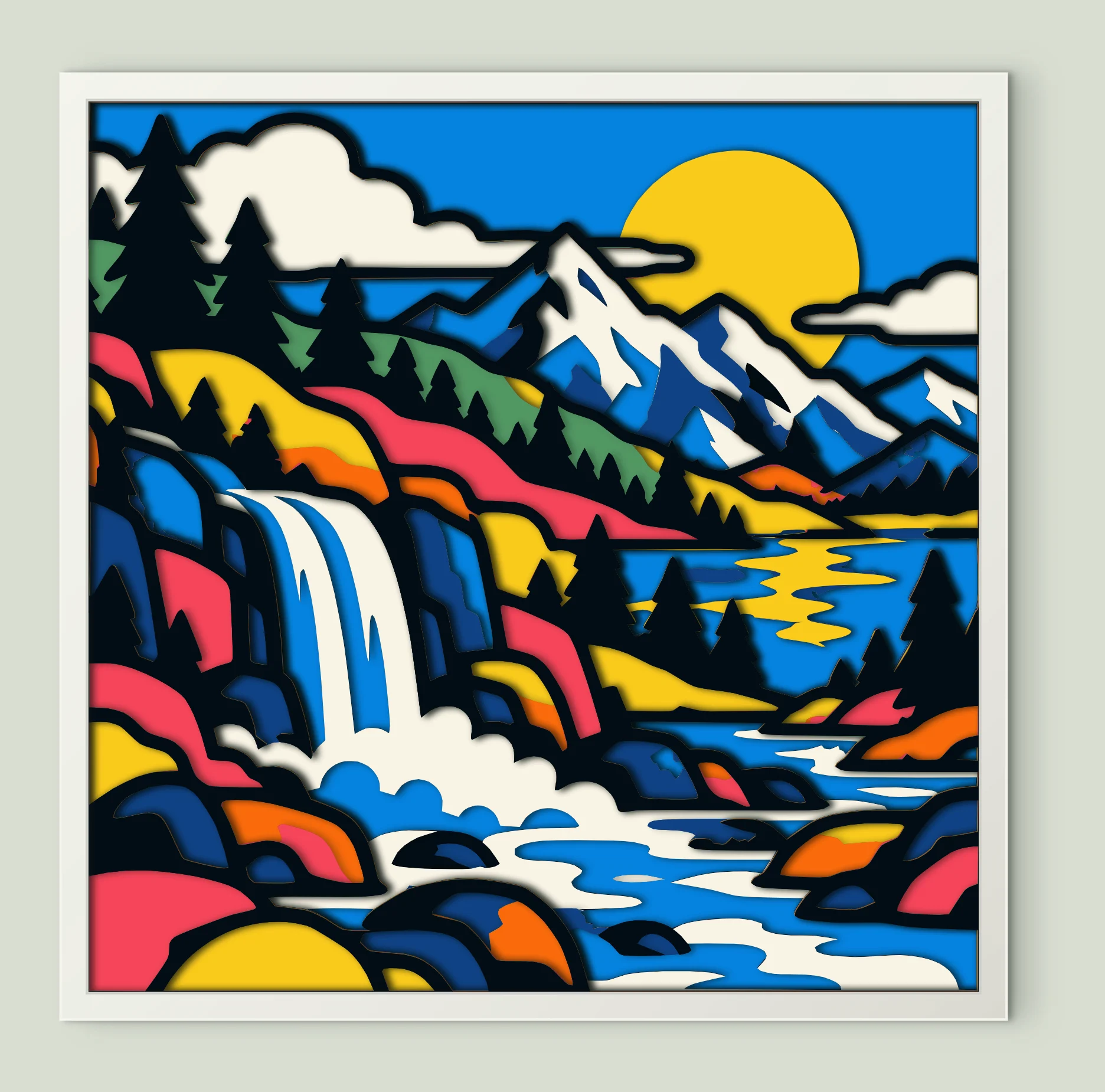
Mountain Waterfall Lake
11 sheets · 200 mm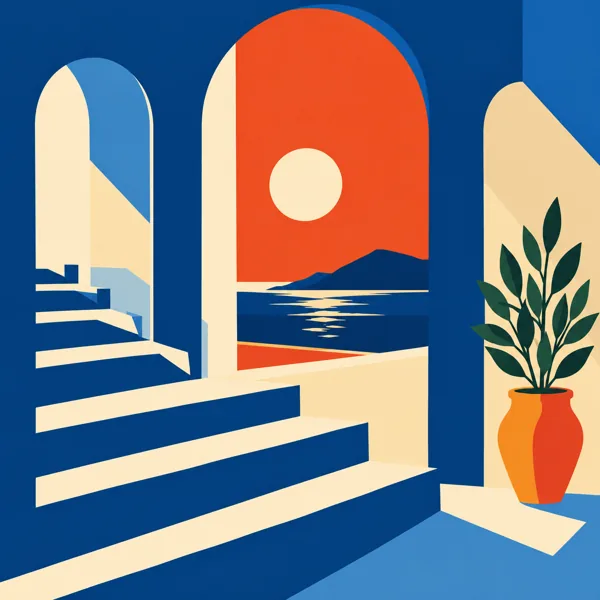
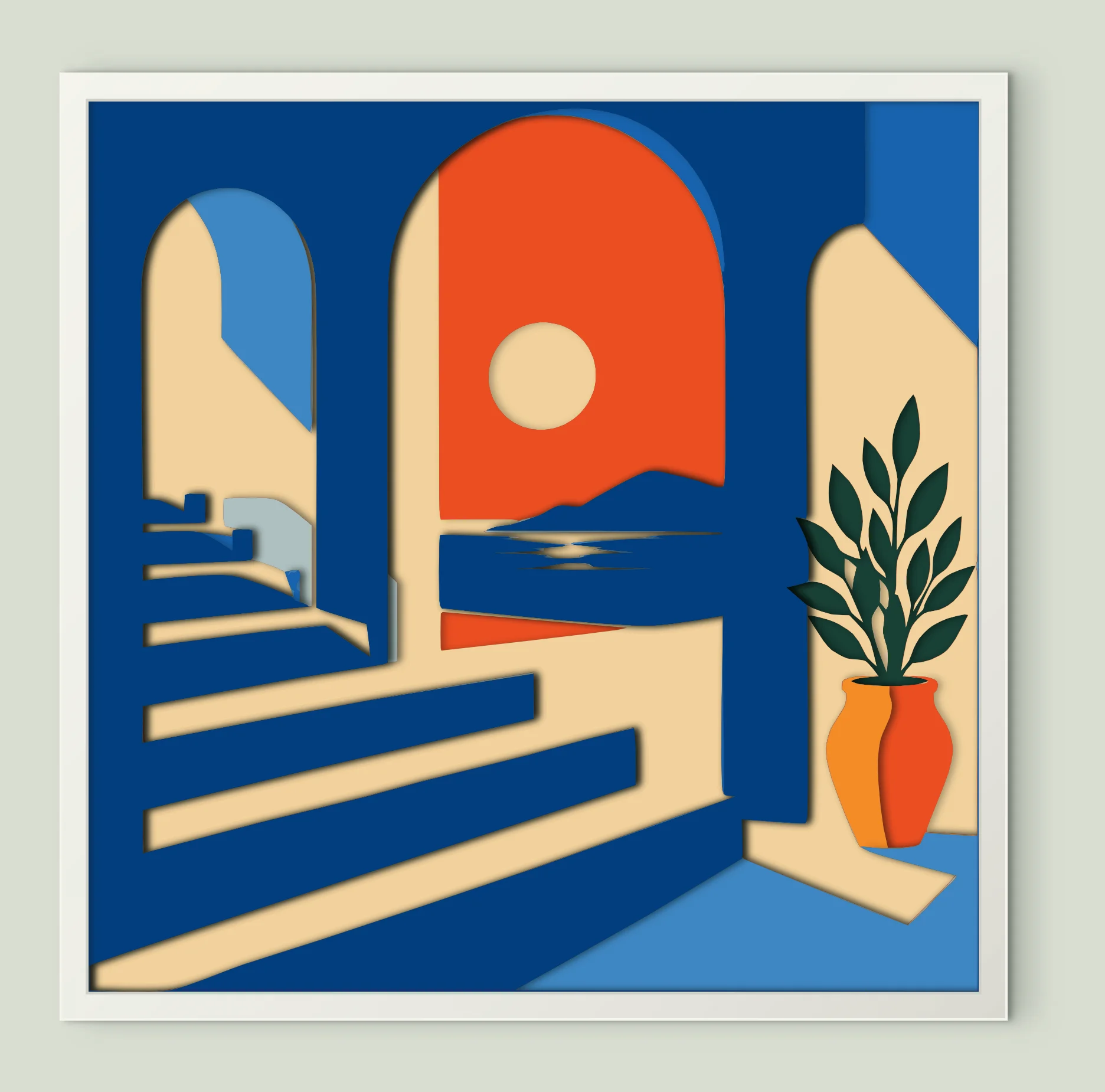
Seaside Arch Stairs
10 sheets · 200 mm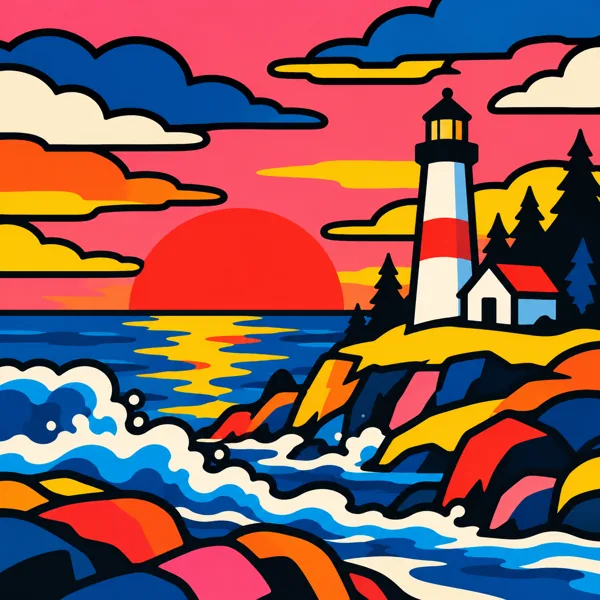
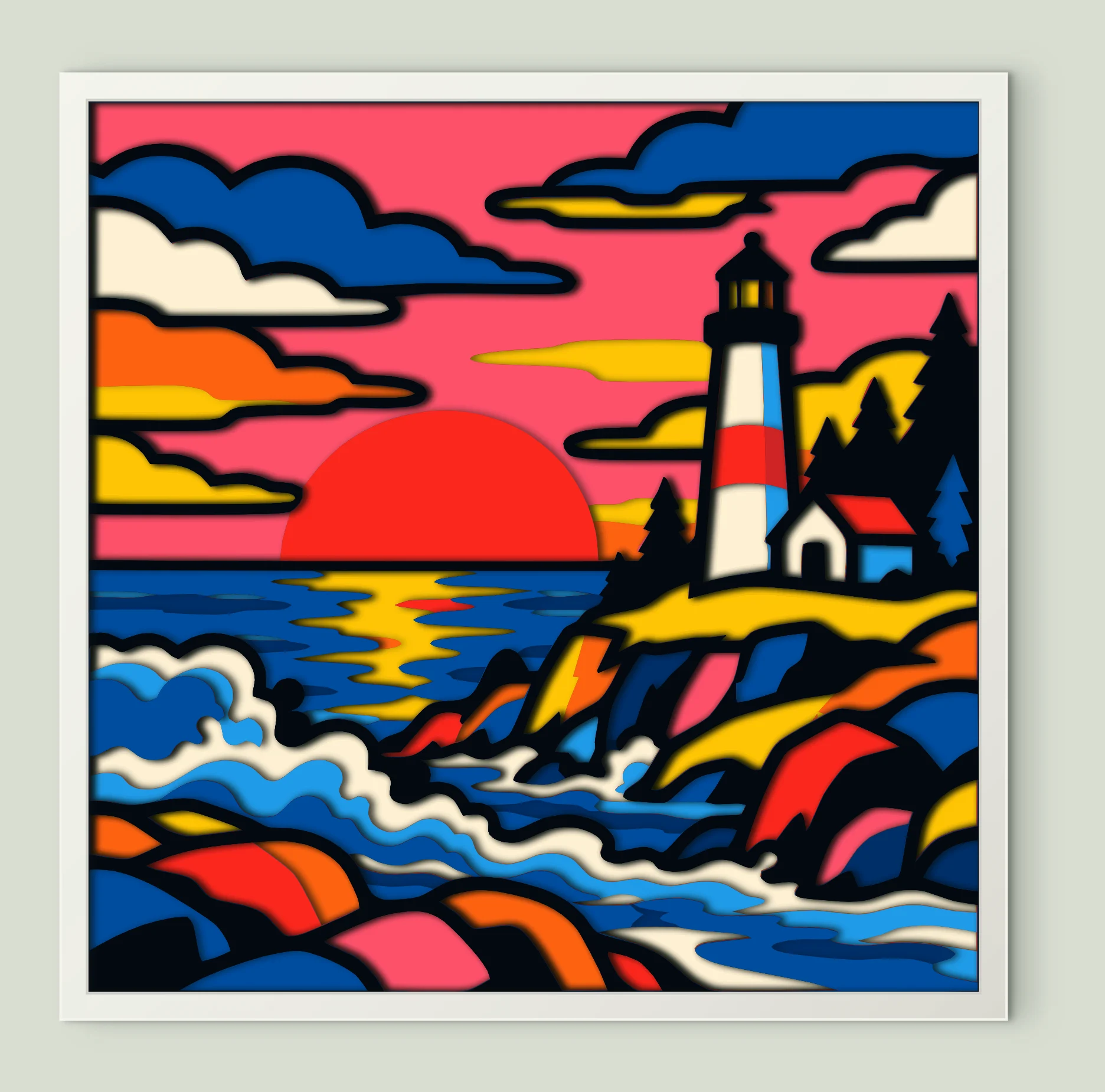
Lighthouse Crashing Waves
11 sheets · 200 mm
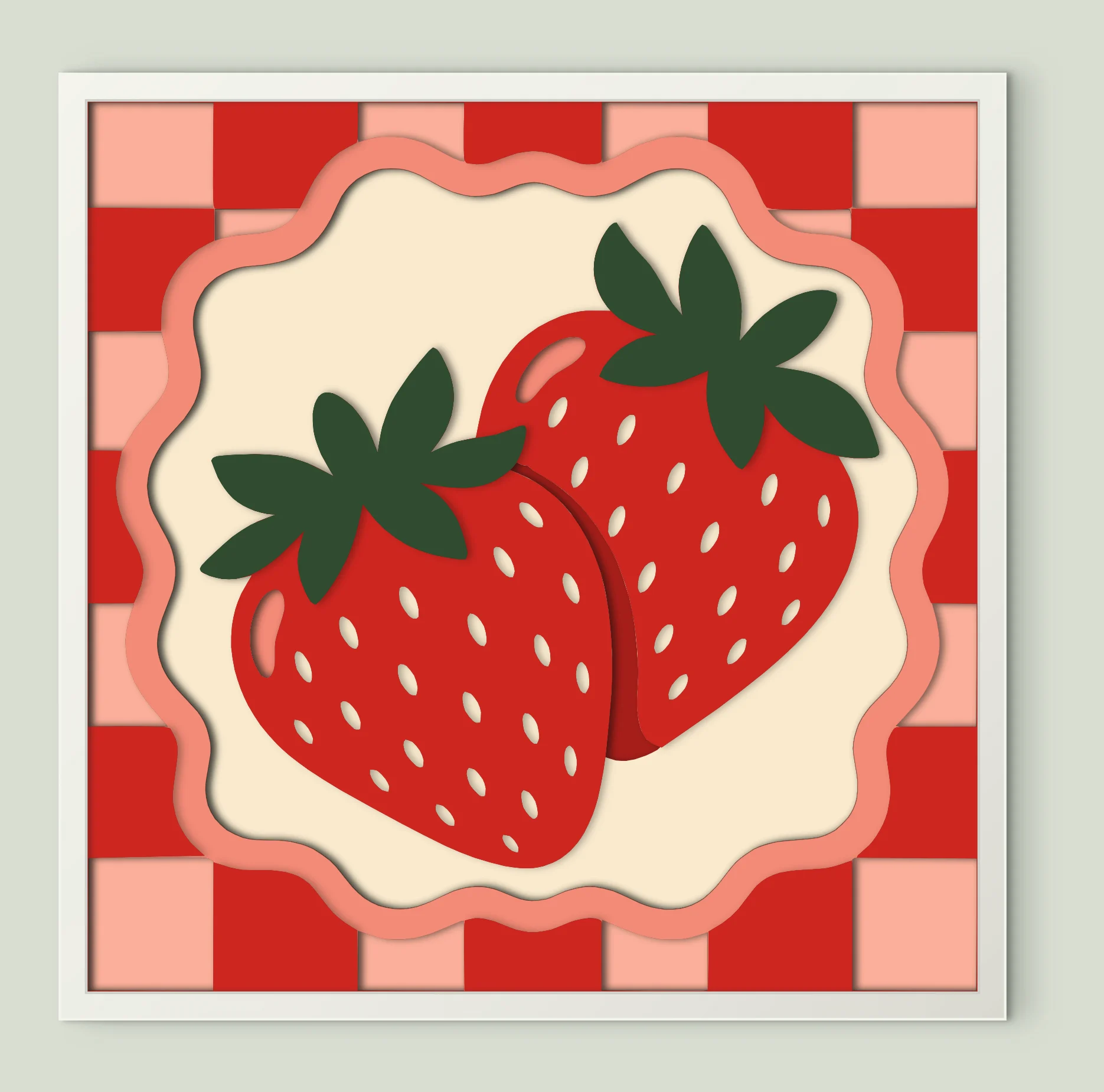
Fresh Red Strawberries
8 sheets · 200 mm
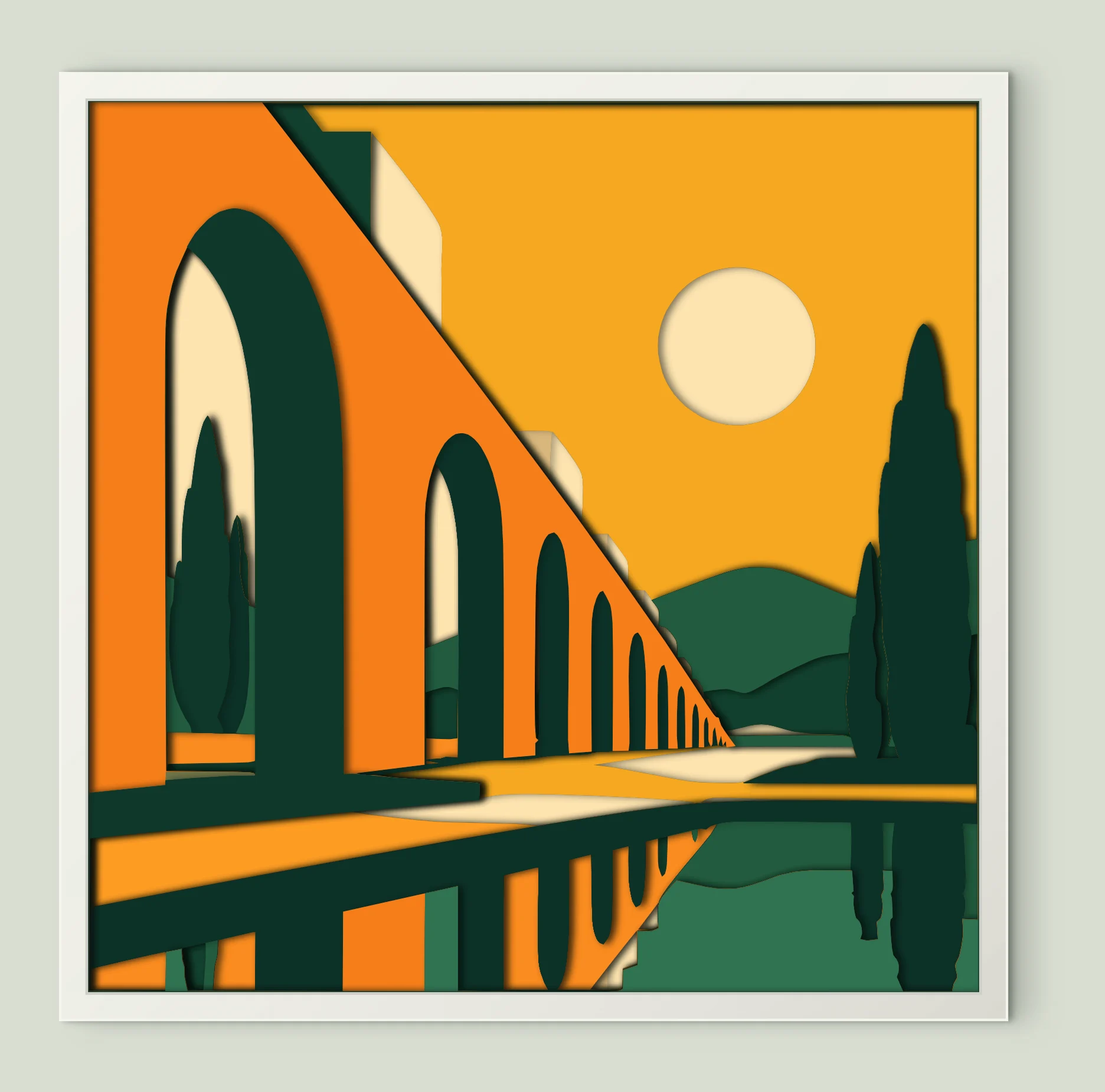
Sunset Arched Bridge
14 sheets · 200 mm
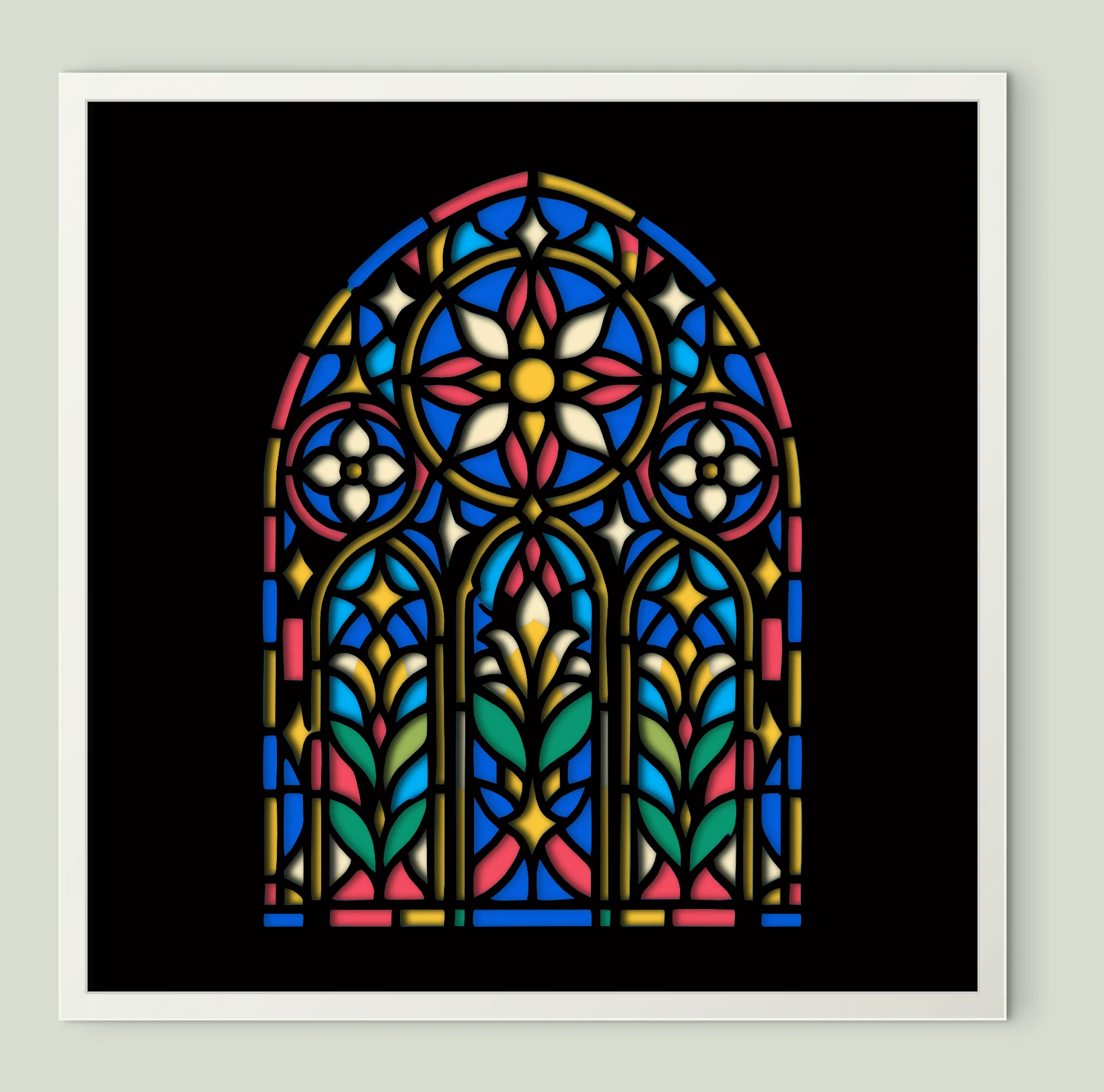
Floral Stained Glass Window
8 sheets · 200 mm
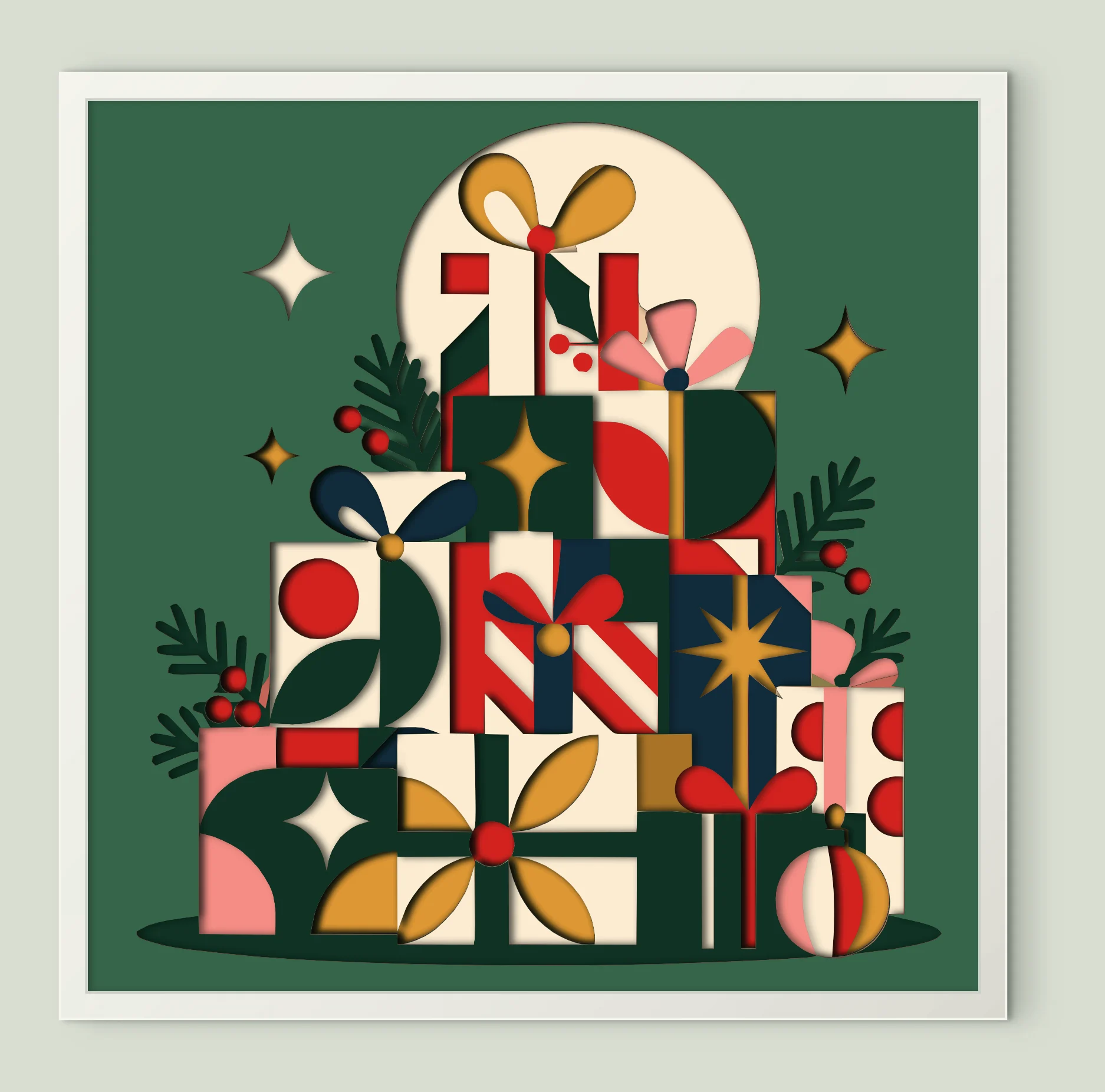
Geometric Christmas Gifts
15 sheets · 200 mm
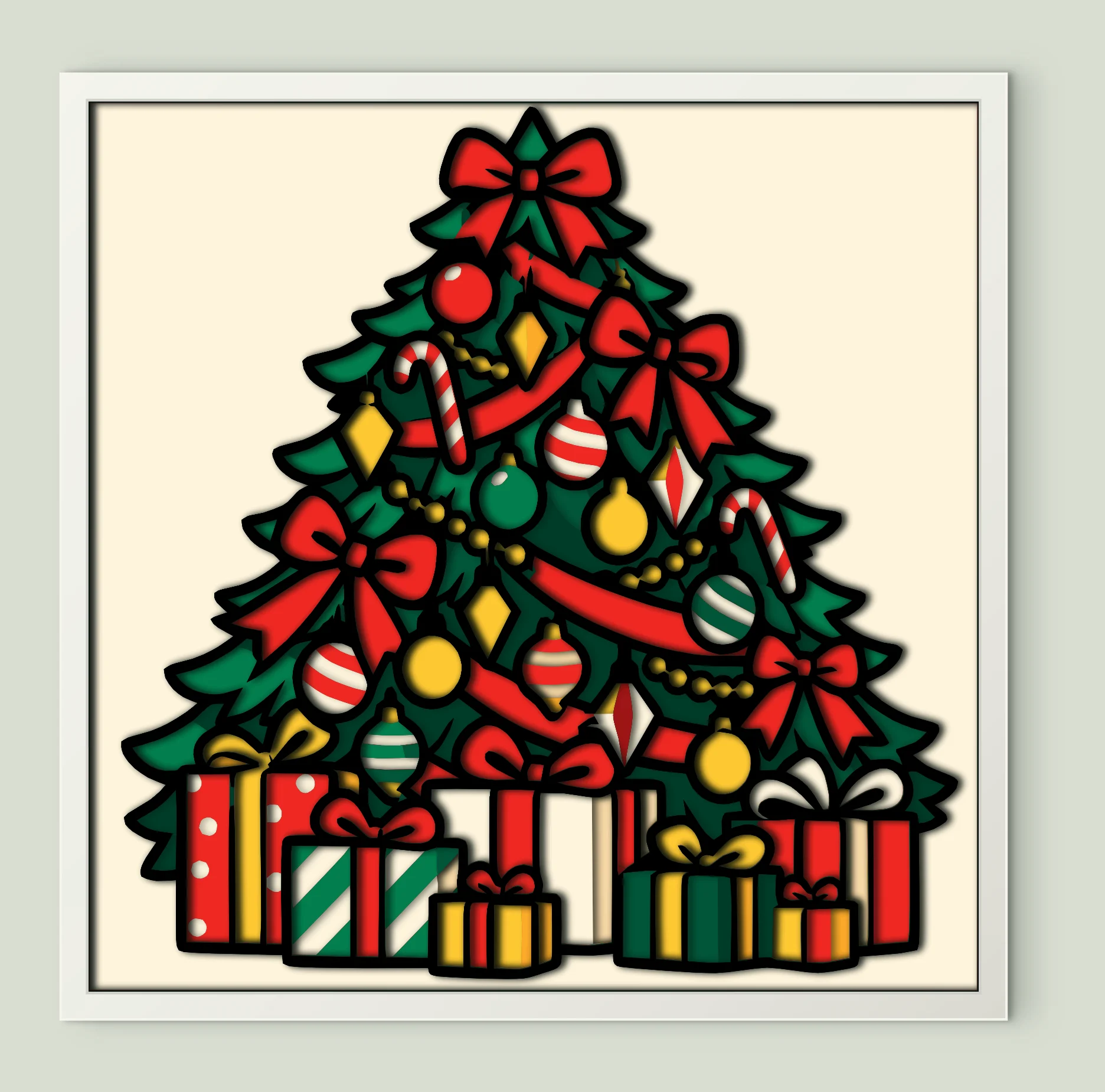
Decorated Christmas Tree
10 sheets · 200 mm
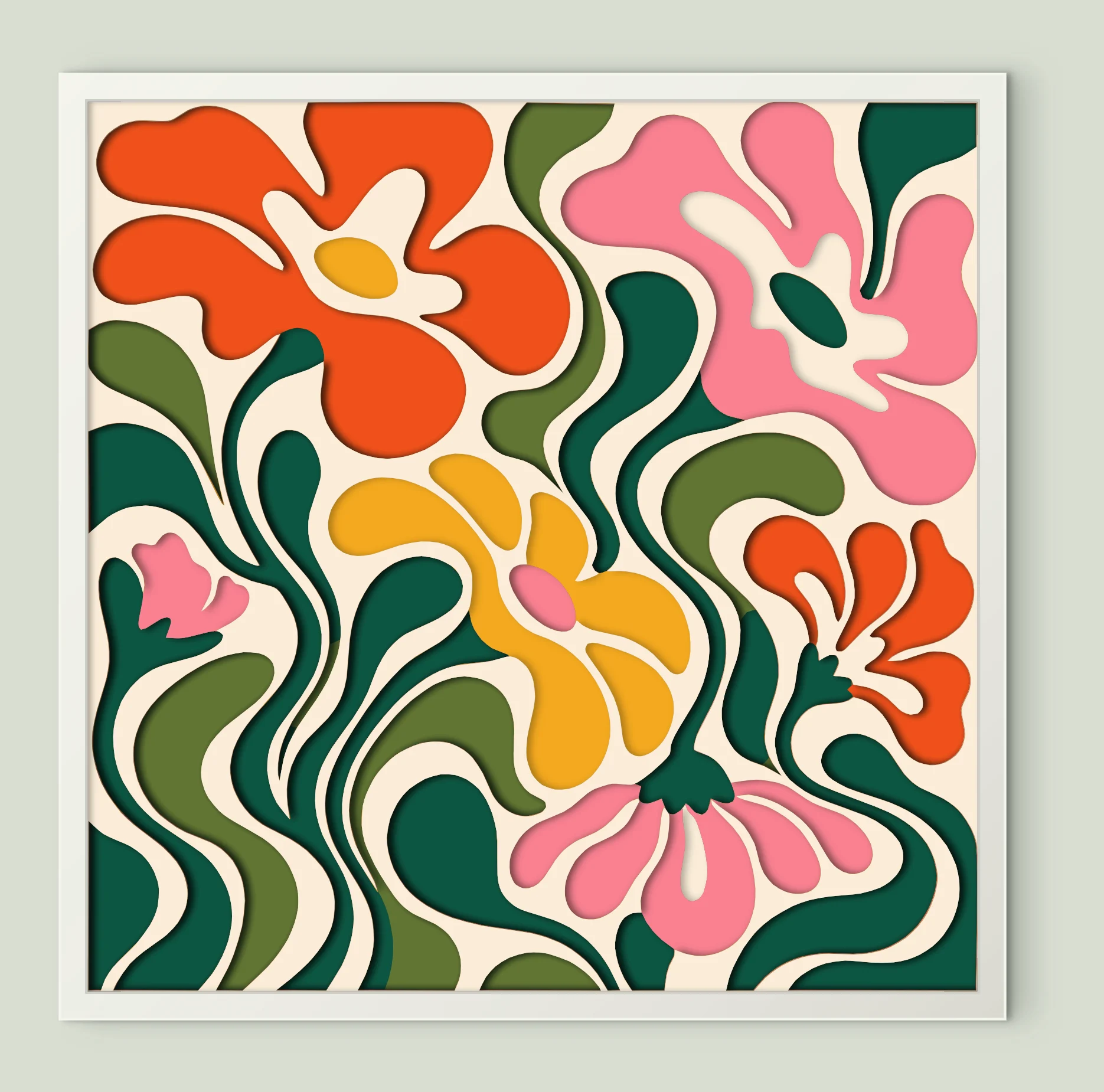
Wavy Abstract Flowers
7 sheets · 200 mm
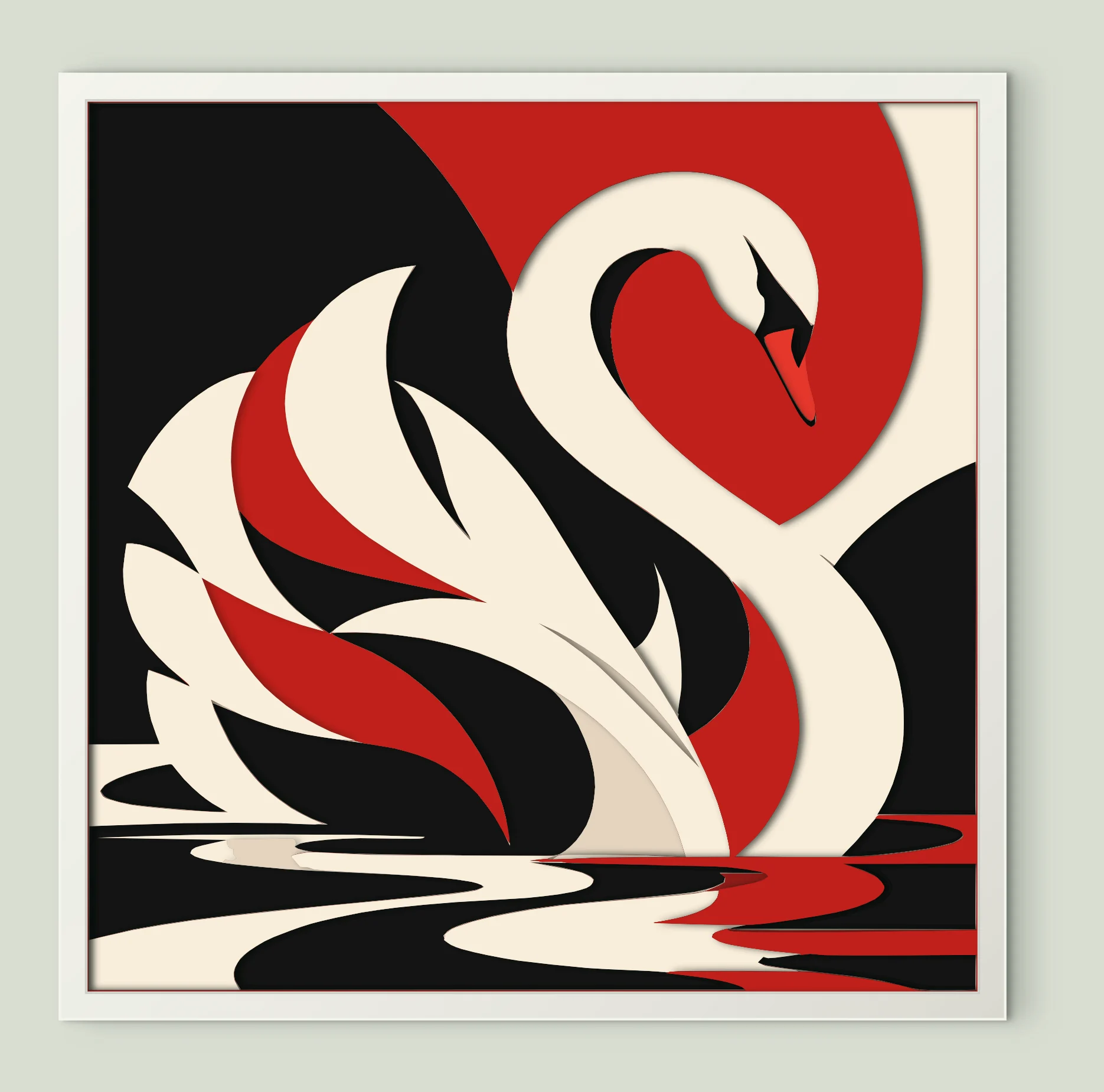
Abstract White Swan
8 sheets · 200 mm
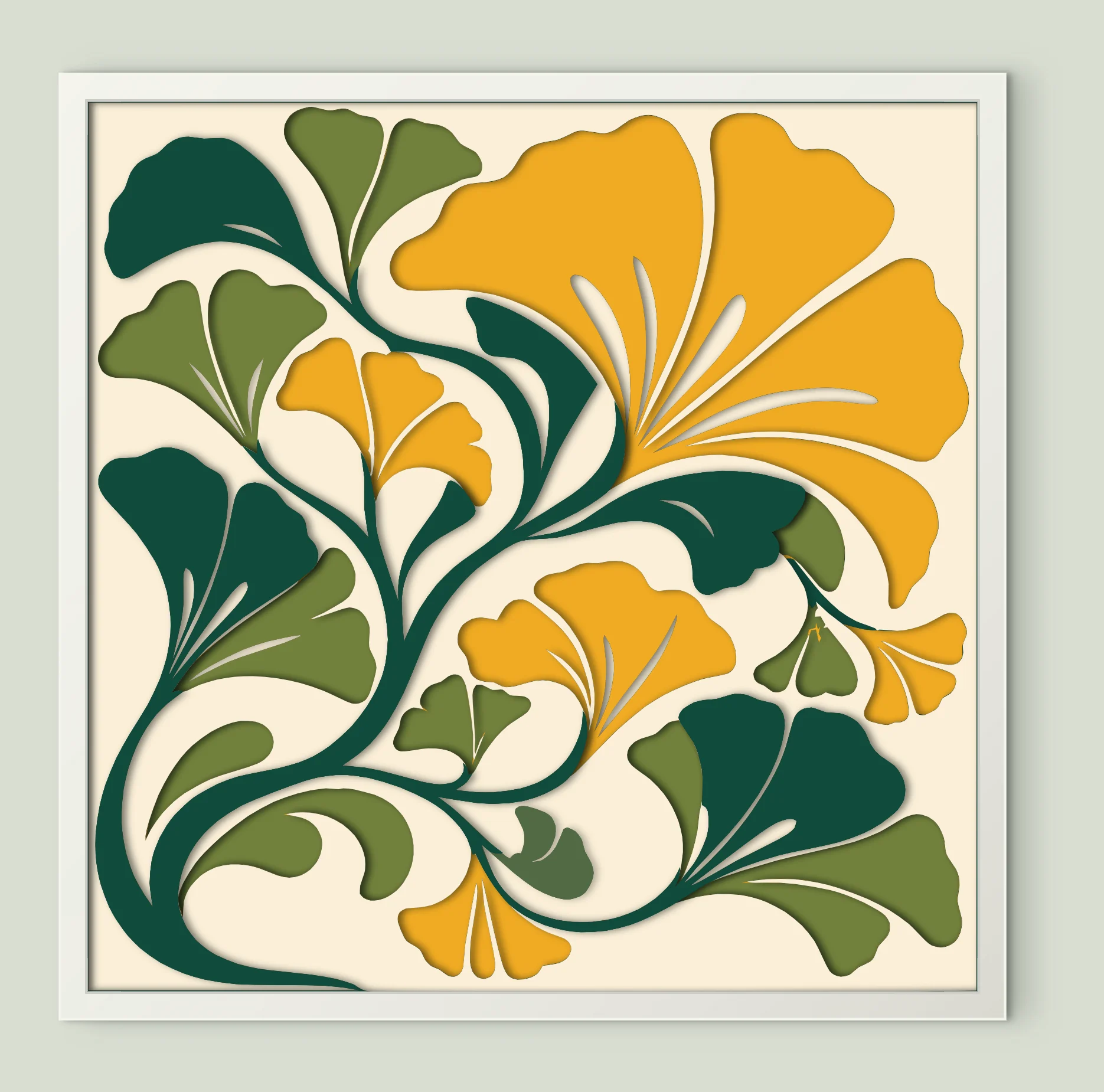
Golden Ginkgo Leaves
7 sheets · 200 mm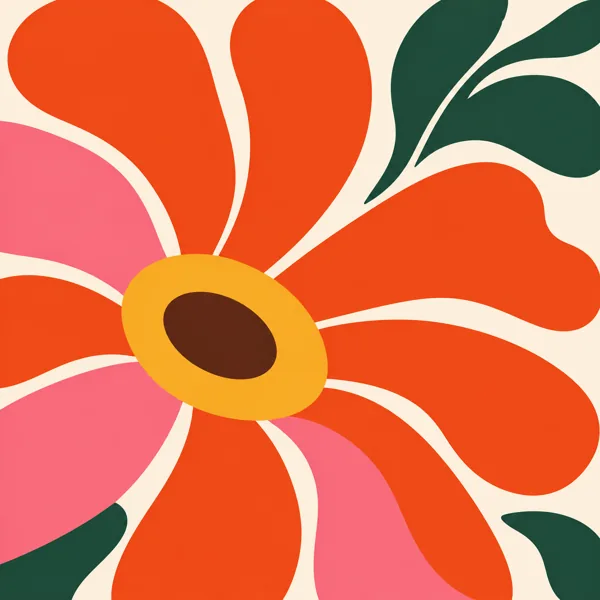
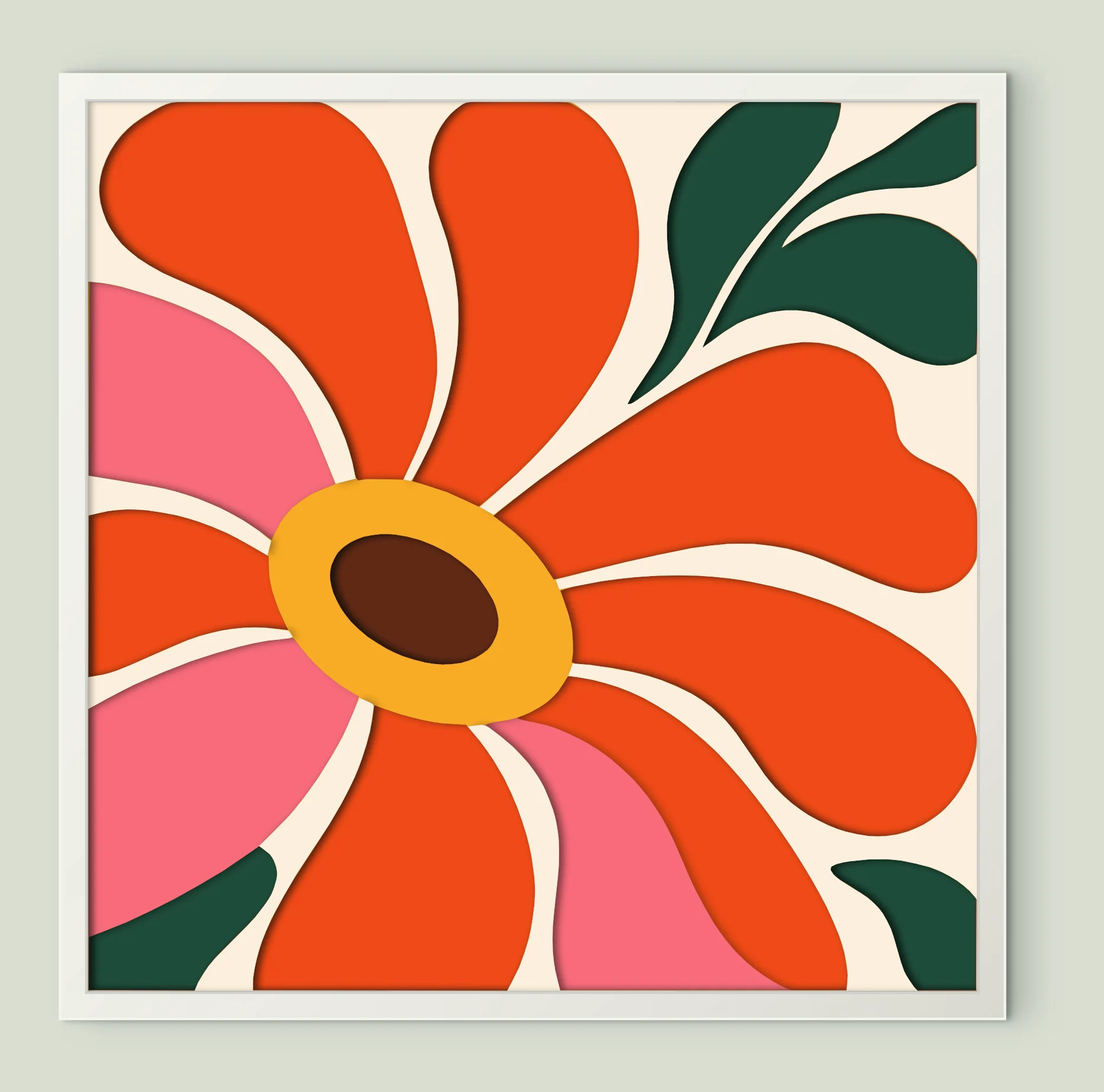
Large Bold Flower
6 sheets · 200 mm
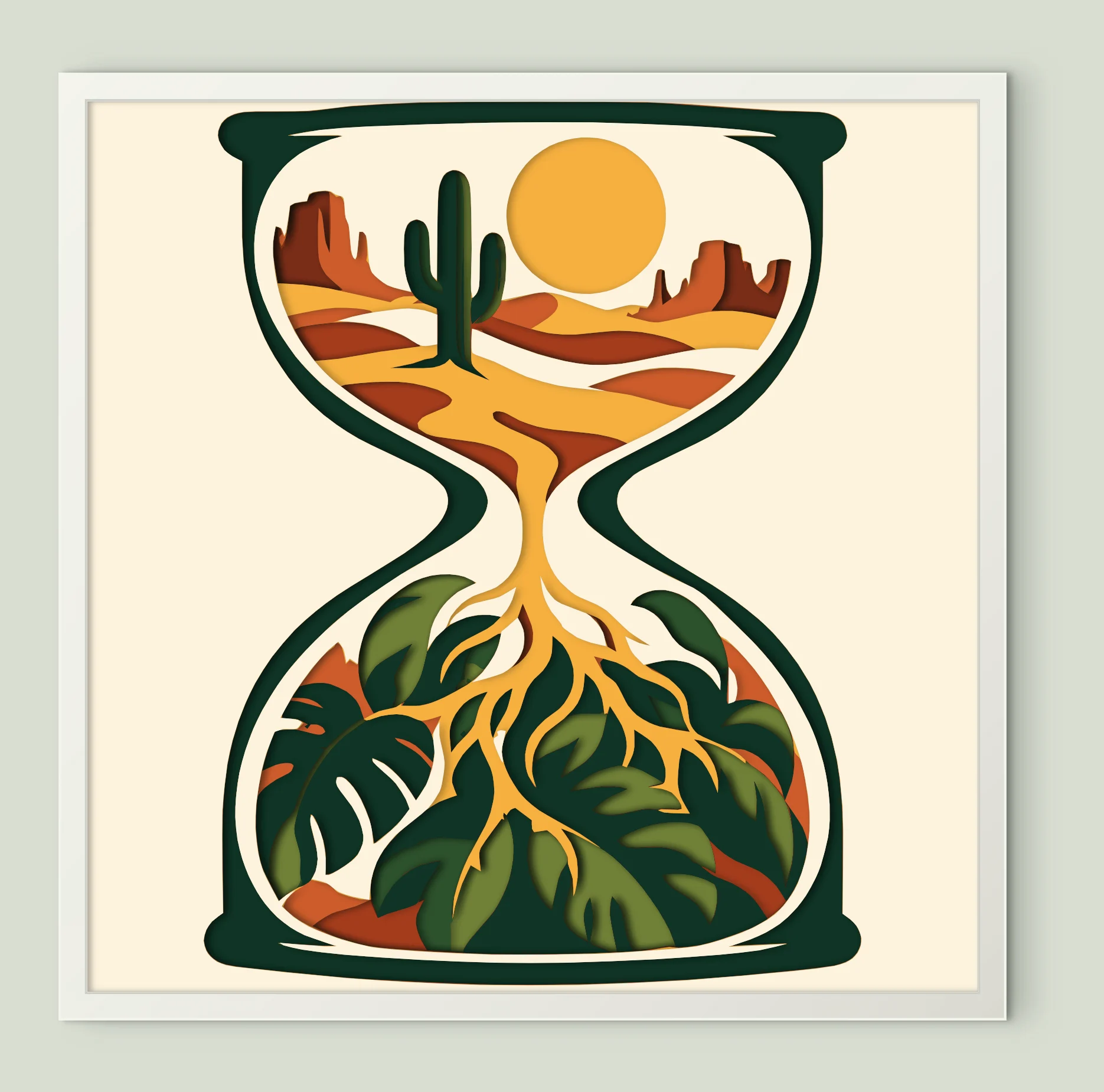
Desert Jungle Hourglass
8 sheets · 200 mm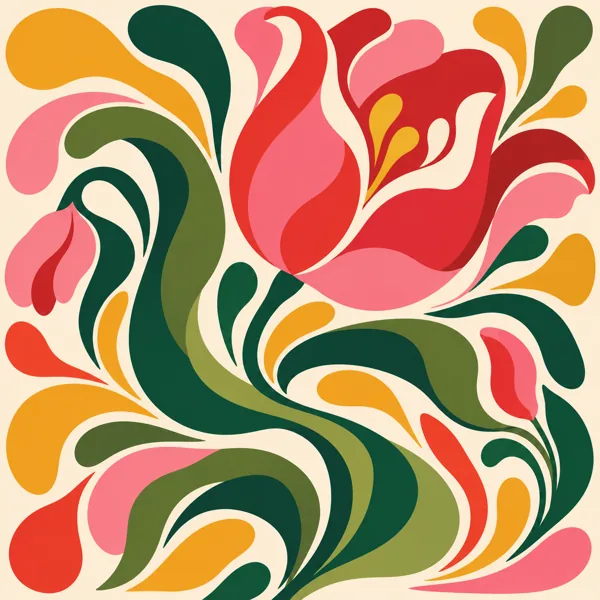
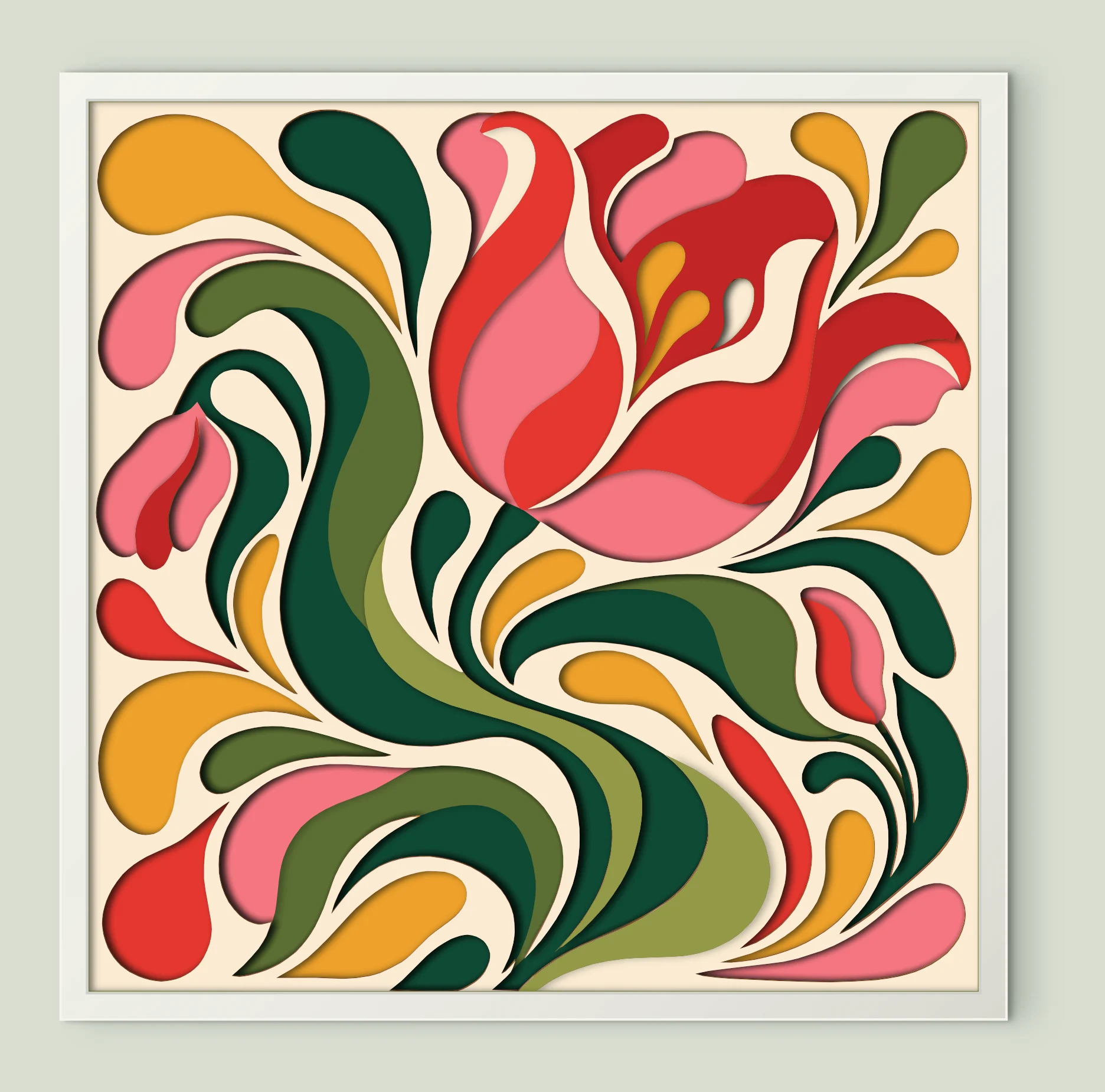
Swirling Abstract Flower
10 sheets · 200 mm
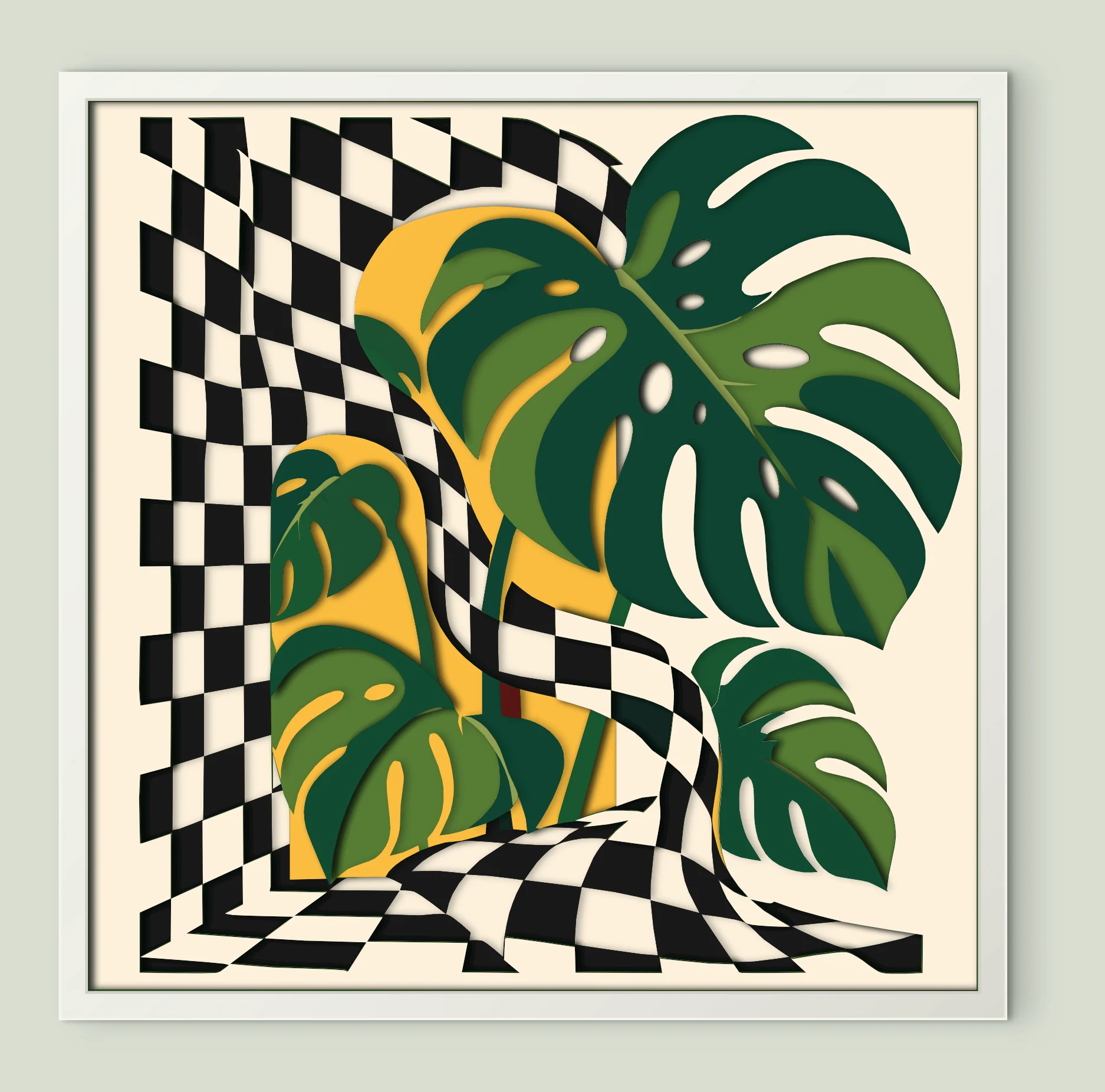
Checkered Monstera Leaves
15 sheets · 200 mm
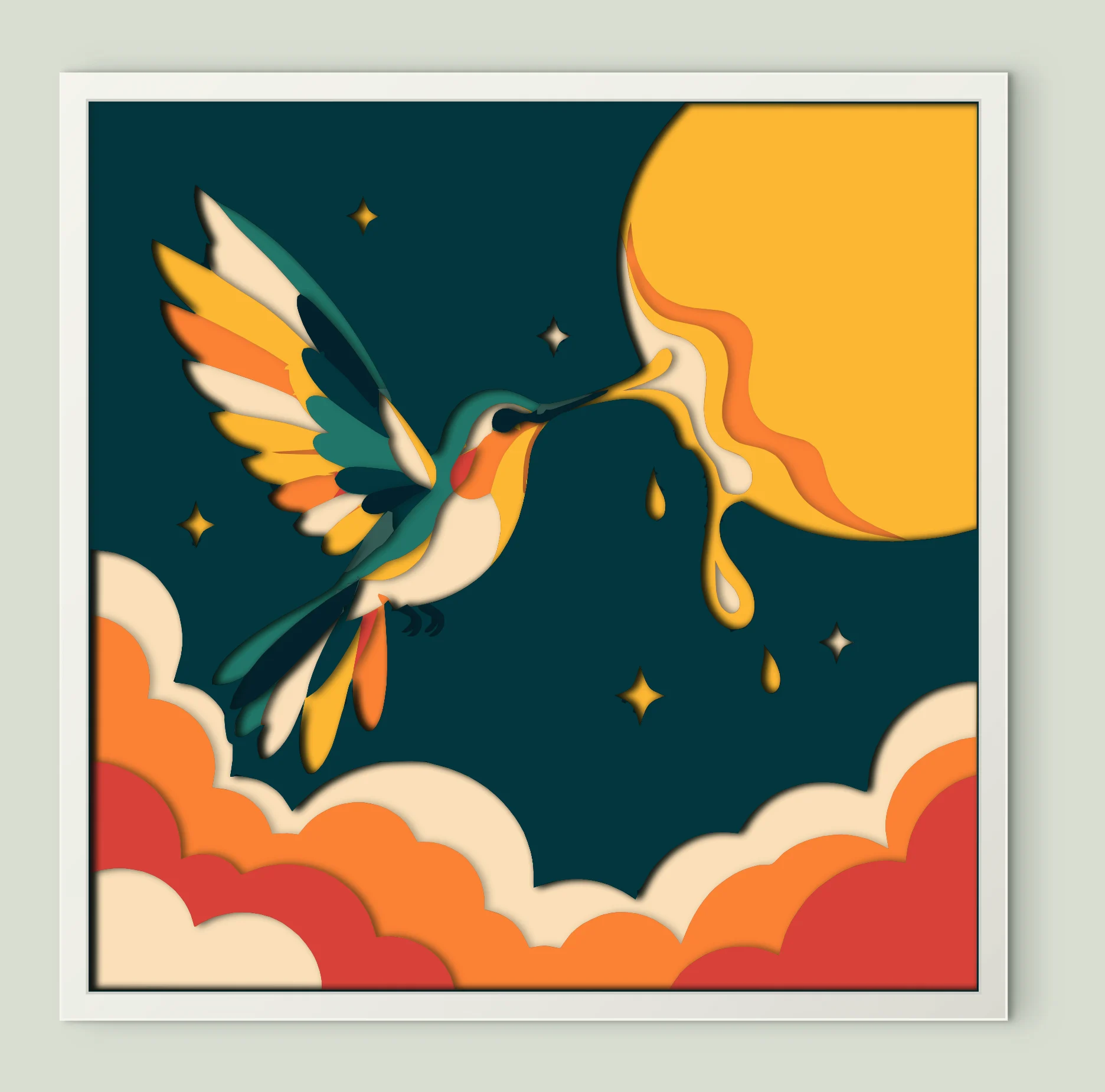
Hummingbird Sun Nectar
10 sheets · 200 mm
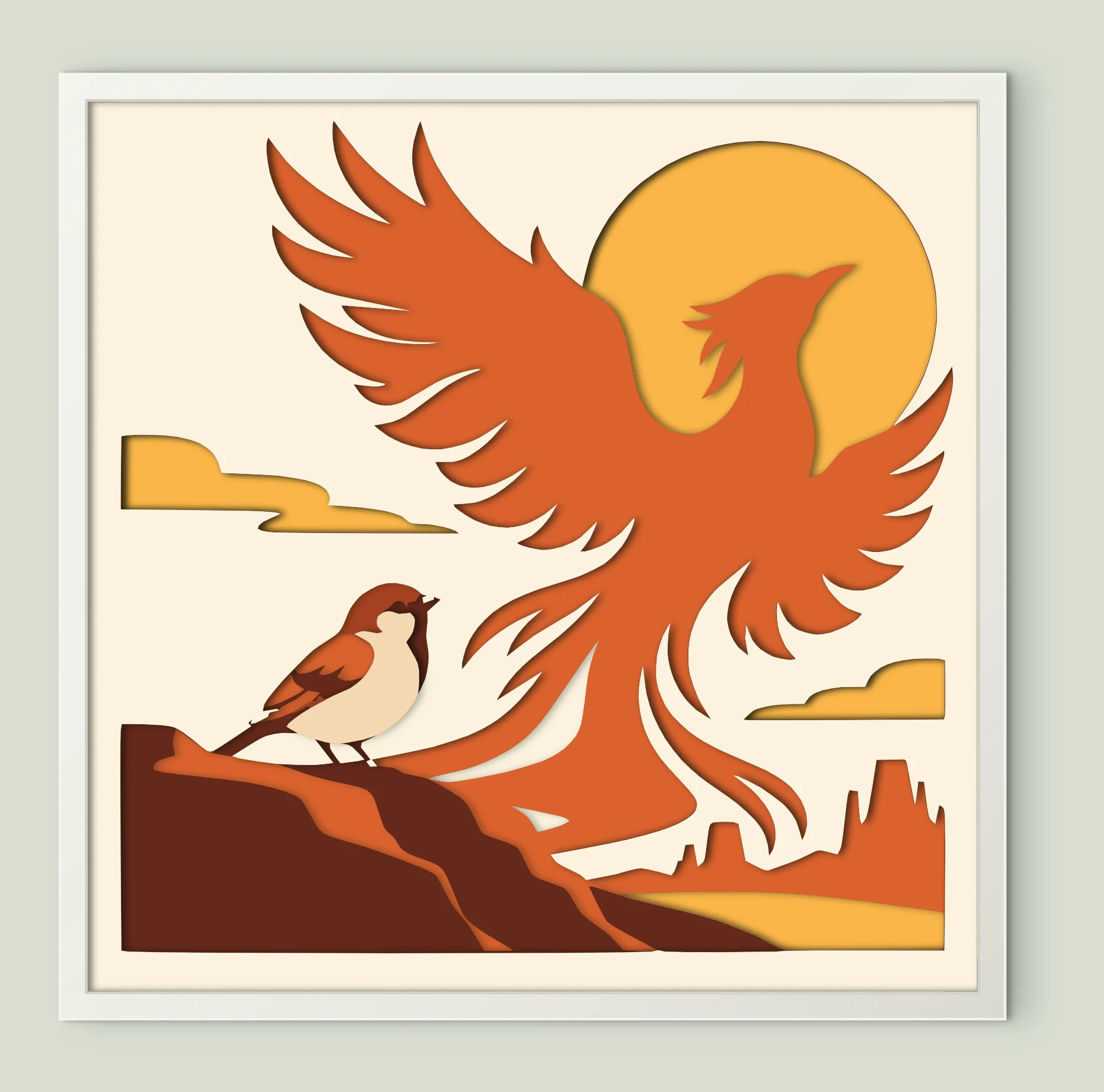
Sparrow Firebird Sunset
7 sheets · 200 mm
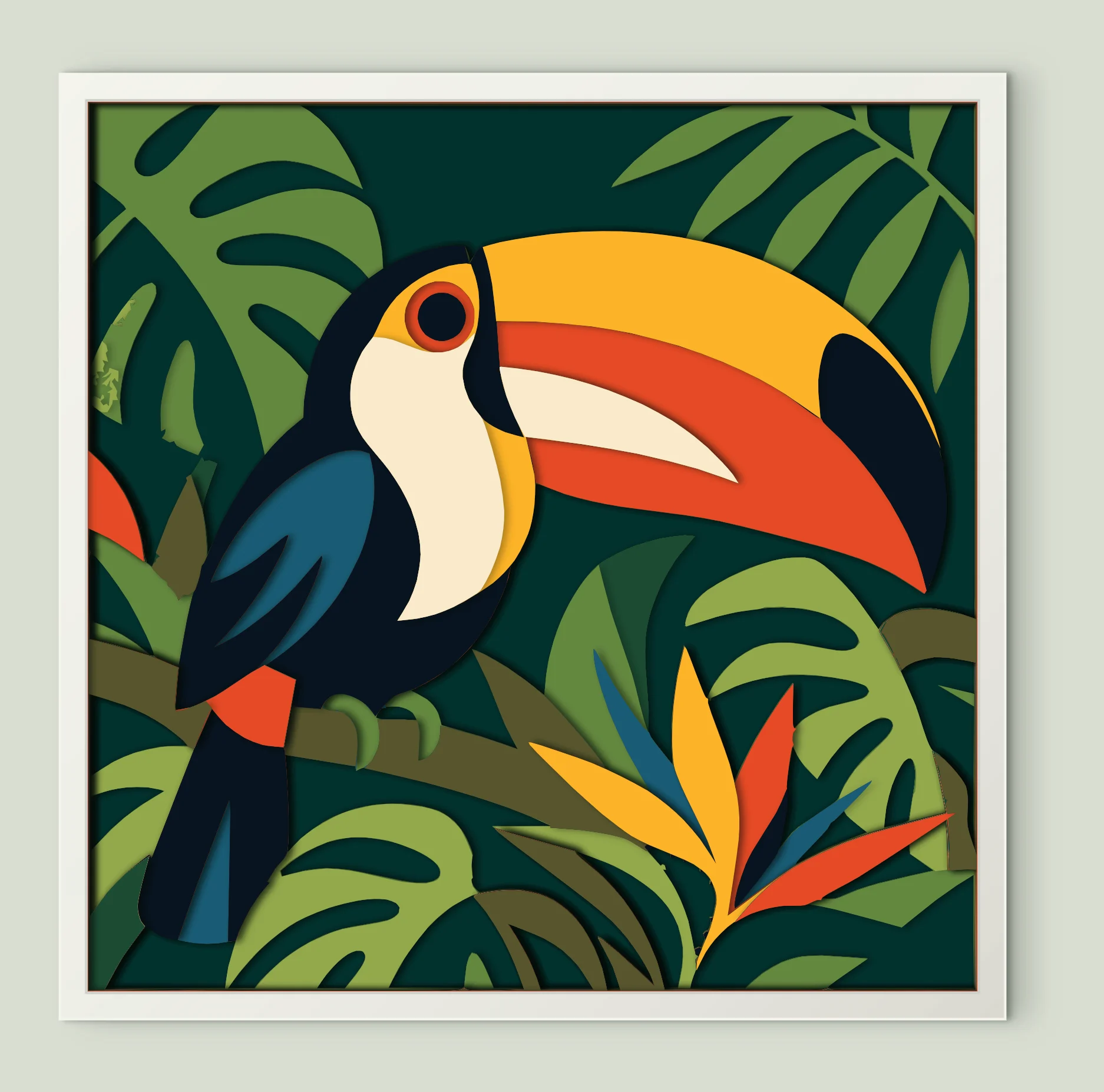
Tropical Toucan Portrait
16 sheets · 200 mm
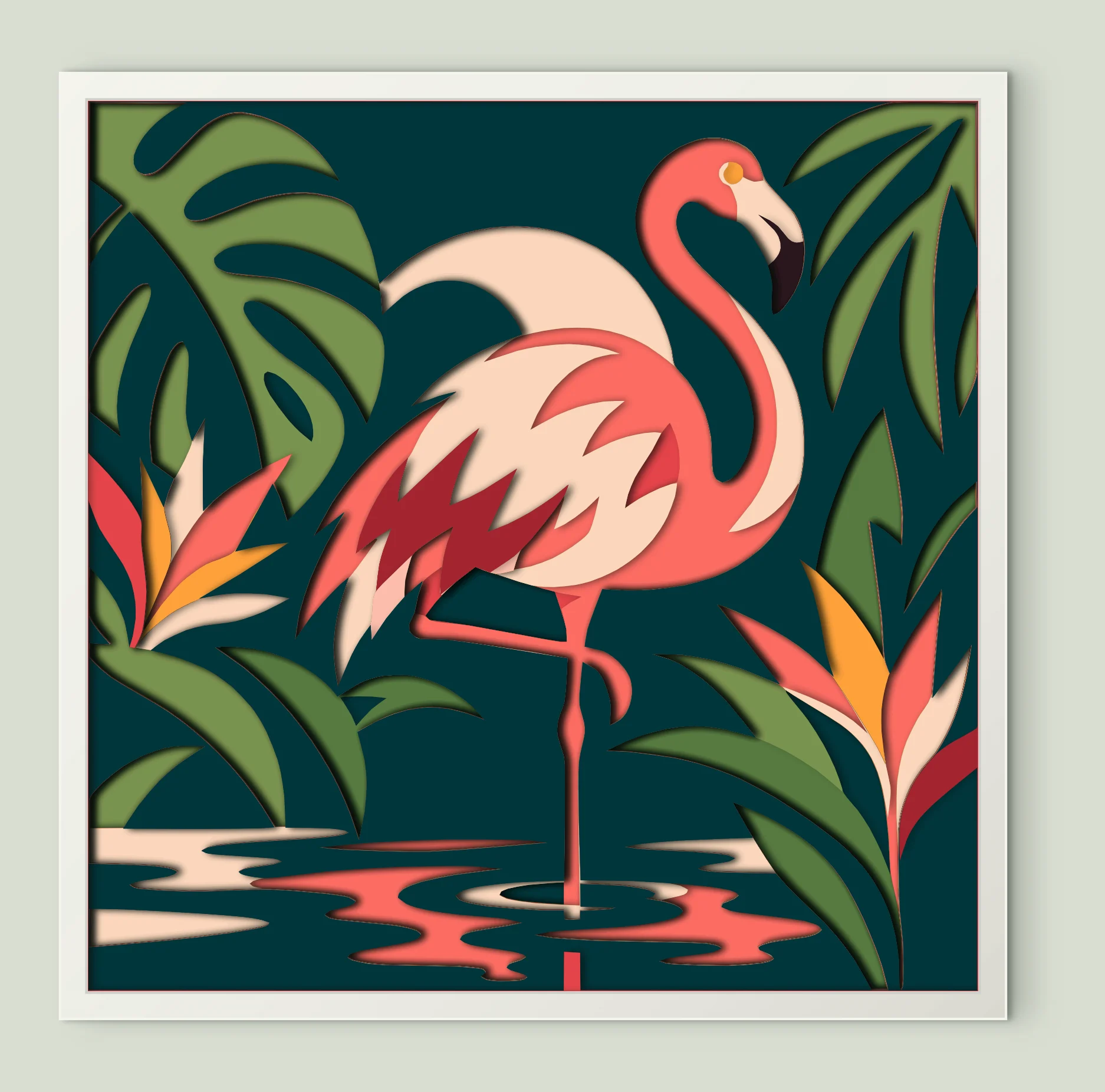
Pink Flamingo Standing
15 sheets · 200 mm
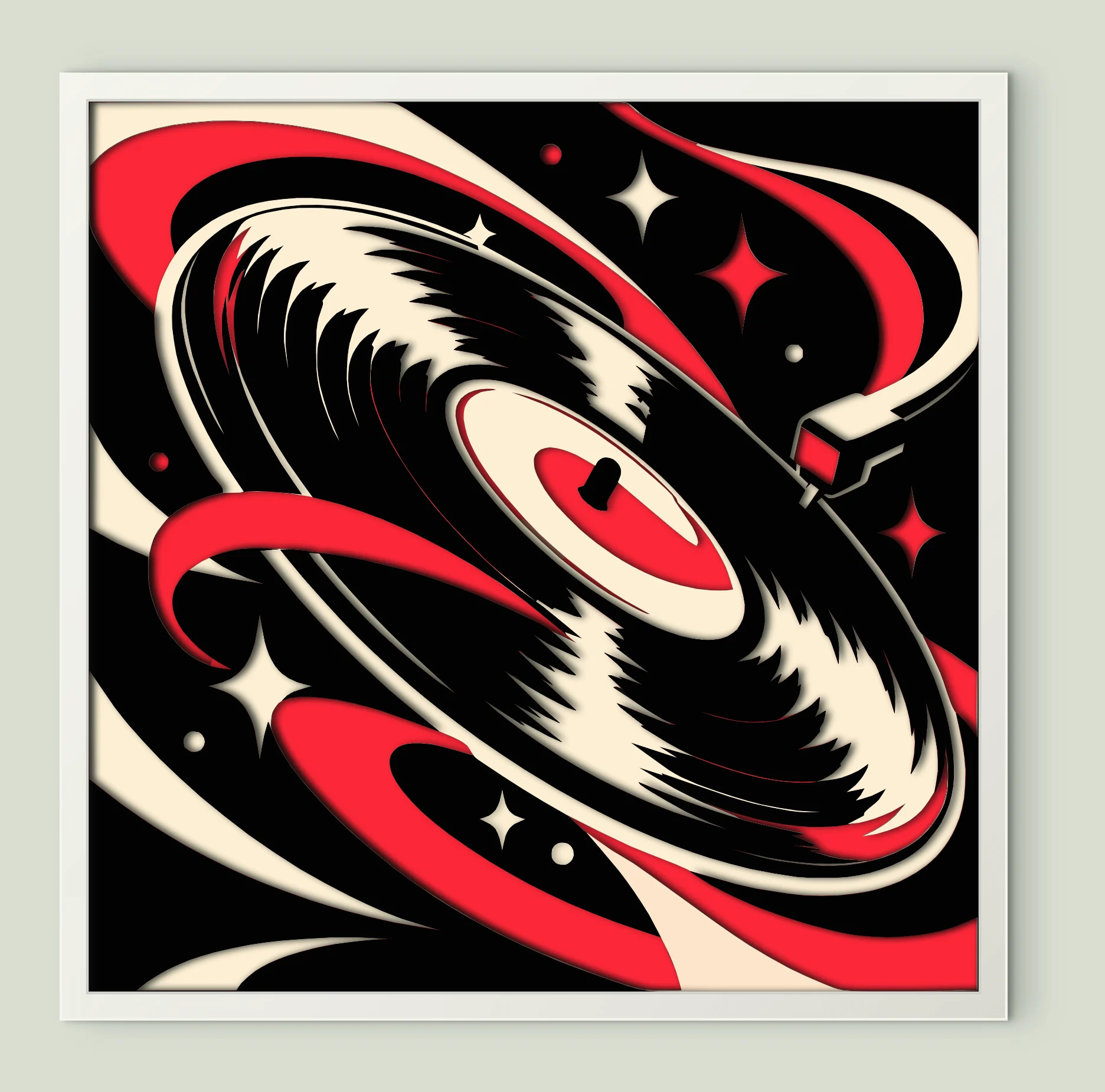
Vinyl Record Pop Art
9 sheets · 200 mm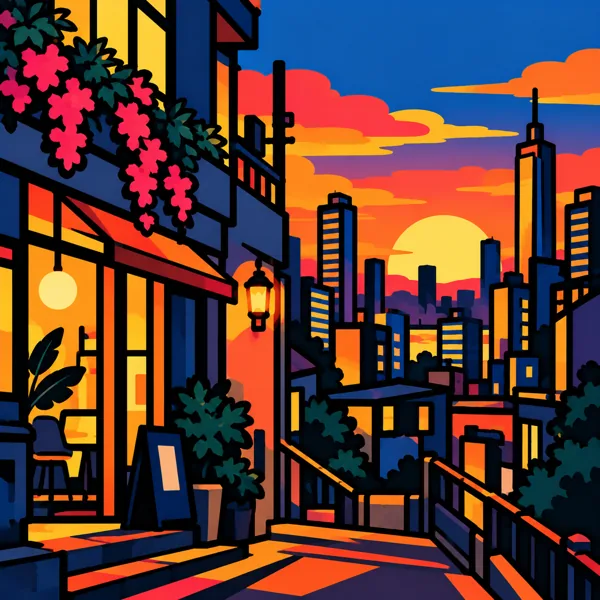
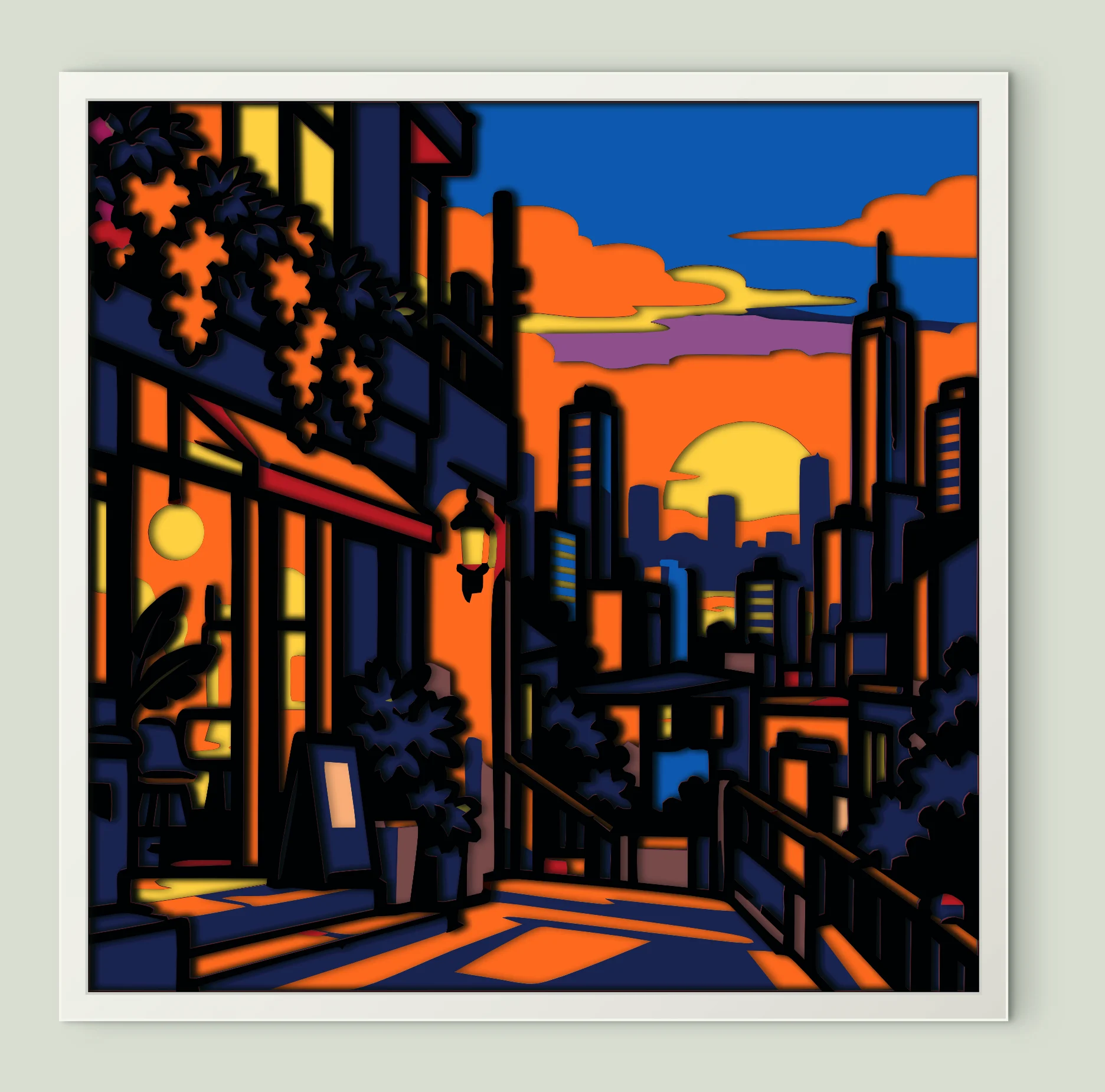
City Street Sunset
14 sheets · 200 mm
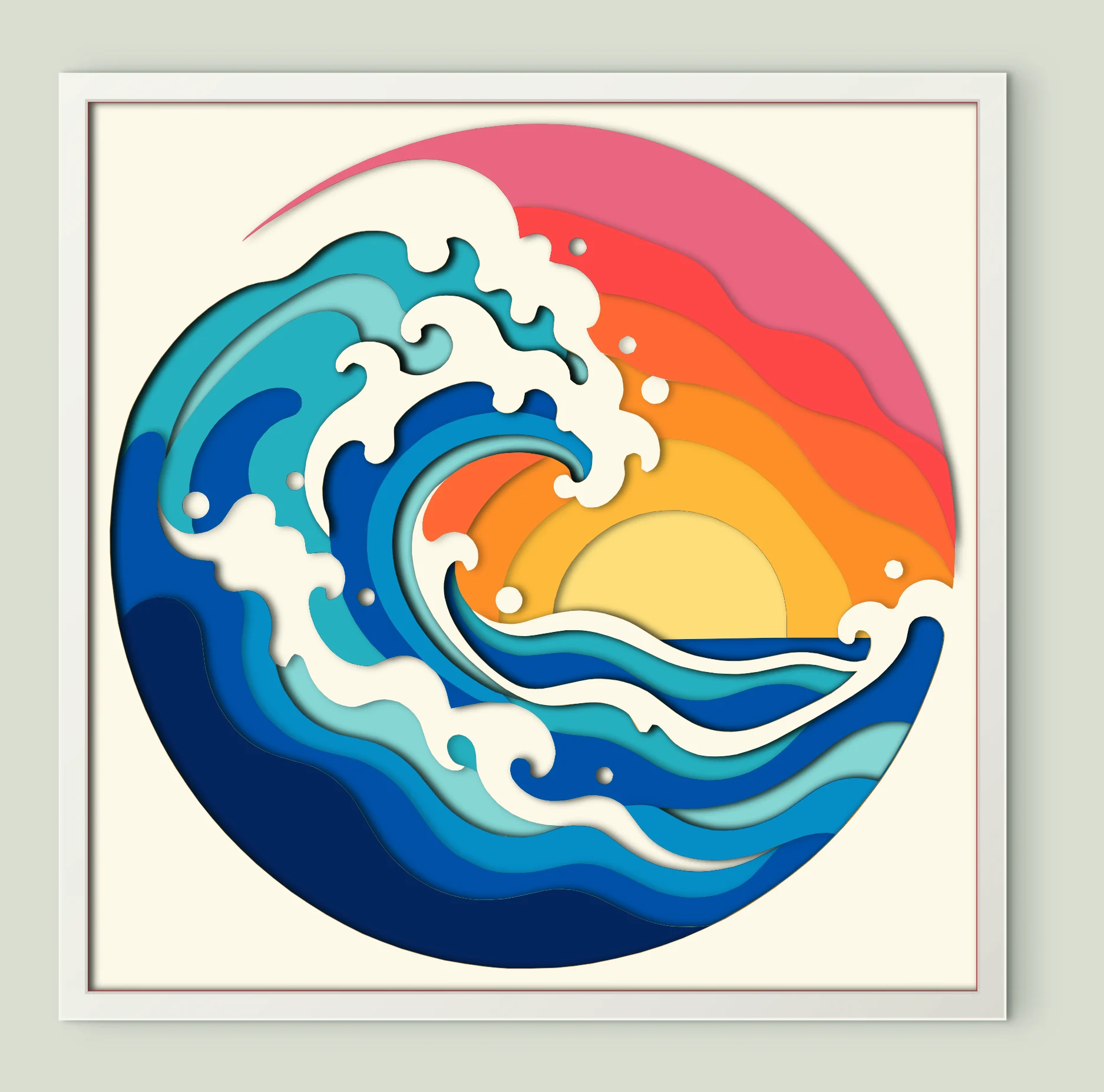
Ocean Wave Sunset
16 sheets · 200 mm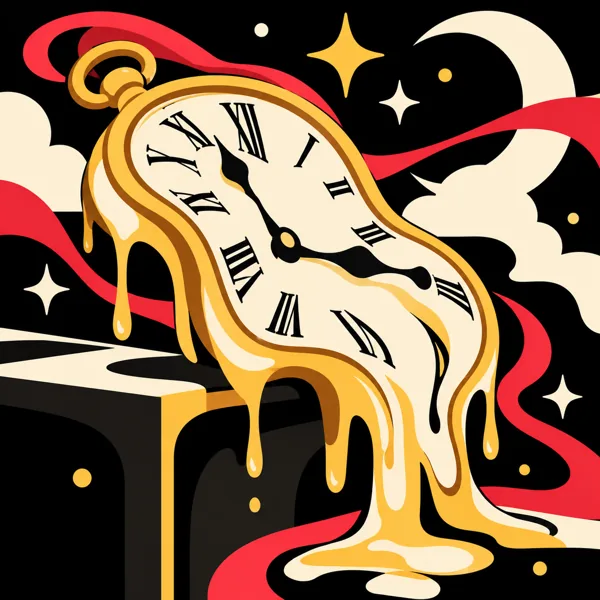
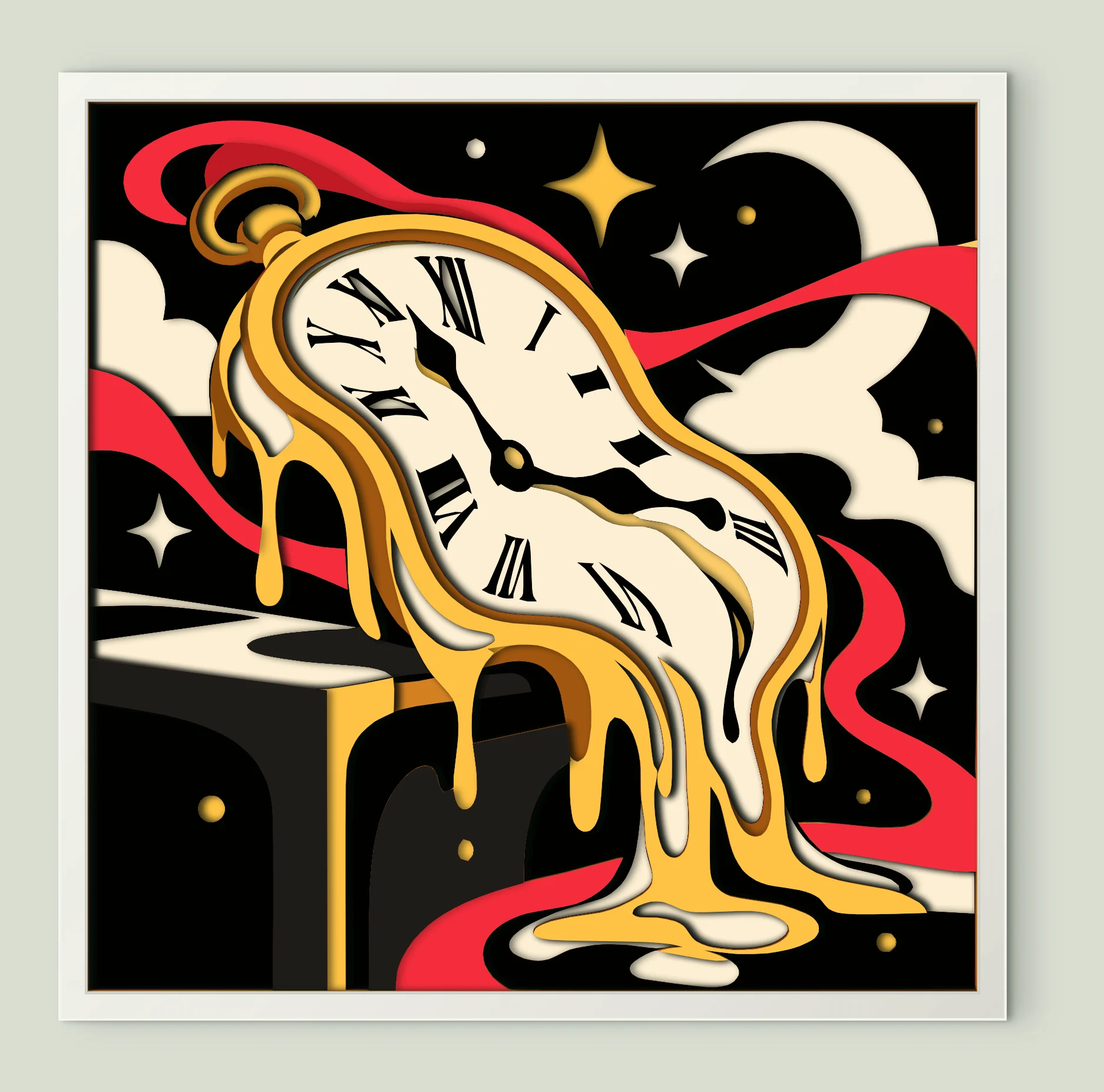
Melting Pocket Watch
18 sheets · 200 mm
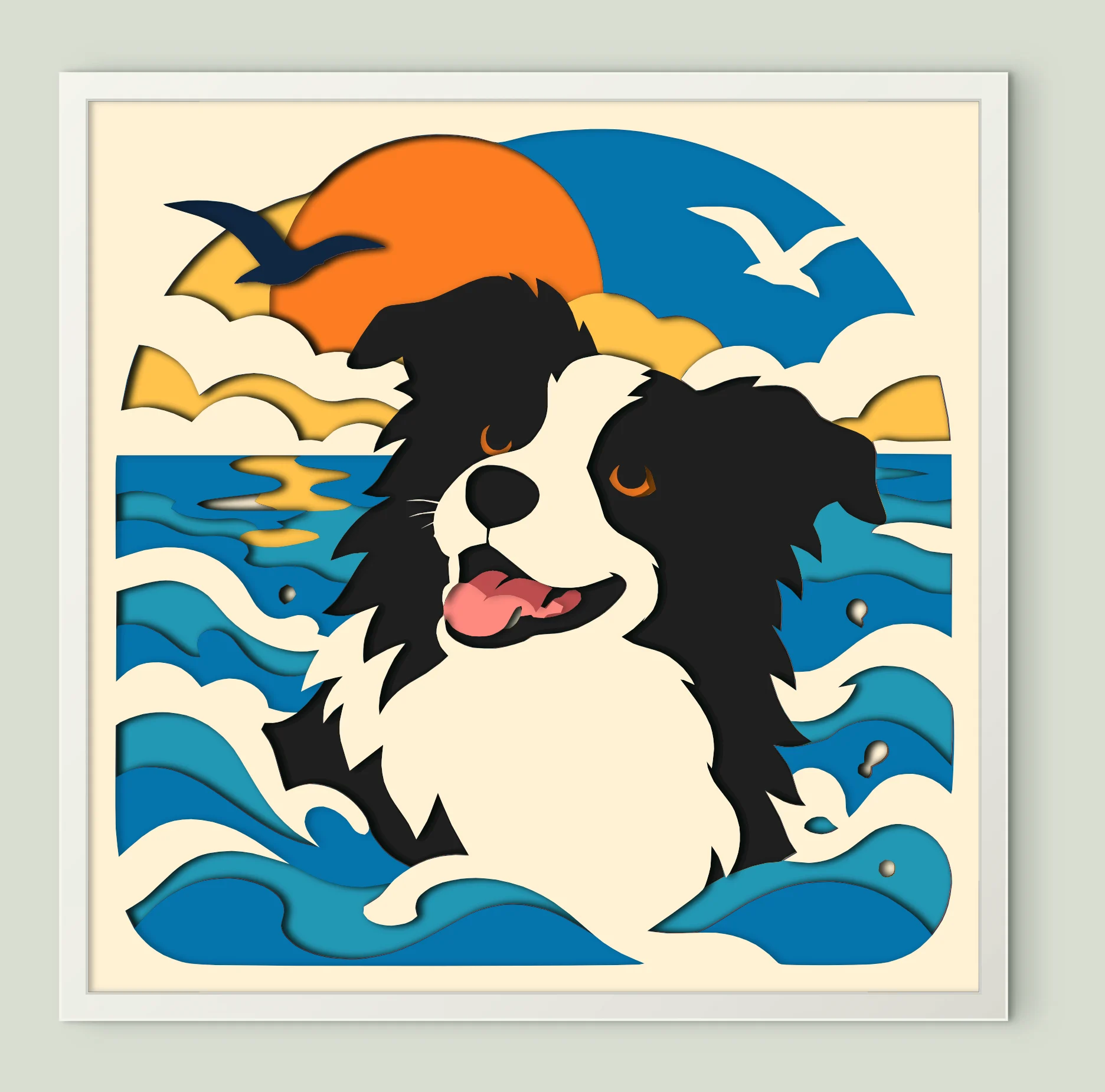
Border Collie Waves
12 sheets · 200 mmThat’s every design for now. Have your own picture? Turn it into a shadow box
Everyday designs
Each download is prepared as a separate ZIP. Sign in to download a template. These free template downloads do not use your account download allowance.
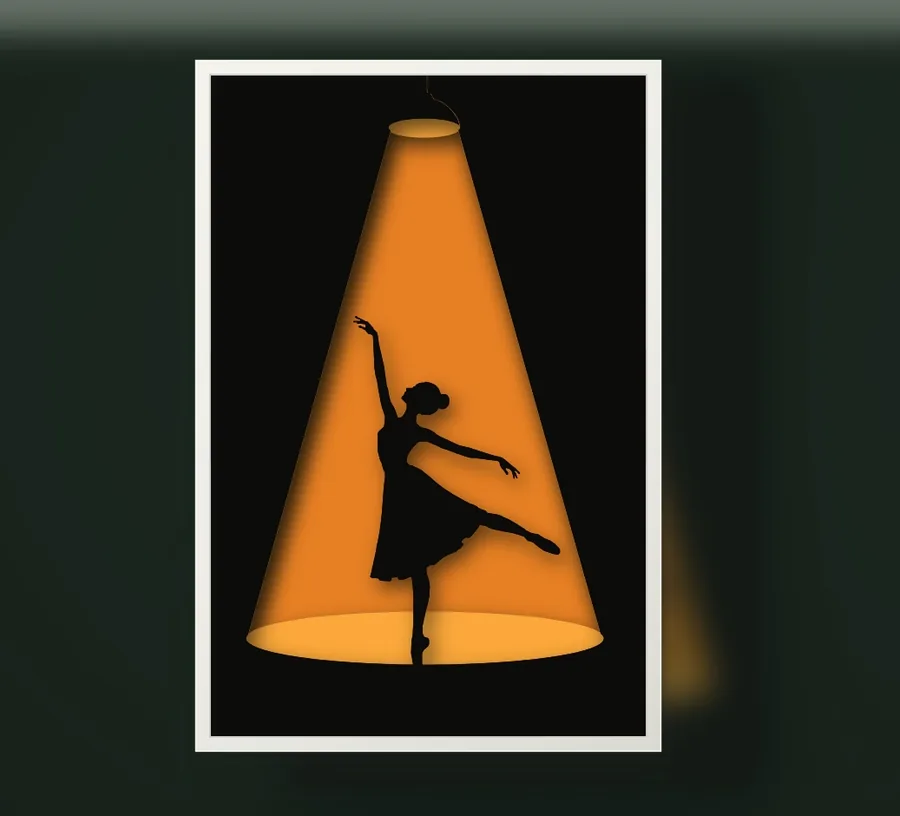 View & download
Ballerina silhouette layered SVG template
 View & download
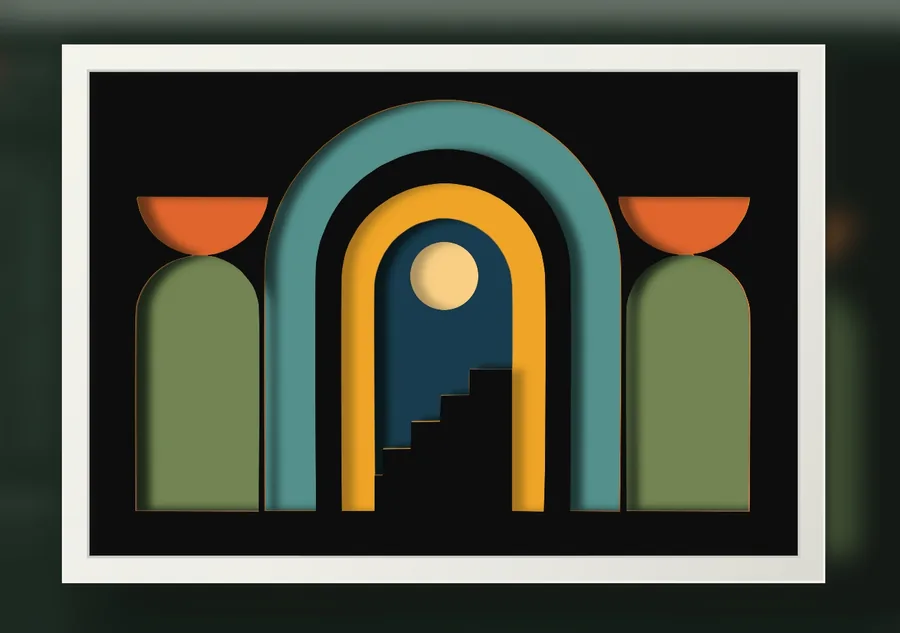
Geometric building layered SVG template
 View & download
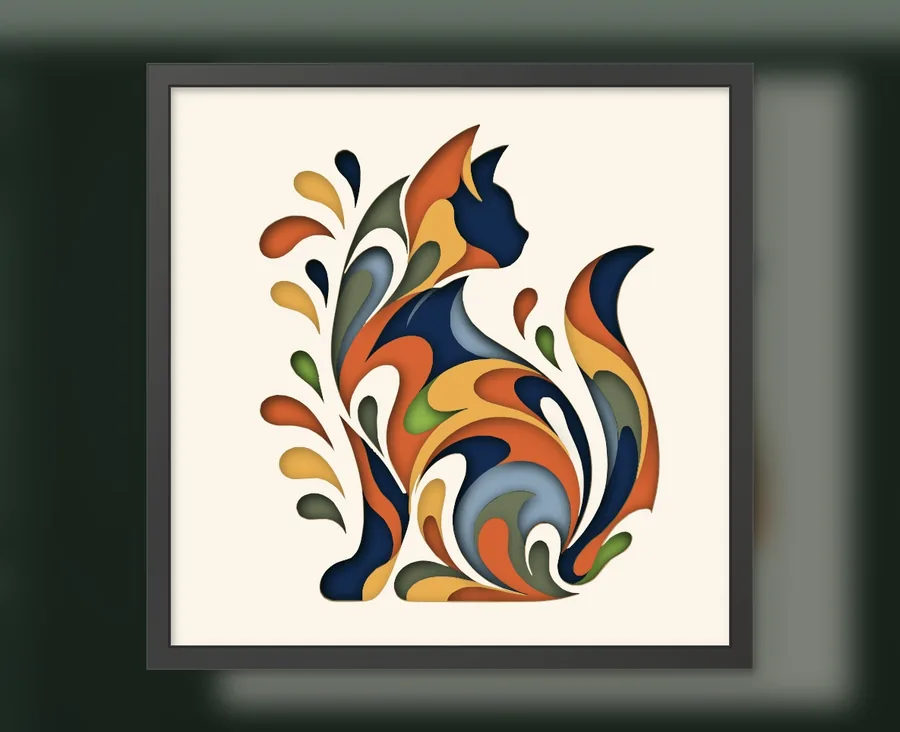
Swirl cat layered SVG template
 View & download
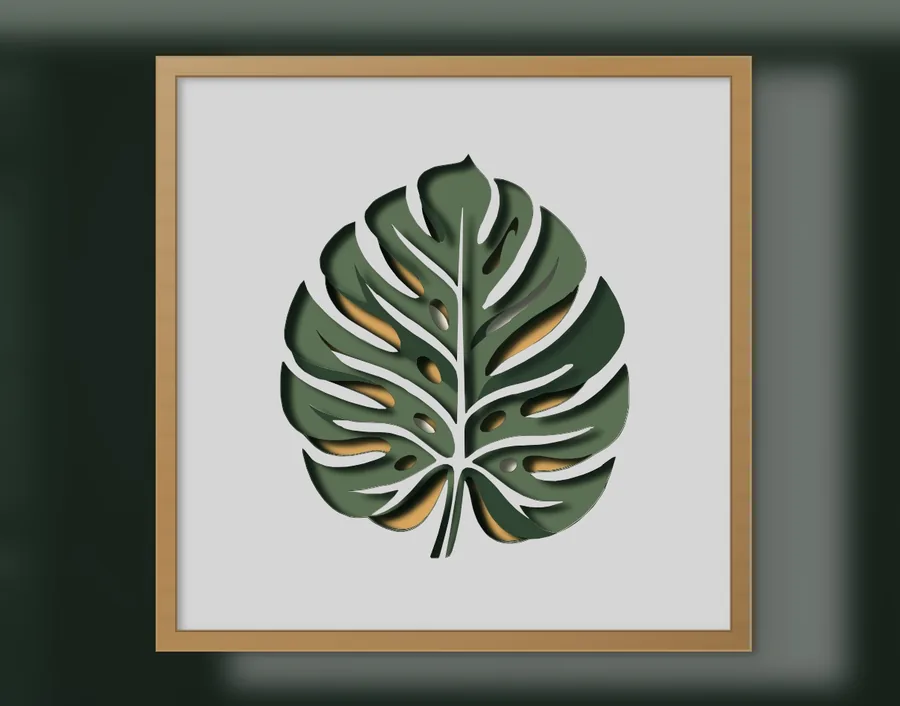
Monstera leaf layered SVG template
 View & download
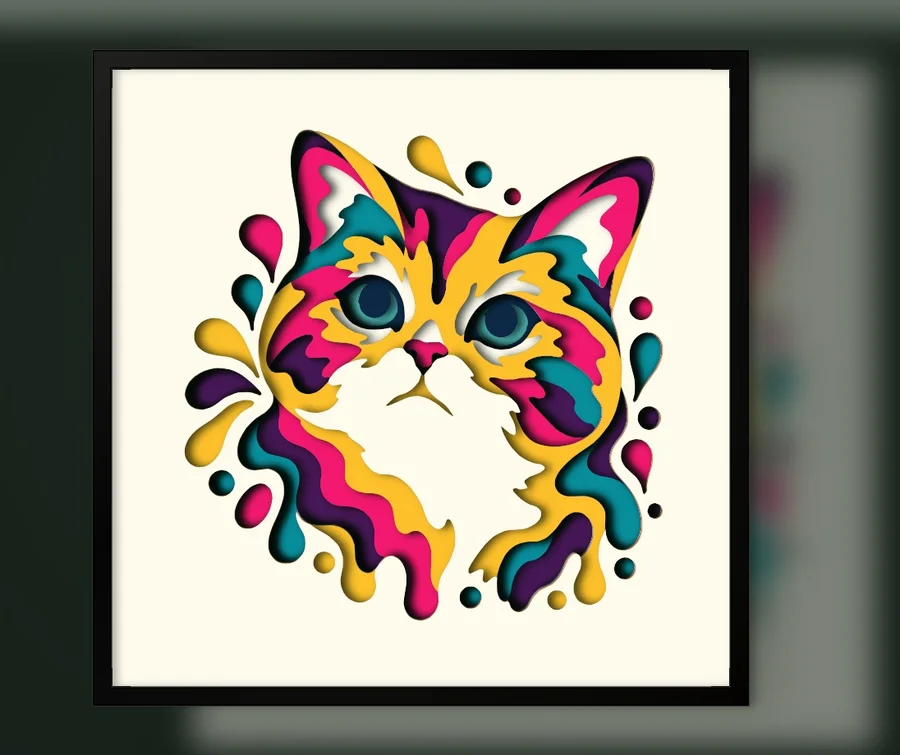
Color splash cat portrait layered SVG template
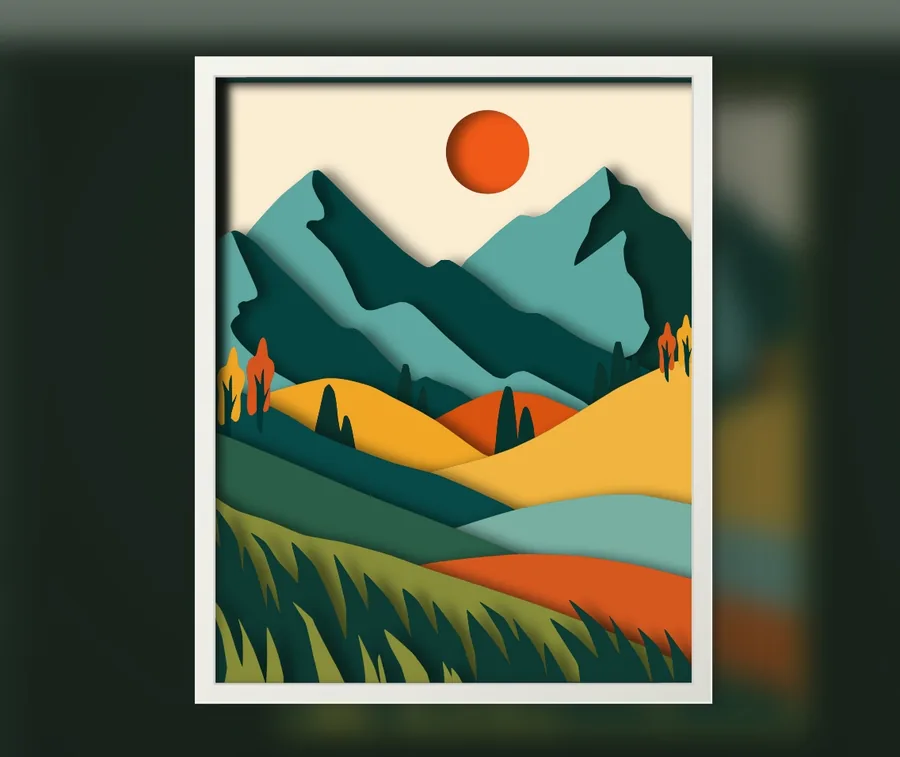 View & download
Mountain landscape layered SVG template
Gift frames
A floral lace frame, a wedding or anniversary frame and a graduation frame. Each leaves room in the middle for a photo, names or a message, which you can change in the editor.
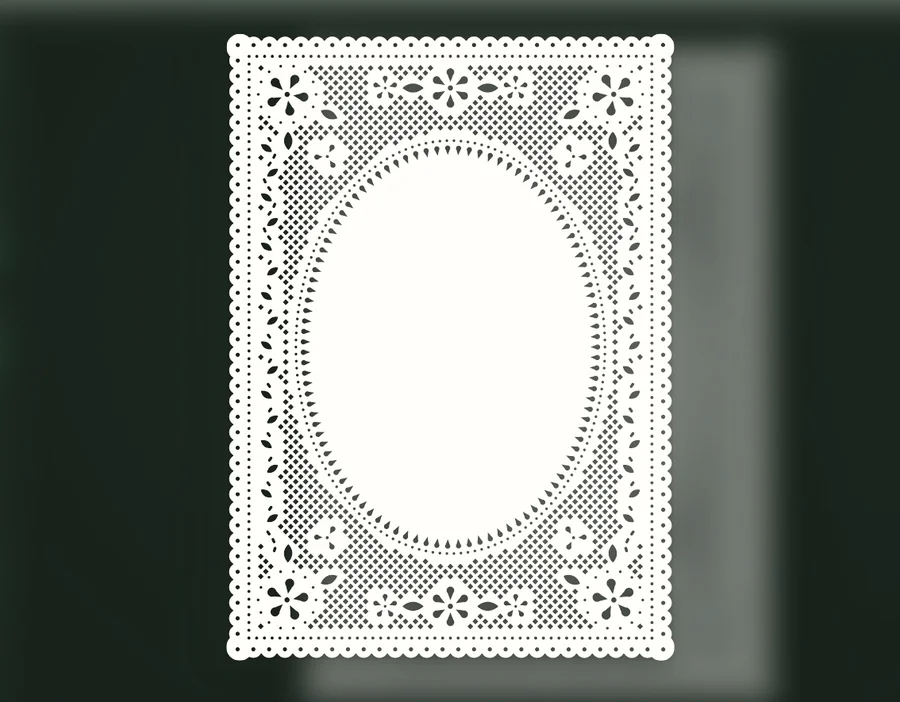
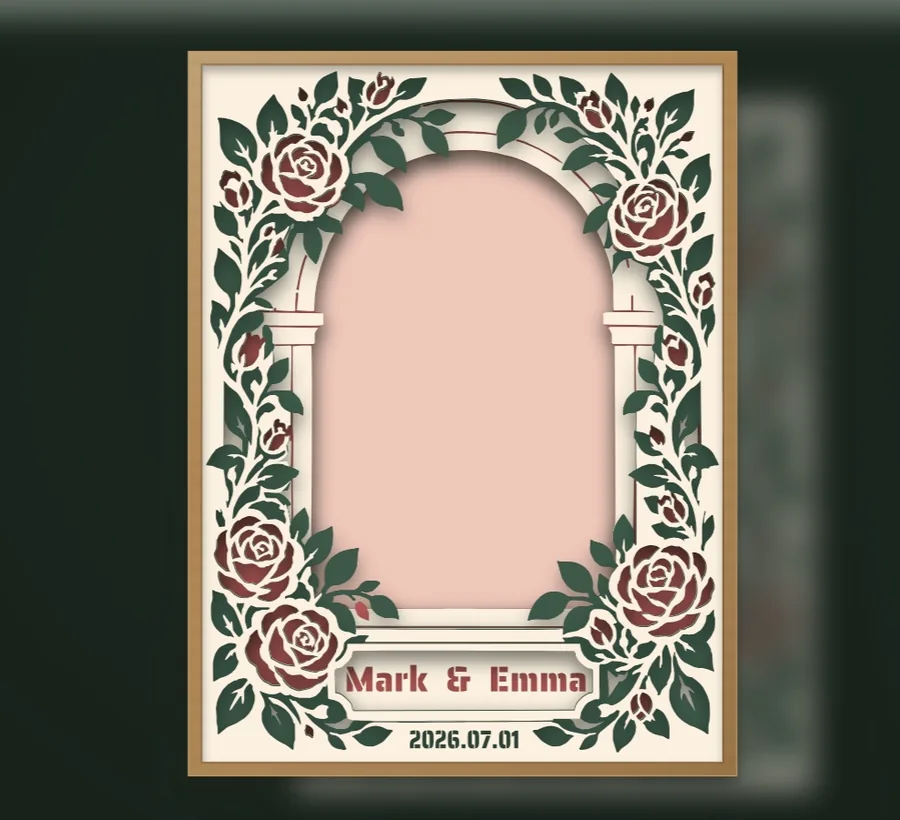
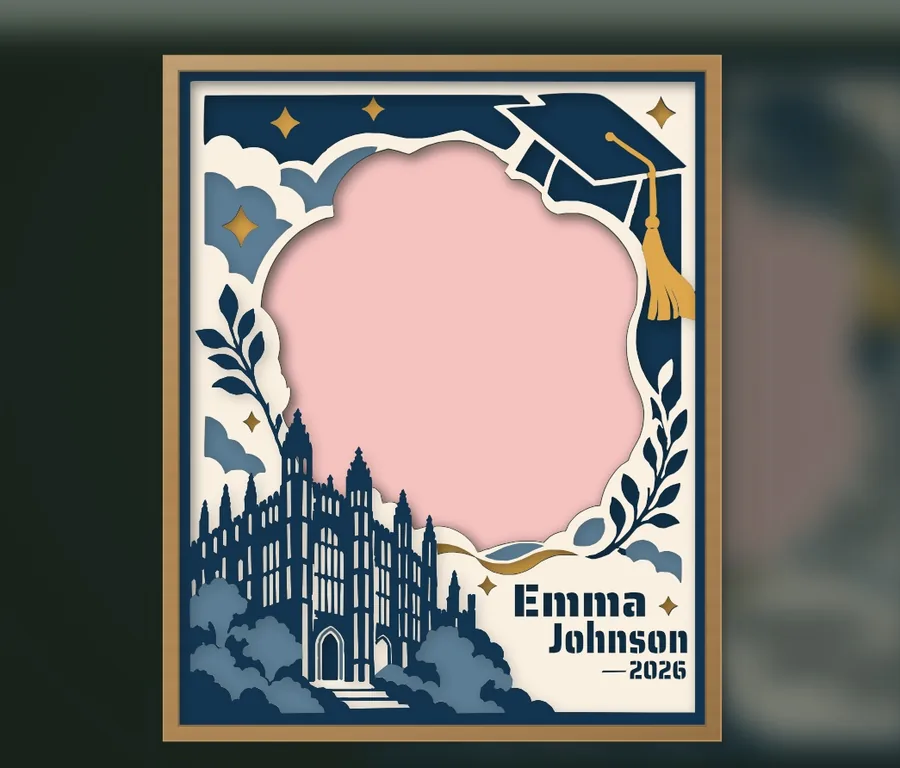
Halloween
Black cats in a window, in a jack-o'-lantern and on a witch's broom, a cat with a ghost shadow, a floral skull and two skeleton cats, from five to ten layers.
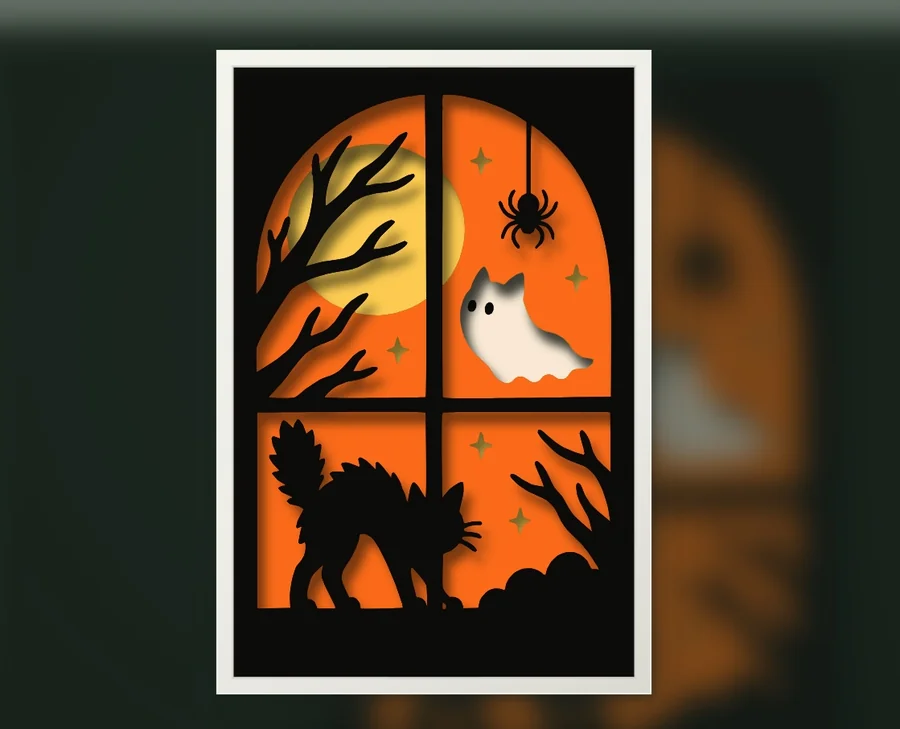 View & download
Black cat Halloween window layered SVG template
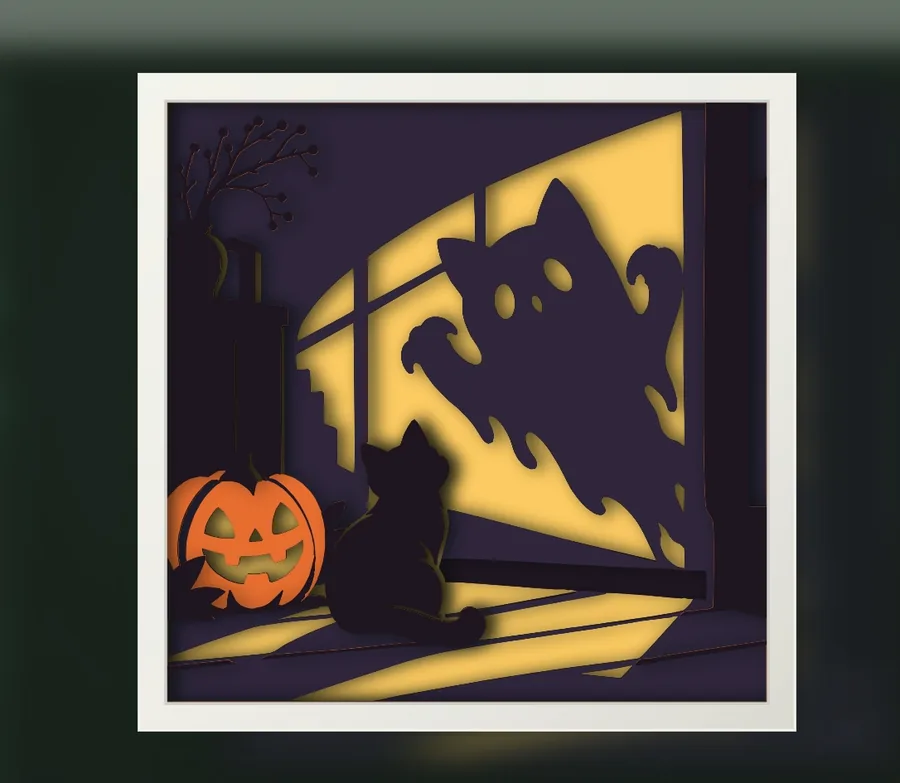 View & download
Black cat with a ghost shadow layered SVG template
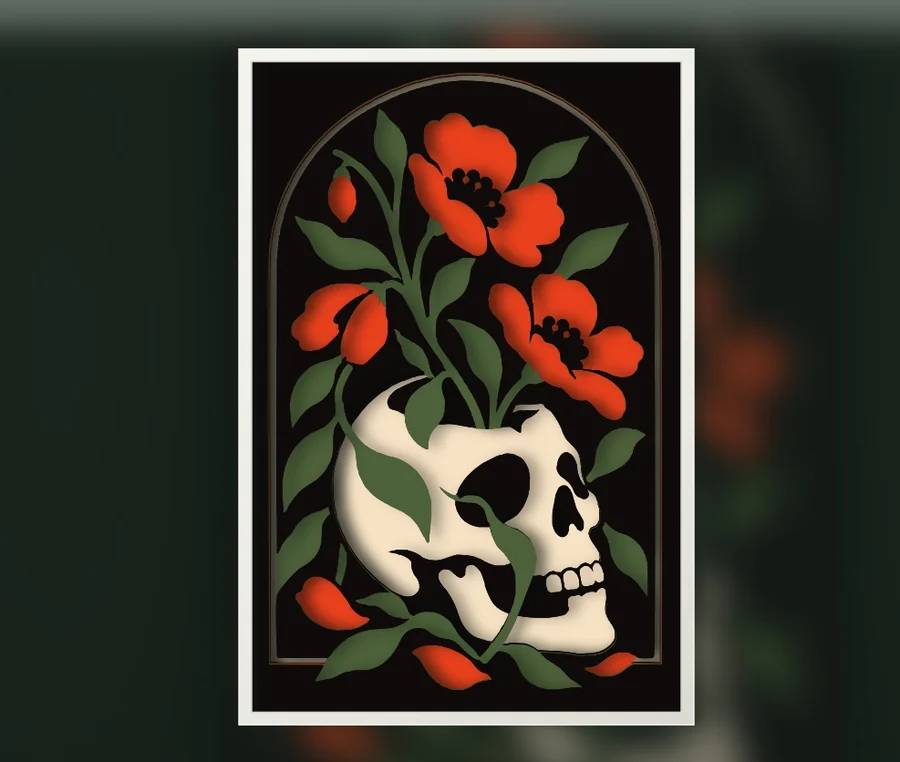 View & download
Floral skull layered SVG template
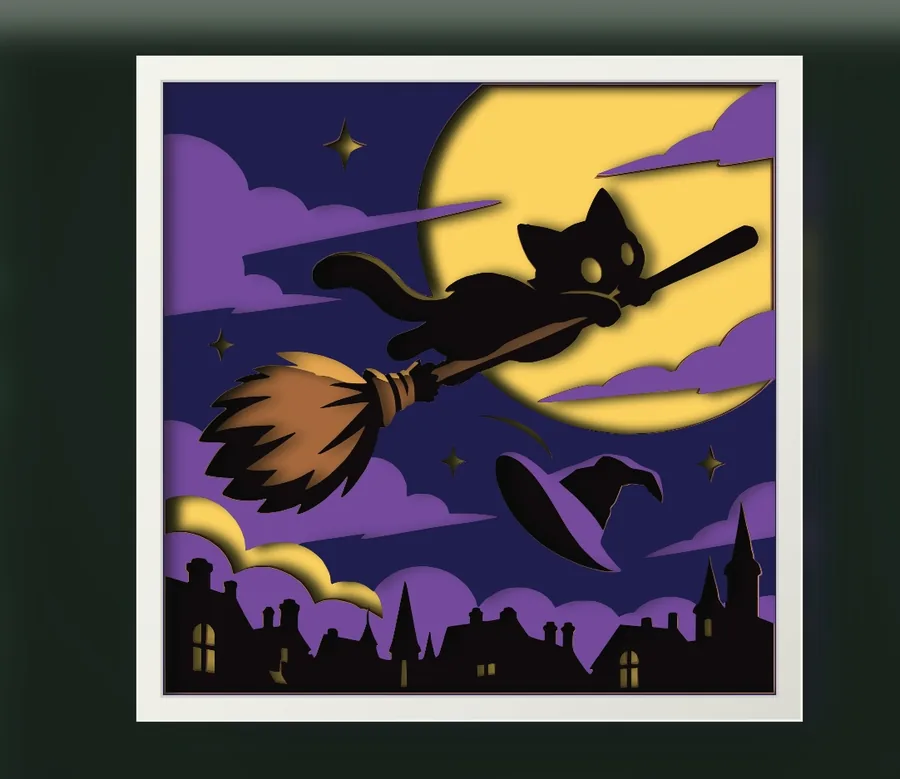 View & download
Black cat on a witch's broom layered SVG template
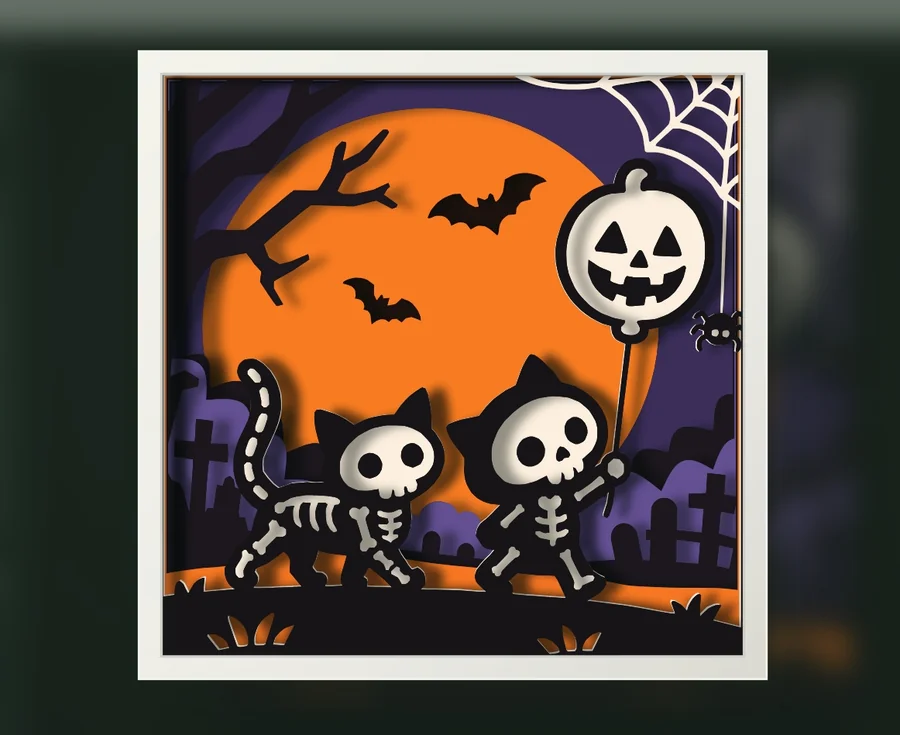 View & download
Skeleton cats Halloween shadow box template
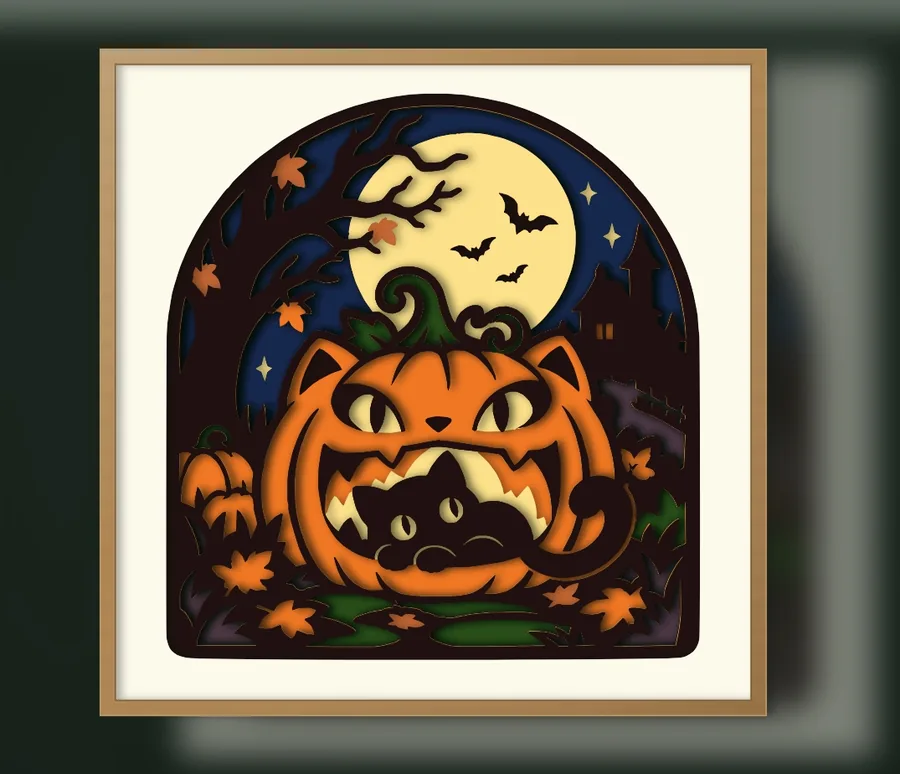 View & download
Black cat in a jack-o'-lantern layered SVG template
Christmas
A cat hidden in a Christmas tree, a gingerbread cat with a candy cane, Santa's sleigh over a snowy village, a poinsettia wreath, two bells tied with a bow and a fox asleep in a stocking, from six to twelve layers.
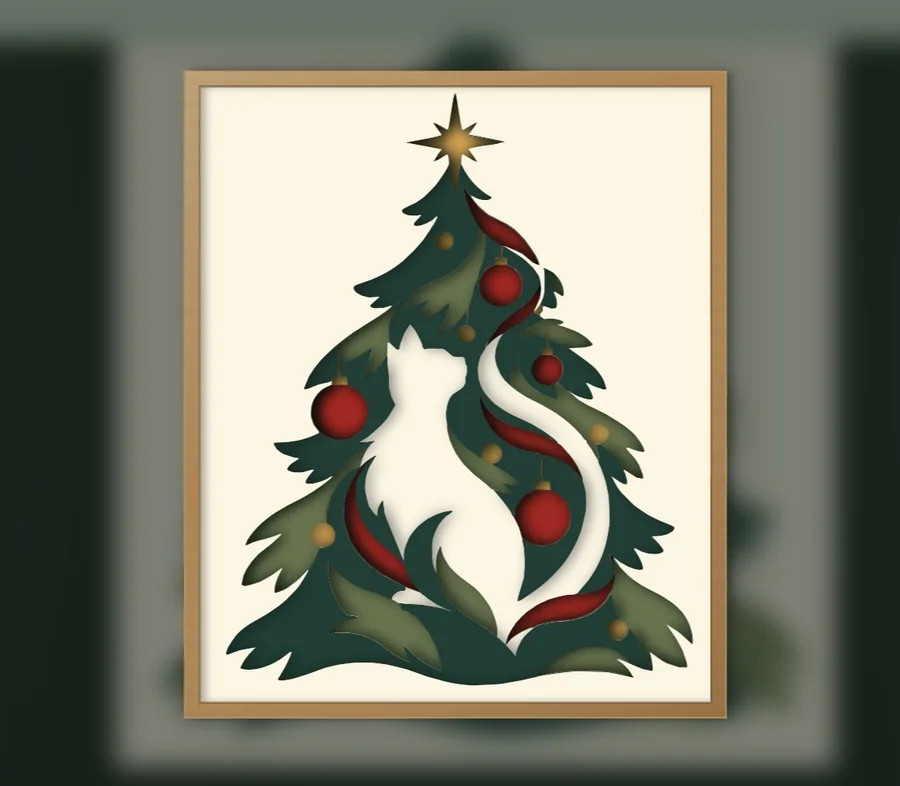 View & download
Christmas tree cat layered SVG template
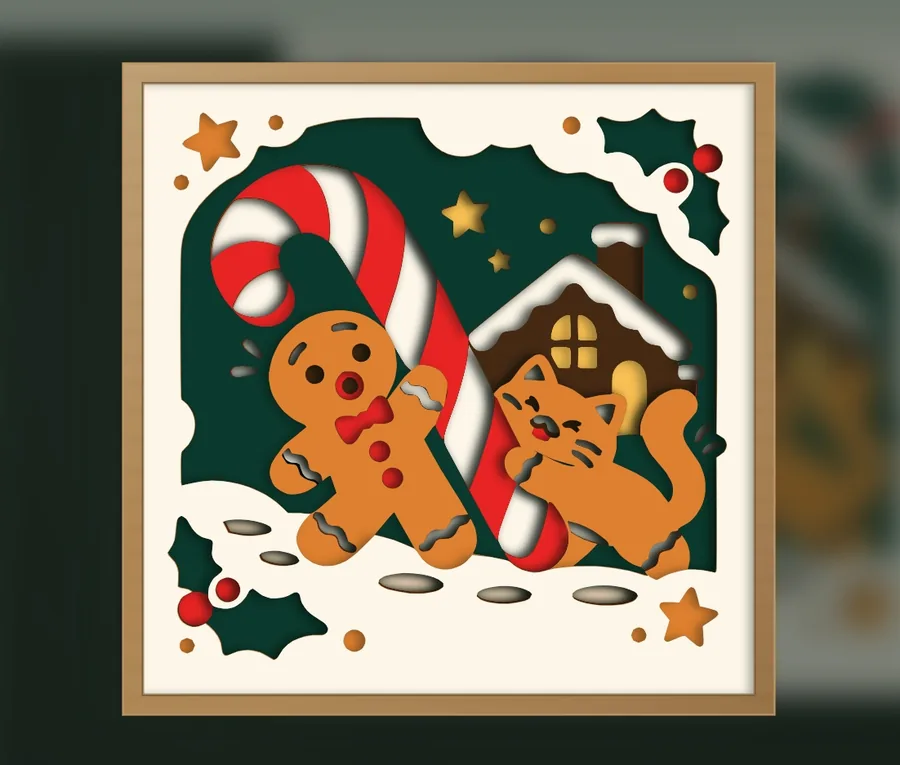 View & download
Gingerbread cat and gingerbread man layered SVG template
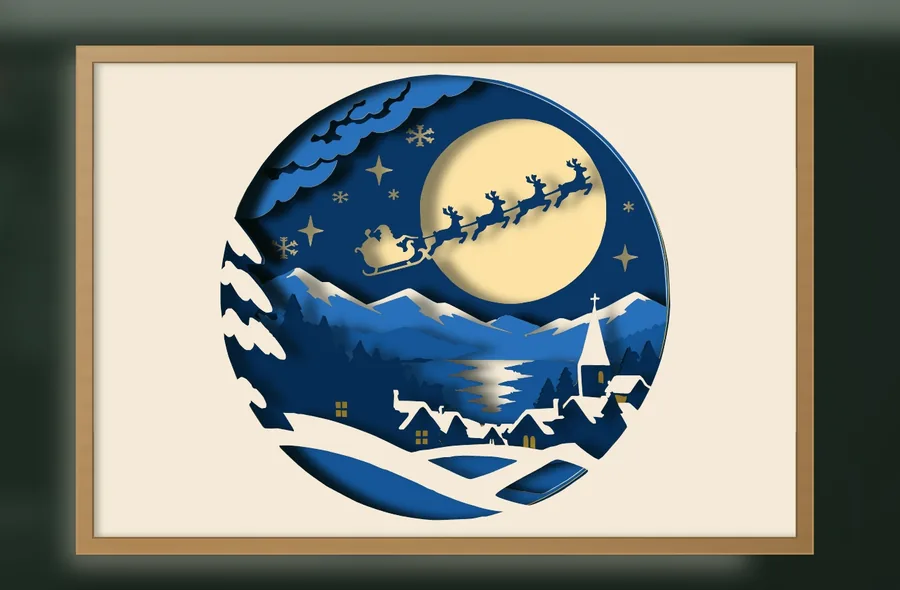 View & download
Santa sleigh Christmas Eve shadow box template
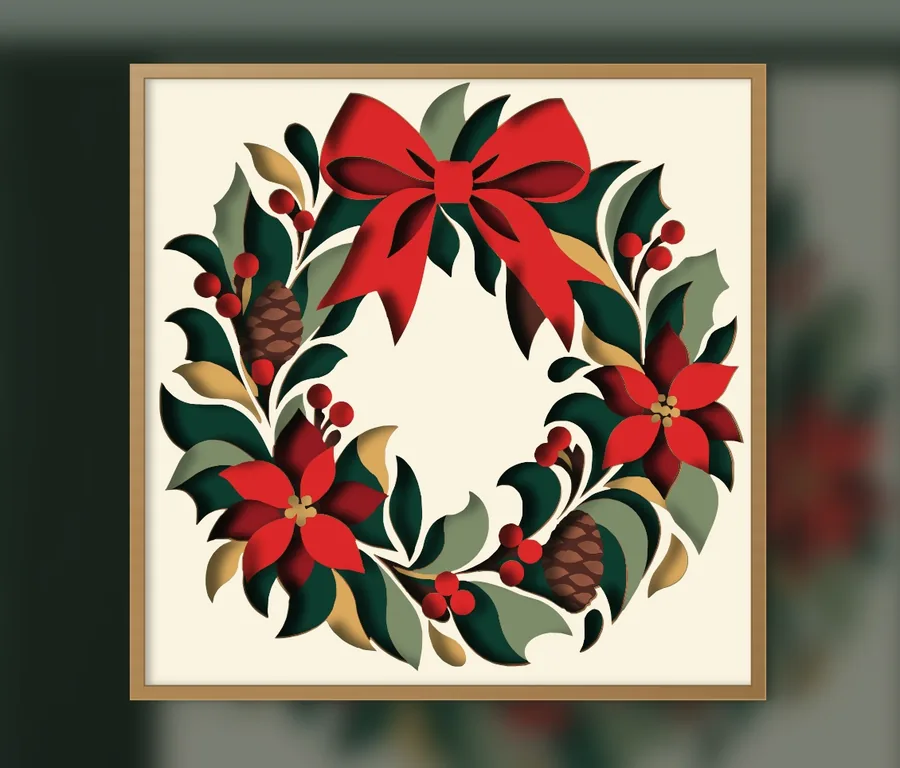 View & download
Christmas wreath layered SVG template
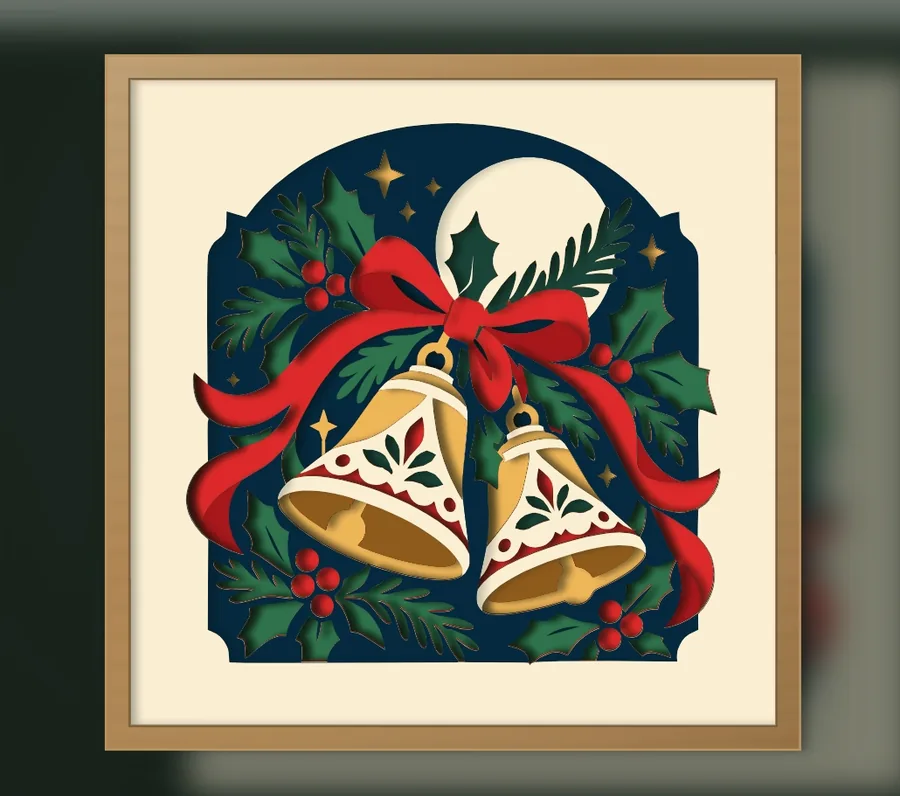 View & download
Christmas bells with holly layered SVG template
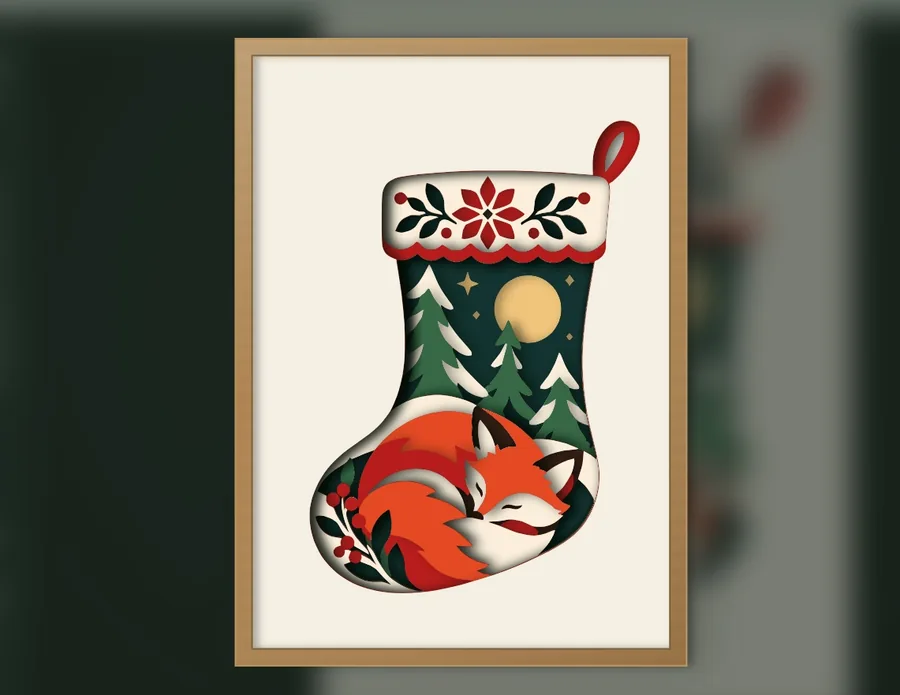 View & download
Sleeping fox Christmas stocking layered SVG template
Make the template your own
Import the multilayer SVG into the free editor. Rearrange layers, reshape paths, repair islands with bridges, add decals and check the stack in 3D. Payment applies only when you download your edited result.
How you can use them
Free for personal use. Pro members can also sell what they cut from our designs. Nobody may sell or share the files. See full license
Free papercut template questions
Where can I find free layered papercut SVG templates?
KerfPress has free layered papercut SVG templates for personal use, including Halloween and Christmas shadow boxes and gift frames. Each template is a separate download and needs a free account.
What do I need to make a layered papercut shadow box?
Cardstock in the colors listed on the template page, a cutting machine or a craft knife, glue, and something to hold the sheets apart, such as foam pads or a shadow box frame.
Are the KerfPress layered papercut SVG templates free?
Yes. The template ZIP files are free to download after signing in and carry a small @kerfpress mark. They do not use your free downloads. The version without the mark counts as one download each time you take it, including the same template again, and is unlimited with Pro. The marked version can be downloaded again as often as you like.
Can I use free layered papercut SVG templates with a Cricut or a laser cutter?
Yes. The machine-cut SVG files open in any cutting software that imports SVG, such as Cricut Design Space. Silhouette Studio needs Designer Edition or higher to open SVG files.
Can I cut layered papercut templates by hand without a cutting machine?
Yes. Every KerfPress template download includes an outline version of each layer, fine black lines on white. Print it at 100% / actual size and cut along the lines with a craft knife.
Can I edit a free shadow box SVG template?
Yes. Import its multilayer SVG into the free KerfPress editor to change paths, layers, colors, bridges and decals.
Can I sell free papercut SVG templates or things made from them?
With KerfPress Pro you can sell the paper pieces you cut from them. The files themselves are for your own use: you may not sell, share or re-upload them. See full license