Wedding anniversary shadow box frame layered SVG template
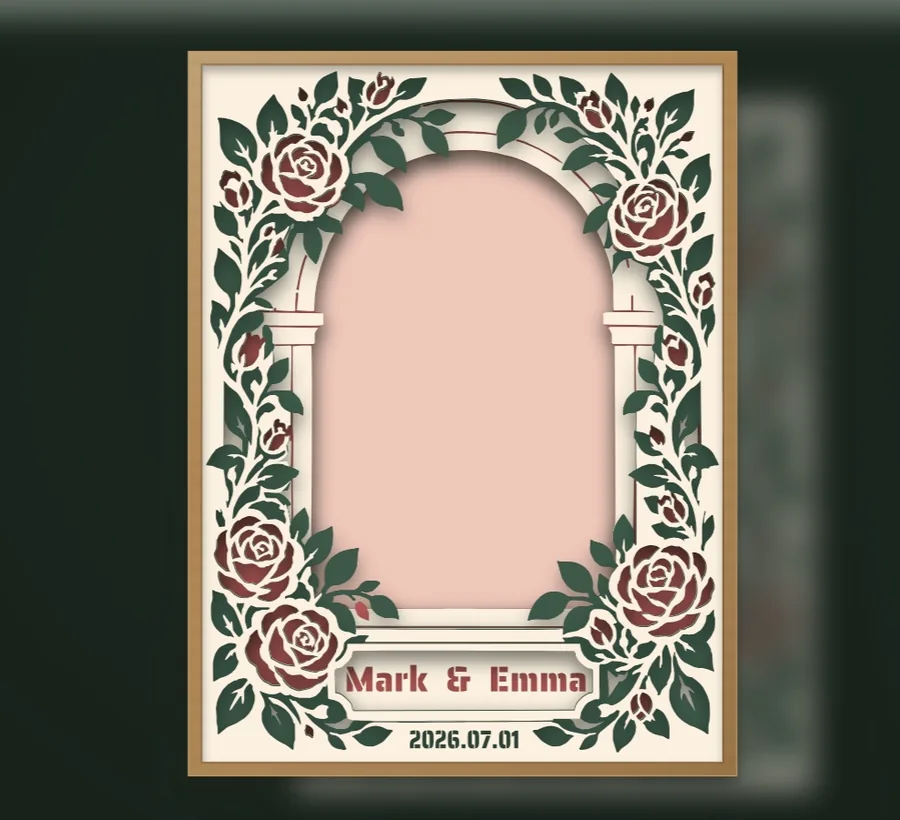
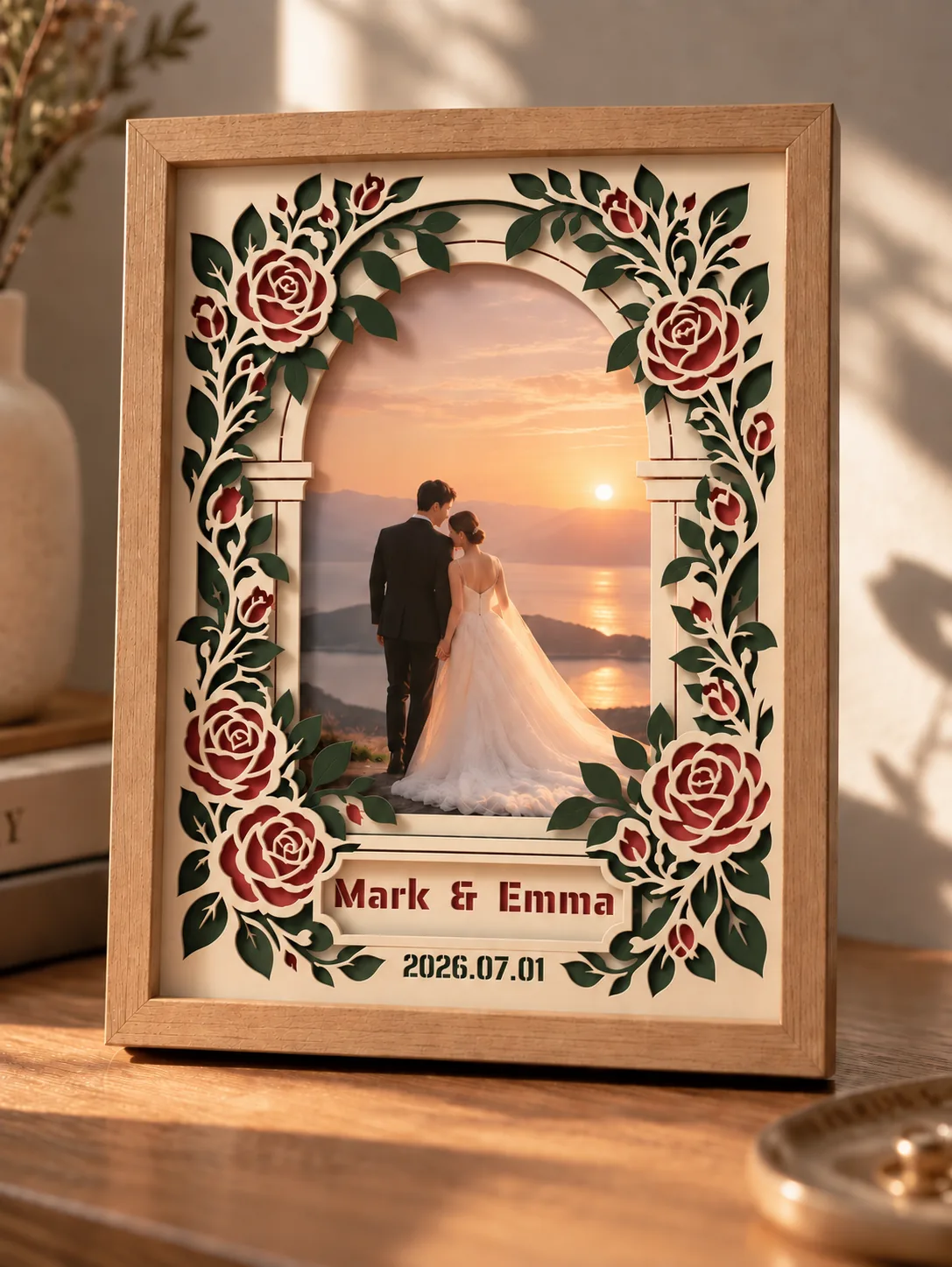
Red roses and green leaves climb around an arched window. The couple's names sit on a plaque under the arch, with the wedding date below.
Clean files.
Includes a small @kerfpress mark.
Template specifications
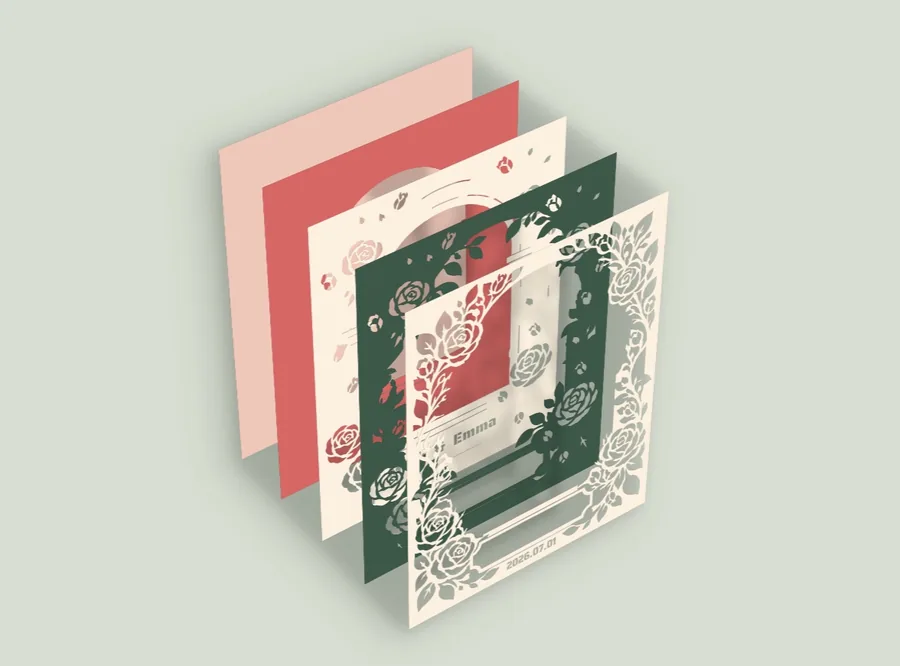
- Layers
- 5
- Finished size
- 200 × 266.667 mm
- Difficulty
- Hard
- Files
- Multilayer SVG, a machine-cut SVG and a printable outline SVG for each layer, and an assembly guide.
- Works with
- Cutting machines that import SVG, such as Cricut Design Space (Silhouette Studio needs Designer Edition), or a craft knife using the printable outlines.
Paper colors
Layer 1 is the back sheet.
Layer 1 blush · #f0c8baLayer 2 coral · #d66765Layer 3 cream · #fcf1e0Layer 4 dark green · #3d5849Layer 5 cream · #fcf1e0
Tips
You can place a photo between layer 1 and layer 2.
Put your own names and date on it
- Unzip the download and open
wedding-anniversary-frame-multilayer.svgin the free editor with Import SVG. - Select Layer 3 in the layer list, double-click the names on the canvas and type yours in the Text box on the right.
- Select Layer 5 and change the date the same way. Write it with dots, for example 2027.05.20.
- If longer names run past the plaque, drag a corner of the text inward, then move it back to the middle.
The template is free as downloaded. Downloading your edited version counts as one download. For more on editing text, see how to change text in a layered SVG.
Need it to fit a different frame? See how to resize a layered SVG to fit your frame.
Edit this template
Change paths, colors, layers and bridges in the free editor.
Want one made from your own photo? Here's how.
How you can use it
Free for personal use. Pro members can also sell what they cut from it. Nobody may sell or share the files. See full license
 Graduation gift shadow box frame
 Floral paper lace frame
 Black cat Halloween window
 Black cat with a ghost shadow