How it works
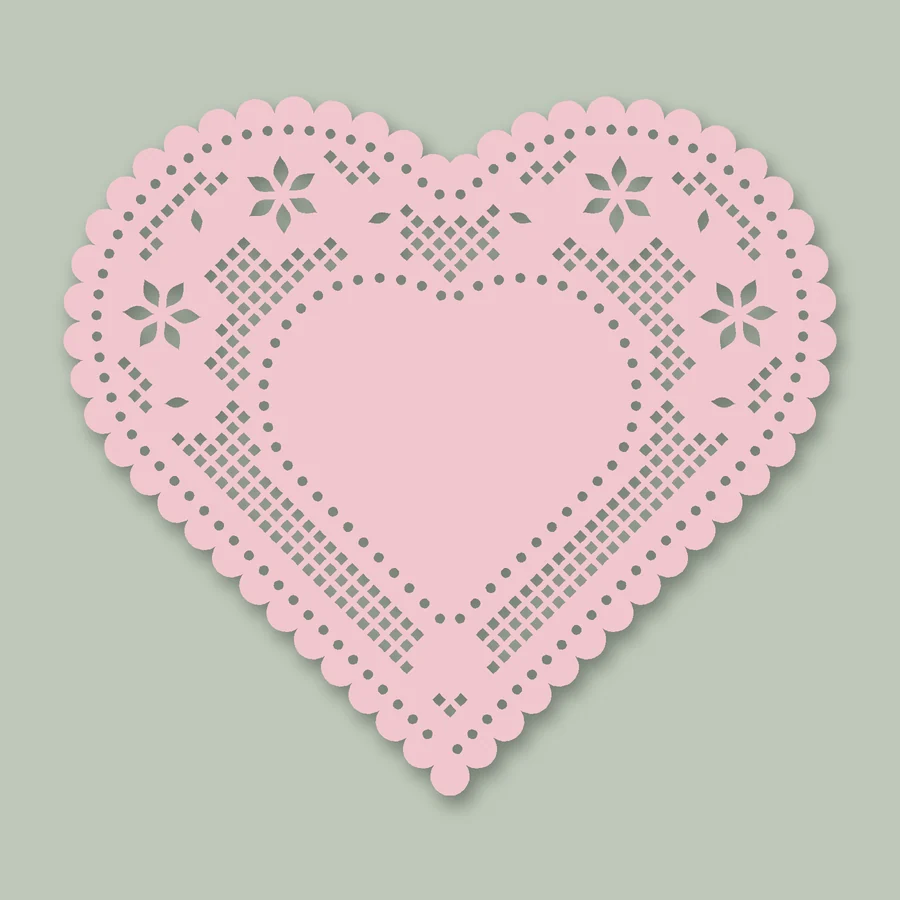
- Choose the paper. Set the size, the shape (rectangle, circle, oval or heart) and whether the edge is scalloped.
- Set up the lace. Keep a solid panel in the middle or cut it out, pick the flower styles you like, and choose a blade cutter or a laser.
- Pick a variation and download. Six variations come from the same settings. Click one to see it large, press Shuffle for six more, then download SVG.zip or PNG.zip.
What you can make
What you download
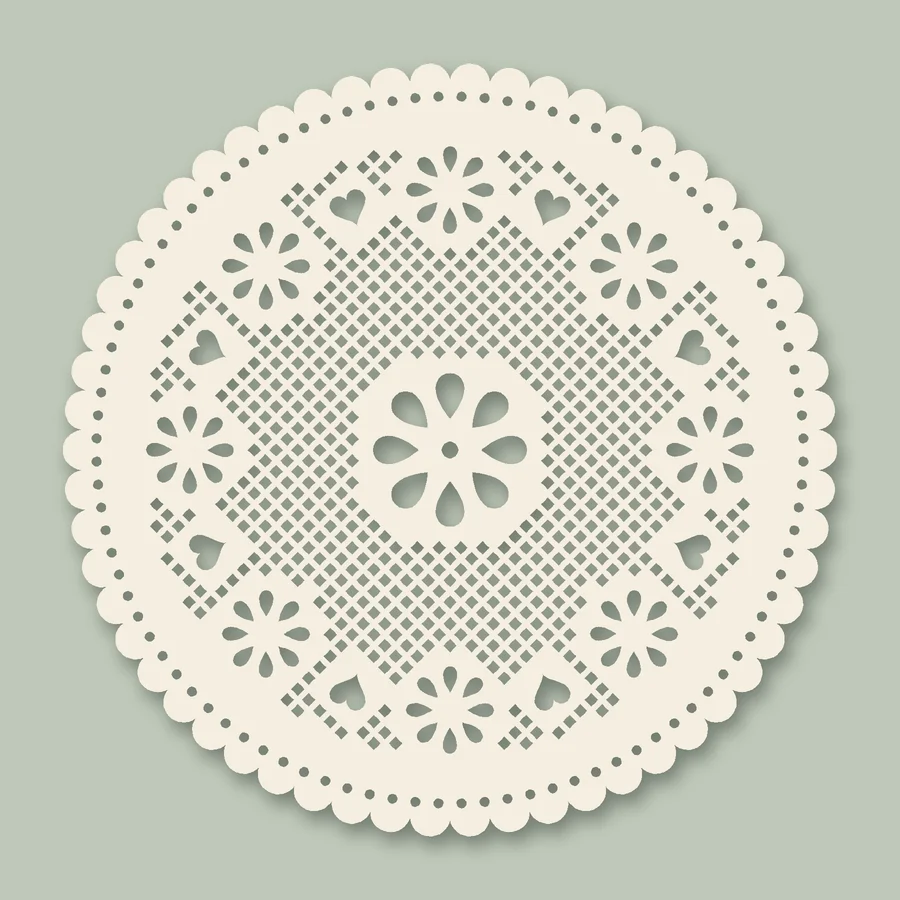
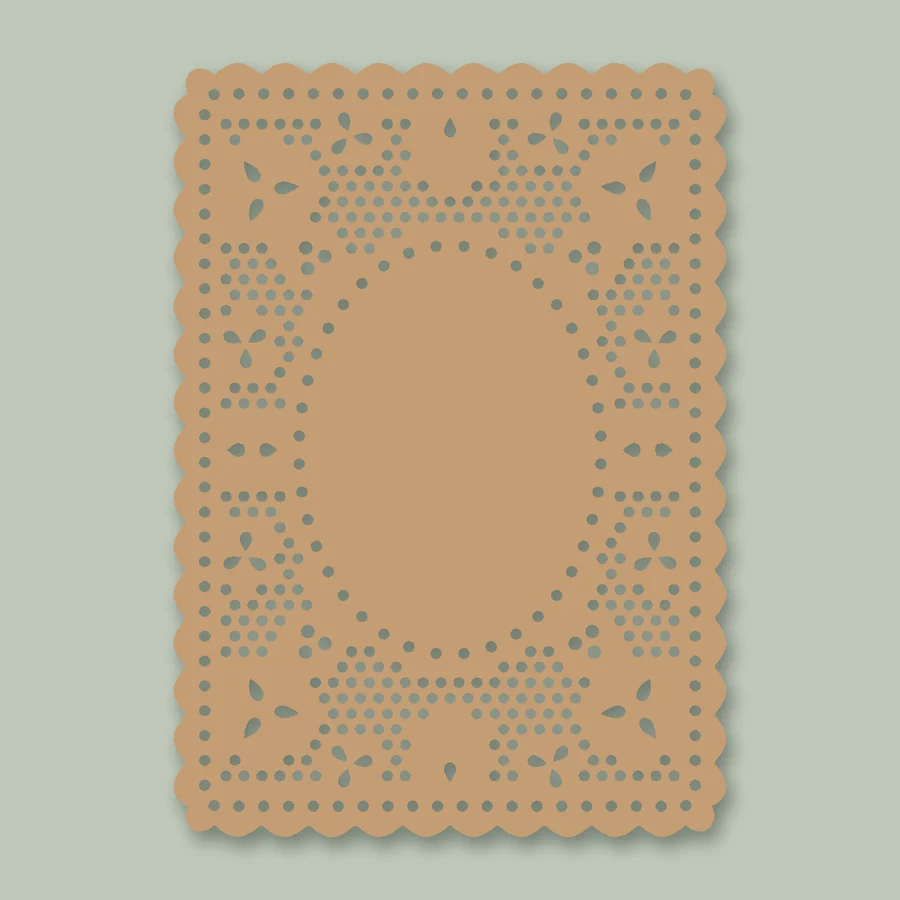
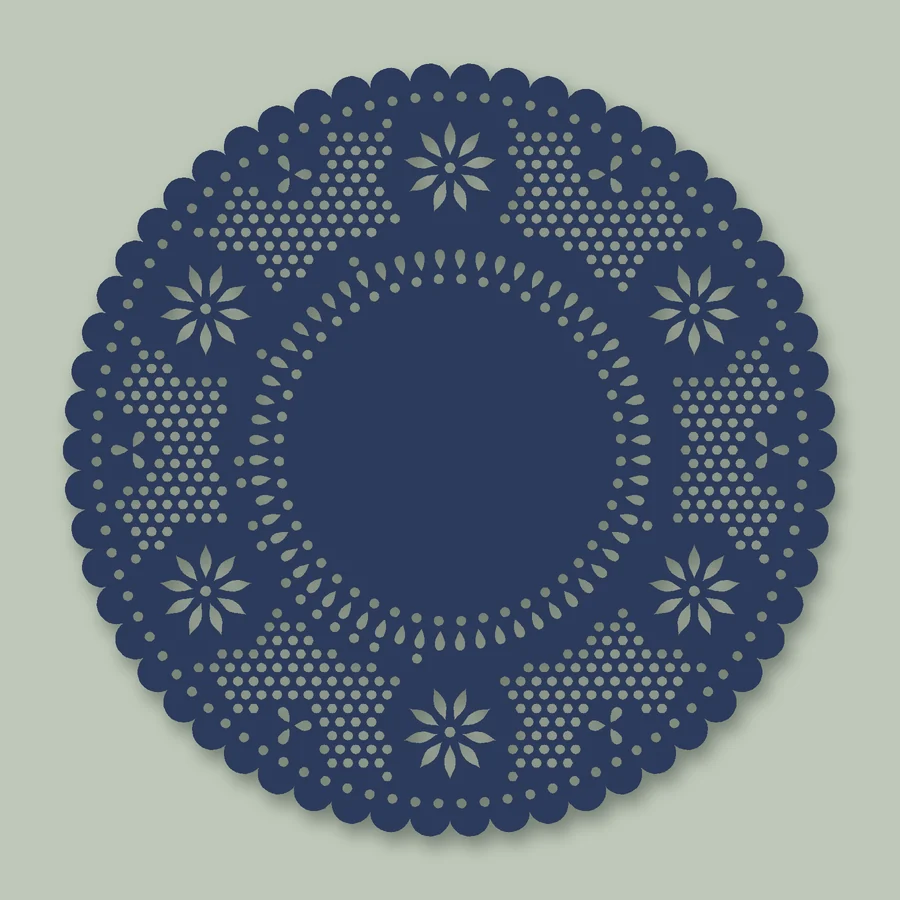
SVG.zip holds two files: a cut file, one black shape with every hole in it, and an outline of the same lines for printing and cutting by hand. Both open at their real size in millimeters.
PNG.zip holds the lace in the paper color you chose and the outline, both at 300 dpi on a transparent background.
Lace that holds together
Lace is mostly holes, so the paper between them has to be strong enough to cut. Before you download, the generator shows the narrowest strip of paper, the smallest hole and the number of loose pieces, which is always zero: every hole is its own cut and never touches another.
Blade cutters start at 1.5 mm for the narrowest paper and 2.5 mm for the smallest hole. Lasers start at 0.8 mm and 1.2 mm. Your paper and blade may need more, so cut a small piece first and raise the numbers if it tears.
Questions
Do I need a printer?
No. The pattern is made of holes, so the cutter does all the work. Any colored cardstock or pearl paper shows the lace.
Does it work with Cricut, Silhouette and lasers?
Yes. The SVG is sized in millimeters and opens in Cricut Design Space and in laser software. Silhouette Studio Basic Edition cannot open SVG files, so use the PNG from PNG.zip there and trace it.
Can I write on it or add a photo?
Yes. Leave the center panel as solid paper and it stays blank for a name, a date or a photo. Turn on Cut out the panel to make a frame instead.
Can I sell what I make?
With a Pro subscription you can sell paper items you cut from your lace, such as cards, invitations and packaging. On the free plan and single downloads, lace is for personal use. Nobody may sell or share the SVG or PNG files themselves. See the full license.
Is it free?
Designing is free and needs no account. Each download, SVG.zip or PNG.zip, uses your free allowance, a single download or a subscription. See Pricing.