Color block
Turn any photo into a few big shapes of flat color, then cut it as a layered papercut. Landscapes, people and pets all work, background included.
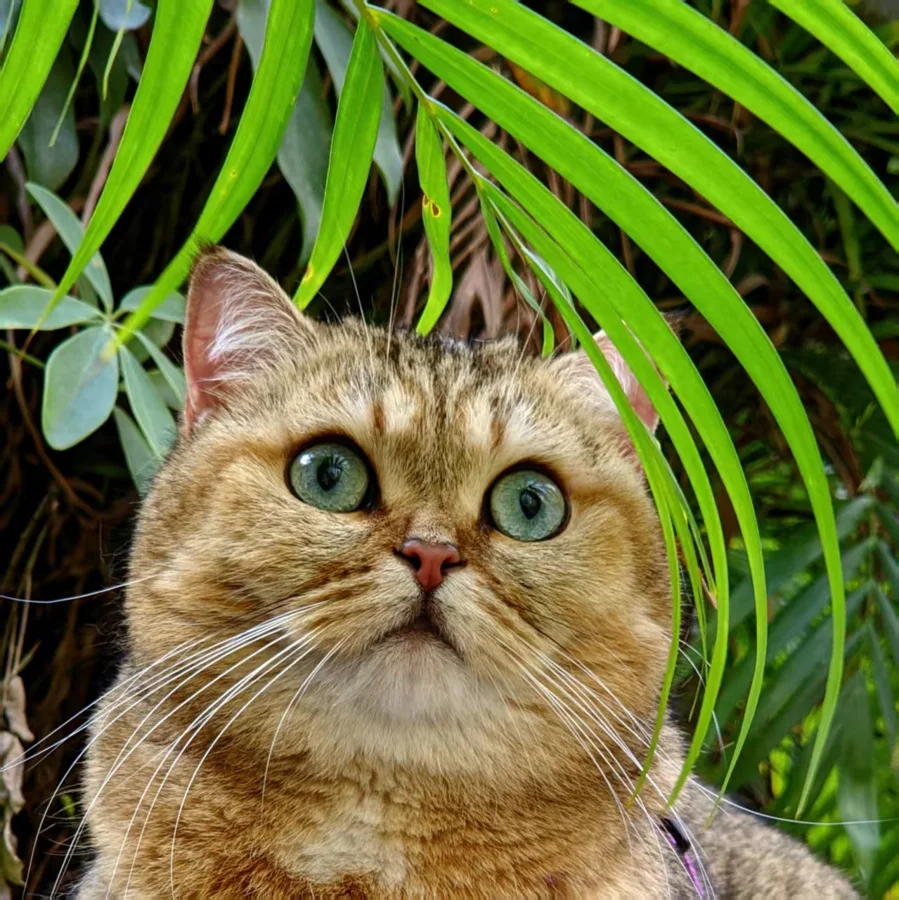
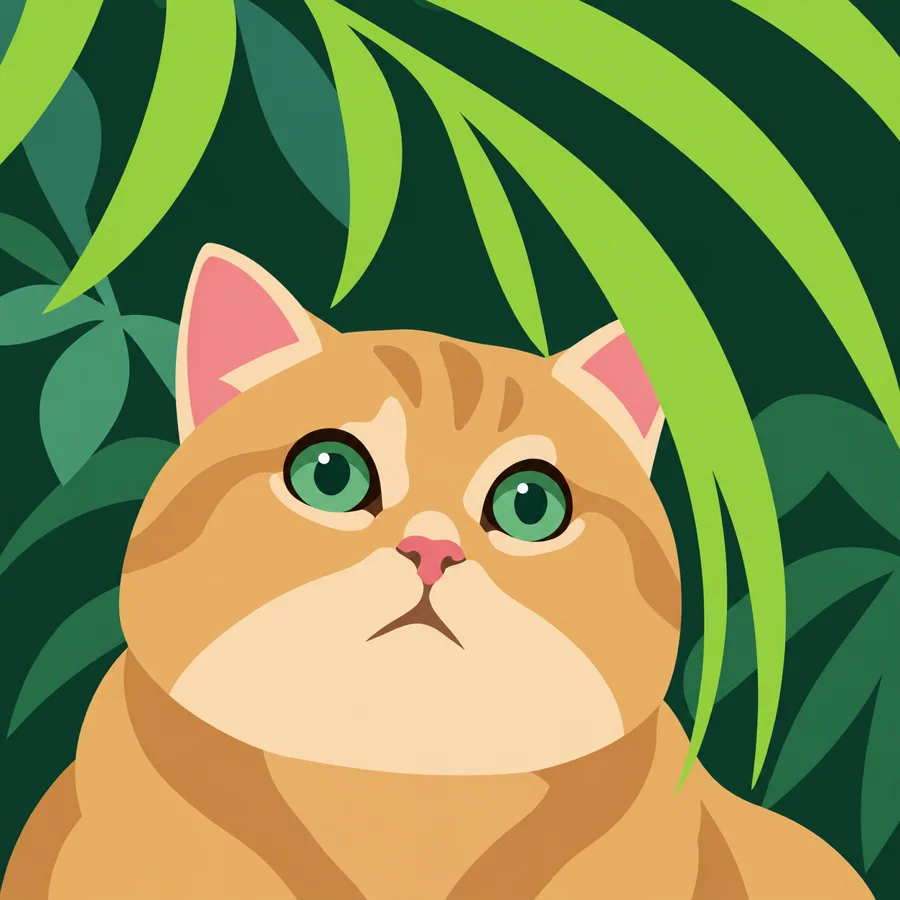
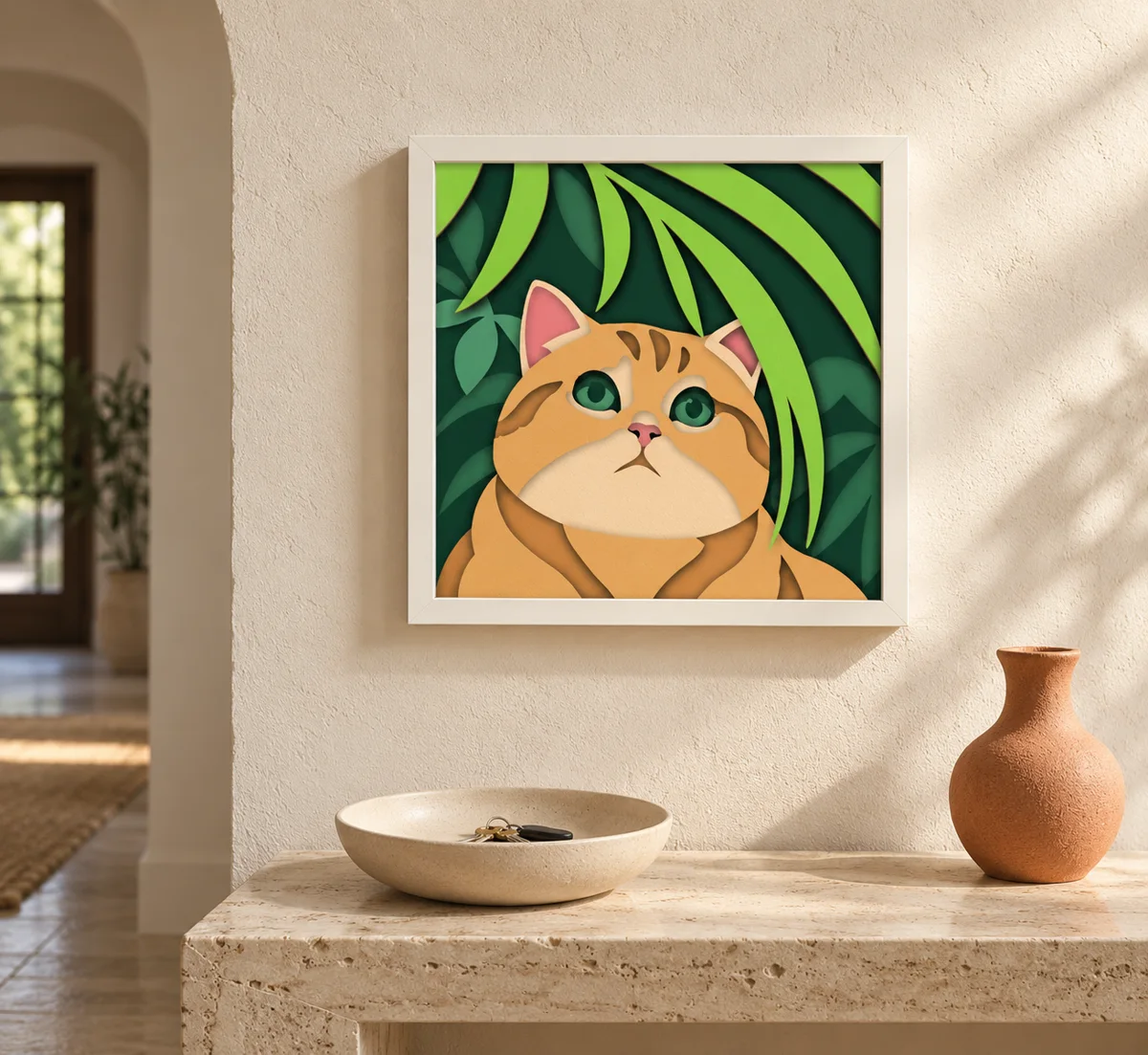
- Best for
- Whole scenes: landscapes, people, pets
- Sheets
- Depends on the picture, 9 in the example
- Finished size
- Your choice
- Needs
- An AI that makes images, and a few minutes in the editor
Pick a photo
- A clear main subject and a simple composition
- Big areas you can still recognize from across the room: sky, mountains, a body, a wall
- Good light, with no deep shadows hiding the shapes
- Avoid crowds and scenes full of small objects. Each one becomes more paper
Turn it into the style
Use ChatGPT, Gemini or any other AI that can make images.
Prompt + your photo
- Copy the prompt
- Attach your photo
- Paste the prompt and send
Redesign the attached photo as a bold, minimal color-block illustration made from a few large pieces of colored paper, suitable for layered papercut art.
Preserve the original aspect ratio, framing, main subject, pose, viewpoint, and overall composition. Do not crop, zoom, extend, or reframe.
Keep the subject recognizable through its silhouette and a few essential features. For people, preserve the distinctive face shape, hairstyle, expression, and key facial features while simplifying them into bold shapes.
Simplify the entire scene into large, smooth shapes. Merge similar neighboring regions and delete small details. Represent foliage, fur, clothing, and other textures as broad solid masses. Keep essential shapes wide and sturdy enough to cut from paper.
Use 6–8 distinct flat colors for the entire image, with a maximum of 8. Every visible area must reuse this palette. Choose a balanced palette inspired by the photo, with clear contrast between adjacent major regions. Add a color only to distinguish an essential feature or major visual mass, never for shading or small details.
Each shape must have one uniform solid fill. No gradients, shading, texture, outlines, or polygon fragmentation.
Prioritize large color blocks over detail. Avoid tiny isolated pieces, narrow slivers, and fine lines. If a shape is not essential to recognition or composition, remove it.
Output one final image, without text or watermark.
Generate the layers
Drop the new picture into the generator and start with the default settings. Every picture is different in this style, so there are no fixed settings. If it gives you more sheets than you want, lower the number of colors and generate again.
The colors come from your photo, so each picture has its own set of cardstock. You can swap any layer's color in the editor before you cut.
Clean it up in the editor
Pictures in this style usually need a few minutes of cleanup before they cut well. The example came out of the generator at 11 sheets; after a cleanup it was 9.
- Remove noisy little shapes. Specks and ragged bits along the edges are hard to cut and add nothing you can see from a distance.
- Reduce the anchor points. Fewer points cut more smoothly. Try Merge close points on busy outlines.
- Merge or delete sheets that add little. A sheet that only shows a sliver is often not worth cutting.
Open the free editor and import the multilayer SVG from the generator.
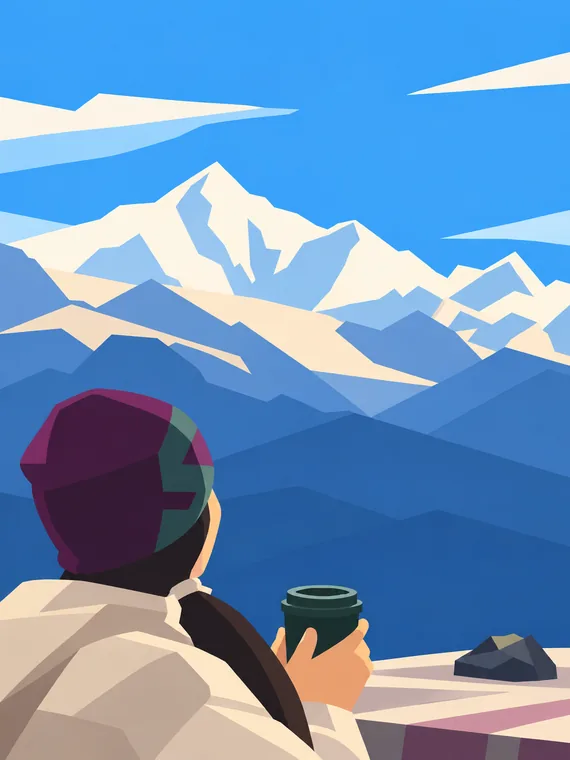
Made in this style
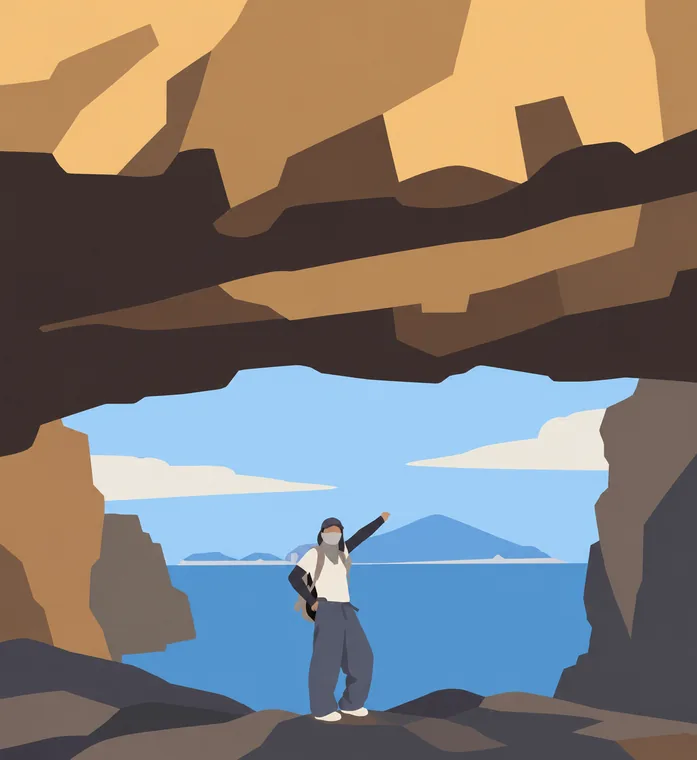
If it doesn't come out right
The picture depends a lot on the AI you use. The same prompt can come out quite differently in different tools, or even twice in the same one, so it is worth asking again or trying another tool.
- Too many sheets
- Lower the number of colors in the generator, or merge sheets that add little in the editor.
- Specks and jagged edges
- Delete the small shapes in the editor, or ask the AI for fewer, larger and smoother shapes.
- Two areas I wanted apart ended up on one sheet
- Their colors were too close. Ask the AI for more contrast between them, or raise the number of colors.
- It doesn't look like the photo
- Use a photo with a clear subject, and ask again. Simpler pictures lose less in the redraw.