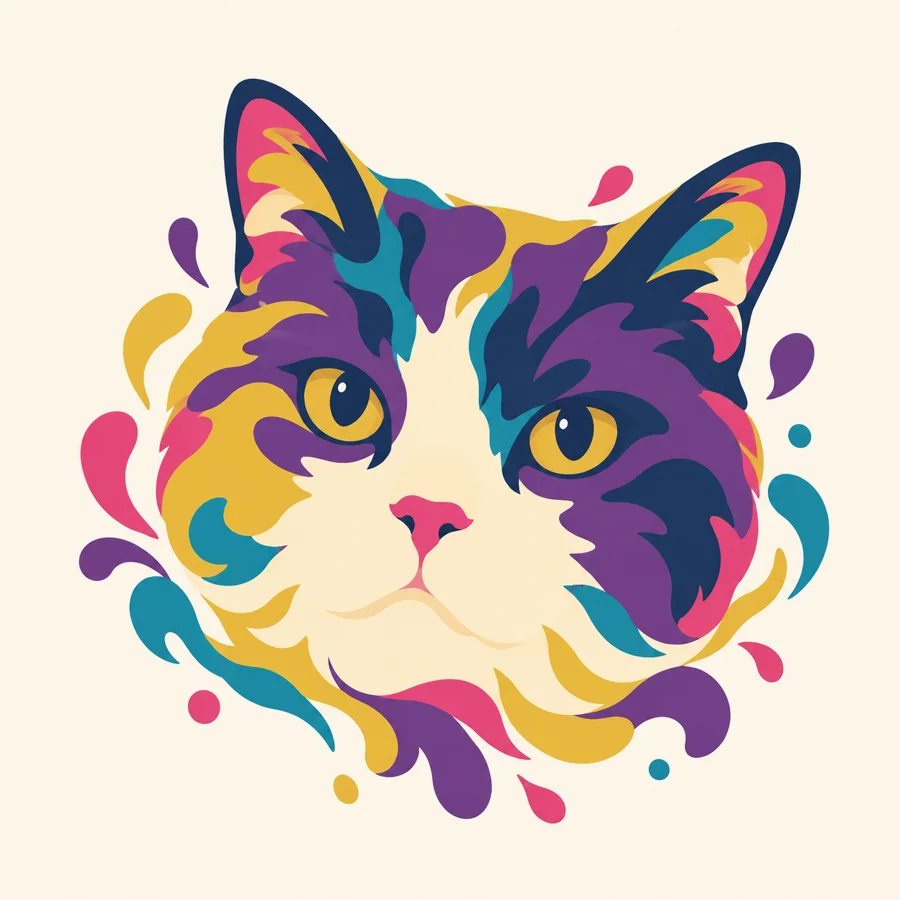
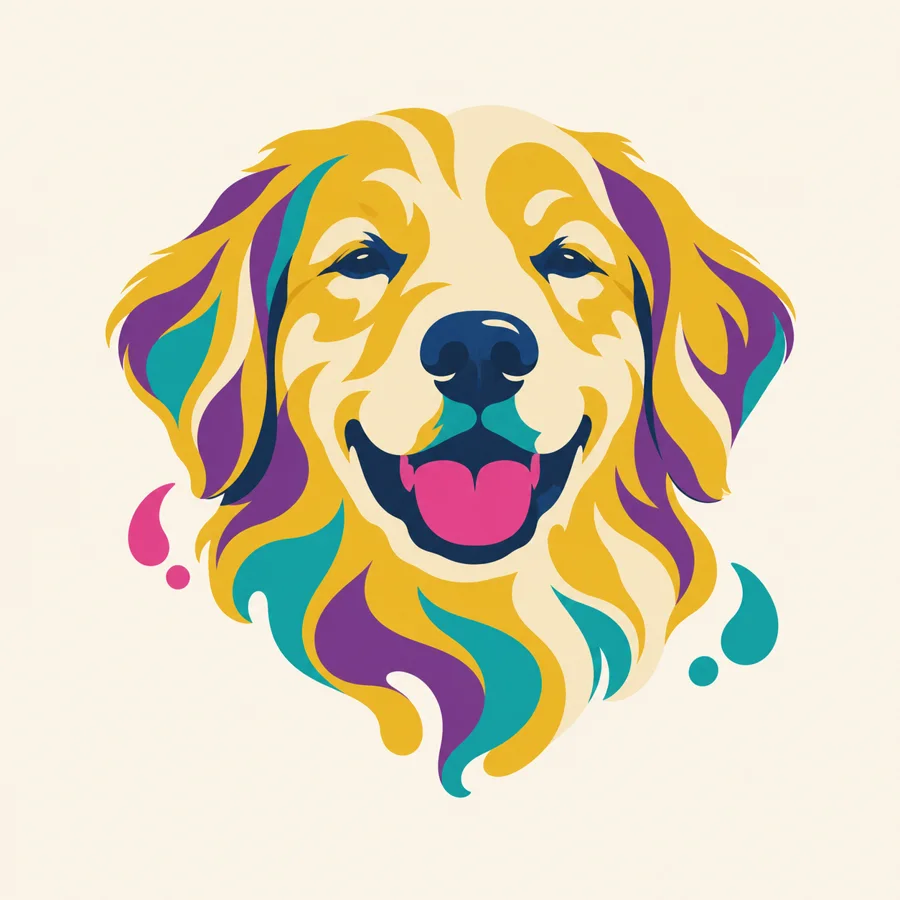
Turn your cat or dog into a portrait of poured color, then cut it as a layered SVG shadow box.
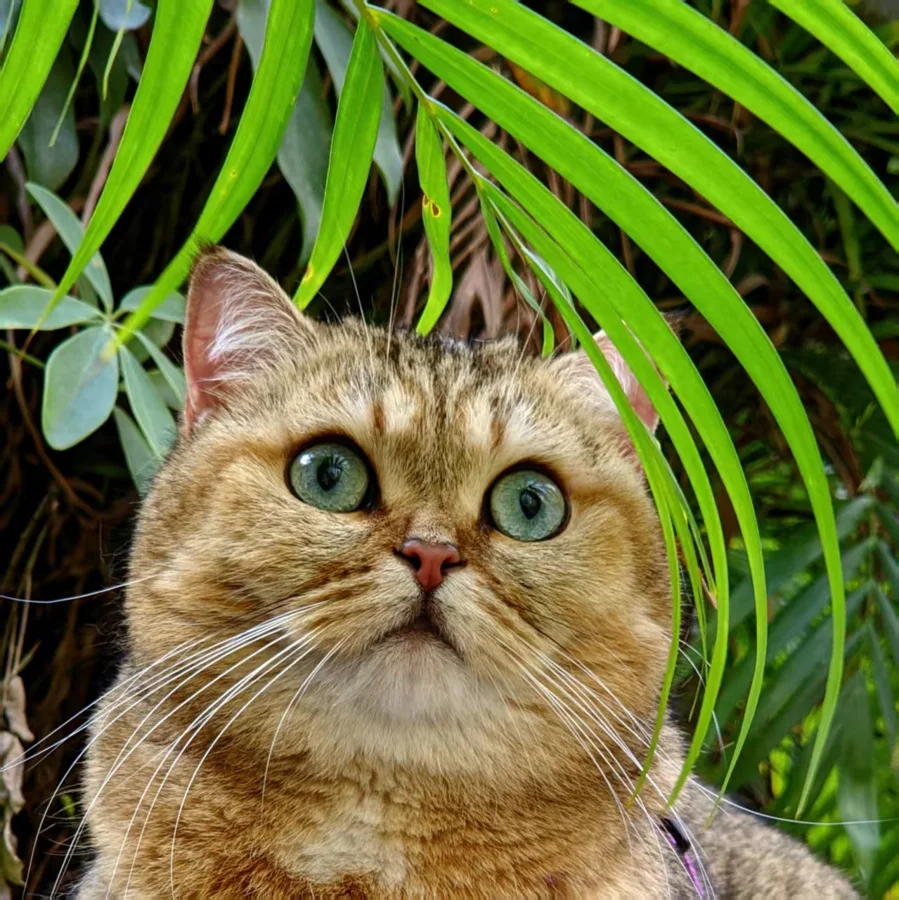
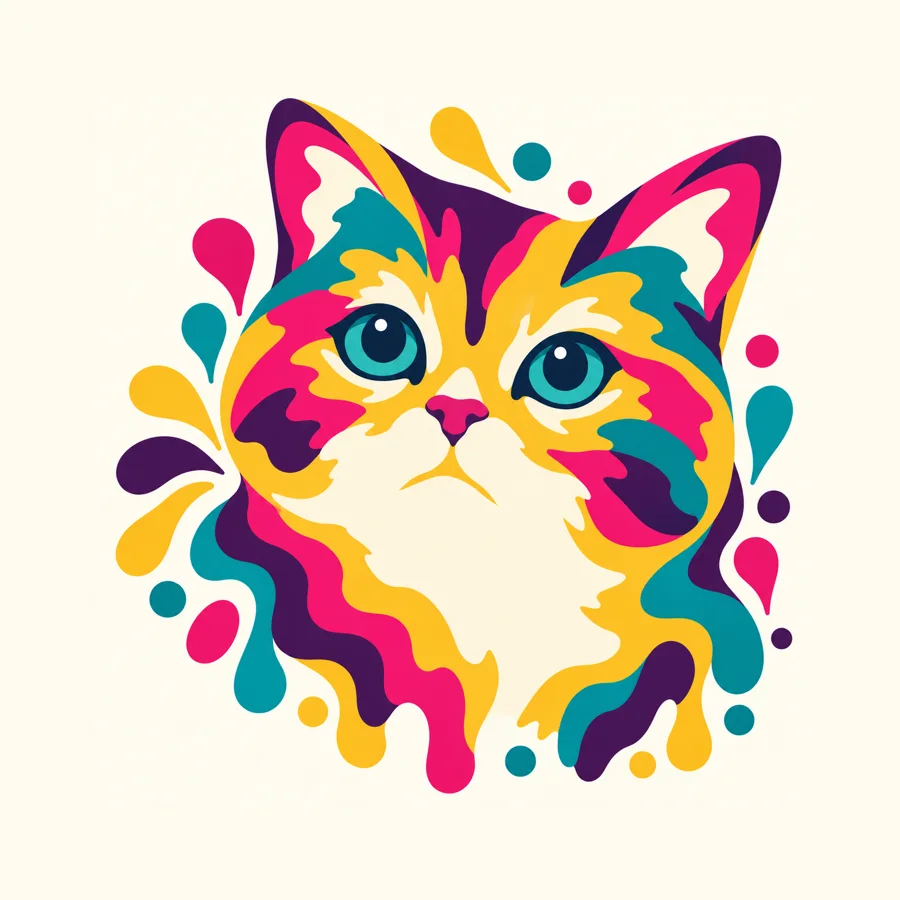
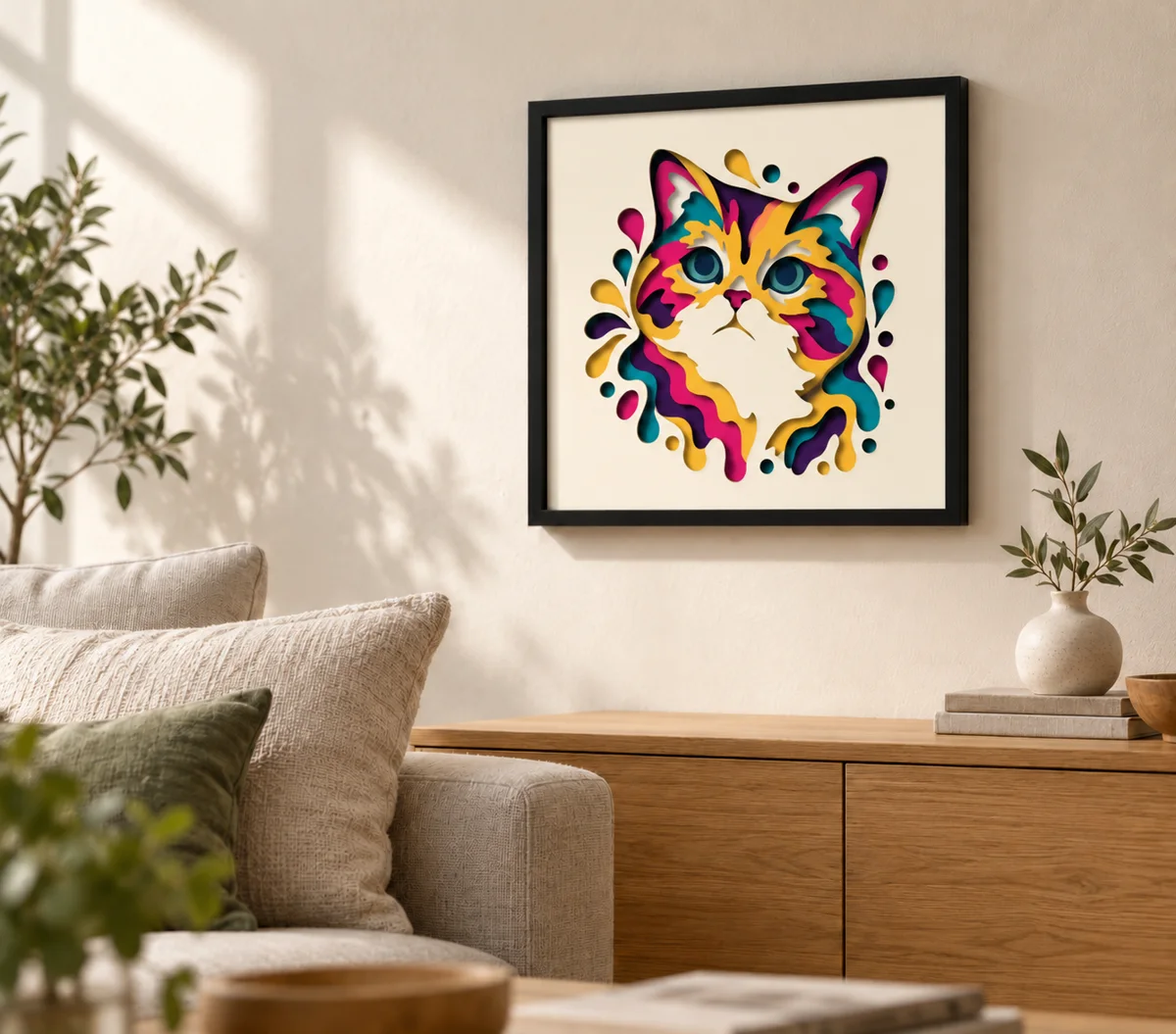
Your photo→The style, made with an AI image tool→Cut from about 9 sheets (room mockup)
Best for
Cats and dogs, face on
Sheets
About 9
Finished size
200 mm, no border
Needs
An AI that makes images, such as ChatGPT or Gemini
STEP 1
Pick a photo of your pet
Face toward the camera, both eyes visible
Bright, even light, no hard shadow on the face
The head fills most of the frame
One pet per photo. The background doesn't matter, this style draws only the head
STEP 2
Turn it into the style
Use ChatGPT, Gemini or any other AI that can make images. Pick one of the two ways below.
Way 1
Prompt + your photo
Your pet's photo+Prompt
Copy the prompt
Attach your pet's photo
Paste the prompt and send
Transform the pet in the reference photo into a bold, fluid papercut portrait.

SUBJECT:
Create ONLY the pet's head as a floating decorative portrait.
Preserve its recognizable identity:
- head and cheek shape
- ear shape and position
- eye shape and placement
- nose and muzzle structure
- distinctive markings and their approximate locations
- original head orientation and expression
Use the reference to preserve identity, structure, and marking layout,
but do NOT copy its literal colors.
Do not include the neck, chest, shoulders, body, legs, paws,
collar, clothing, or surrounding objects.

COMPOSITION:
Use a square 1:1 canvas.
Center the floating pet head on a flat cream background.
The COMPLETE artwork — including ears, flowing extensions,
drips, and droplets — should occupy approximately 65–70%
of the canvas width and height.
Keep generous negative space around the artwork.
Do not zoom in or crop any part of the design.

SHAPE DESIGN:
Redesign the pet using approximately 15–20 large,
smooth, organic shapes.
Use broad flowing curves, rounded waves, large teardrops,
soft irregular blobs, and sweeping liquid forms.
Let some outer edges naturally transition into a few large
flowing extensions, rounded drips, or teardrop shapes.
Add only a small number of large floating droplets.
Use the pet's real markings only as a guide for where
major shapes belong.
Translate markings into much larger and simpler graphic shapes.
Merge small stripes, spots, patches, highlights, and textures
into nearby larger shapes.
Some shapes may sweep across a large part of the forehead,
ear, or cheek in one continuous curve.
Prefer fewer, larger shapes over greater visual accuracy.
Avoid tiny shapes, thin strips, narrow gaps, fragile points,
repetitive small patches, and intricate internal details.

FACE:
Keep the face as simplified and graphic as the rest of the artwork.
Eyes should use only a few large solid shapes.
Use at most one simple highlight when needed.
The nose should be one simple solid shape.
Do not draw detailed eyelids, iris texture, mouth lines,
whiskers, individual fur strands, or other fine facial details.
Preserve recognition through proportion and shape,
not through realistic detail.

COLOR:
Do NOT copy the pet's literal photographic colors.
Reinterpret its light, medium, and dark regions artistically
using EXACTLY these 6 locked HEX colors:
CREAM       #F4E6C8
MUSTARD     #E5B82E
HOT MAGENTA #E83E8C
PURPLE      #71358A
TEAL        #159C9C
DEEP NAVY   #172D4D
Use the original photo only to determine the approximate placement,
size, and relationship of important markings.
Map colors according to visual role rather than original hue.
Use strong contrast between neighboring shapes.
Each color should appear mainly in a few large regions
rather than many scattered small patches.
Every visible part of the pet — including eyes, pupils,
highlights, nose, markings, drips, and droplets —
must reuse these exact six HEX values.
Do not create lighter, darker, warmer, cooler,
transparent, blended, or intermediate versions.
If a detail appears to require a seventh color,
reuse an existing color, merge the detail, or remove it.

BACKGROUND:
Use exactly:
#FAF4E8
The background must be completely flat and uniform,
with no objects, texture, shadows, or color variation.

PAPERCUT CONSTRUCTION:
Think in layers, not pixels.
Treat the portrait as if it must actually be constructed
from exactly 6 sheets of colored cardstock.
Each subject color represents one physical paper layer.
Every shape must be broad, clean, smooth,
and physically easy to cut.
Avoid tiny islands, tiny holes, thin bridges,
thin slivers, fragile shapes, and hair-thin elements.
If a detail requires a small complicated shape,
simplify, enlarge, merge, or remove it.
The artwork must remain readable when separated
into exactly six physical color layers.

STYLE:
bold fluid papercut portrait,
flat vector graphic,
large solid color blocks,
smooth organic curves,
flowing liquid forms,
modern cut-paper simplicity,
mid-century poster influence,
bold contemporary color blocking,
minimal,
clean,
SVG-friendly,
physically cuttable.

ABSOLUTELY NO:
body,
gradients,
shading,
3D,
drop shadows,
lighting effects,
transparency,
color blending,
texture,
realistic fur,
outlines,
thin strokes,
fine lines,
tiny decorative details,
many small patches,
extra colors.

FINAL RULE:
PET HEAD ONLY.
SQUARE 1:1 CANVAS.
COMPLETE ARTWORK OCCUPIES 65–70% OF THE CANVAS.
APPROXIMATELY 15–20 MAJOR SHAPES.
EXACTLY 6 SUBJECT HEX COLORS.
BACKGROUND = #FAF4E8.
NO OTHER COLORS.
NO INTERMEDIATE SHADES.
FEWER AND LARGER SHAPES ARE ALWAYS PREFERRED.
Way 2
Style image + short prompt + your photo
Your pet's photo+Style image+Short prompt
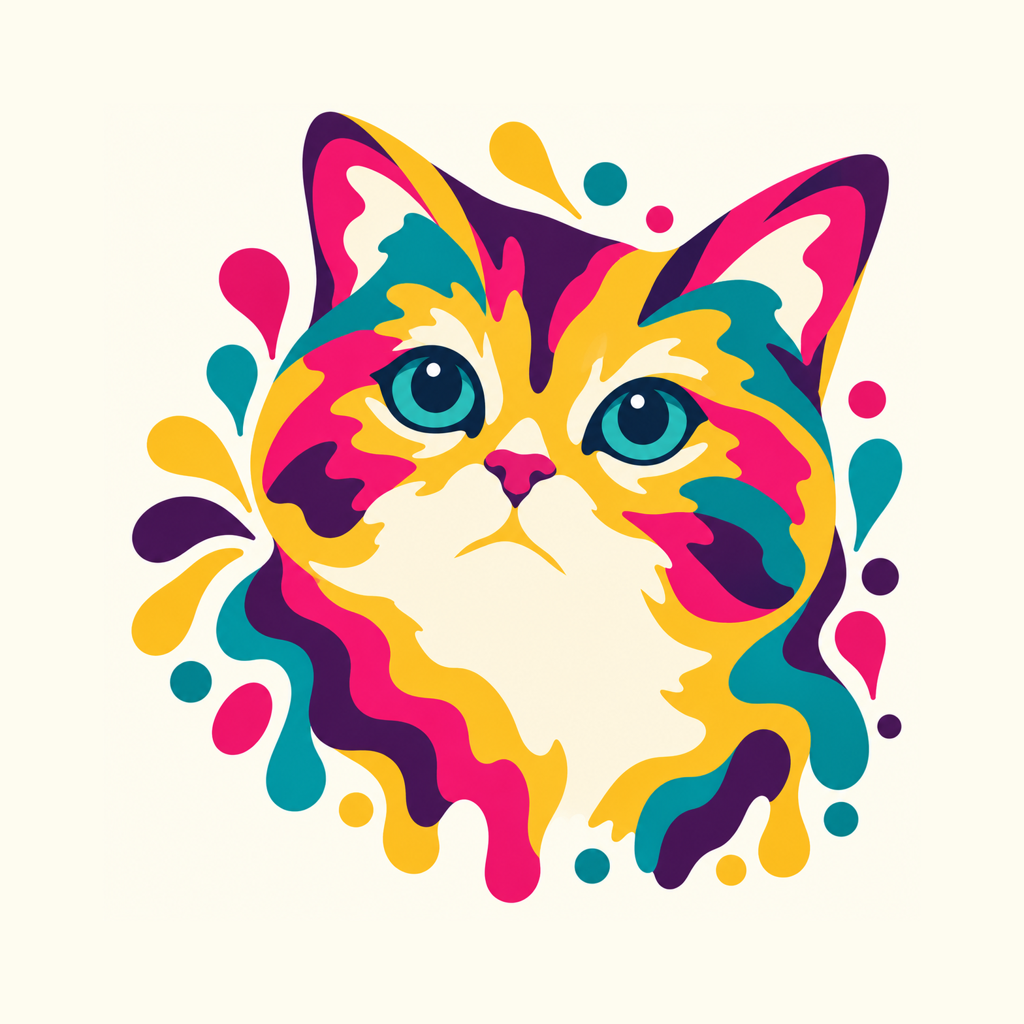
Download the style image
Attach your pet's photo first, then the style image
The first image is my pet. The second image is a style reference only.
Redraw only my pet's head in the style of the second image: the same six flat colors, large smooth fluid shapes, a few rounded drips and droplets, on the same flat cream background.
Keep my pet's own head shape, ear shape, eye placement, expression and the layout of its markings. Do not copy the cat in the reference image.
Square 1:1 canvas, with the artwork filling about 65–70% of it. No body, outlines, gradients, whiskers or fine lines.
STEP 3
Generate the layers
Drop the new picture into the generator. It opens with the recommended settings for this style, and you can still change them:
The prompt fixes these six, so every portrait in this style cuts from the same set of cardstock, plus a cream sheet behind. Want a different palette? Change the layer colors in the editor and see the result before you cut.
Cream #F4E6C8
Mustard #E5B82E
Hot magenta #E83E8C
Purple #71358A
Teal #159C9C
Deep navy #172D4D
Made in this style
Golden shaded catBlue and white British shorthairGolden retriever
If it doesn't come out right
The picture depends a lot on the AI you use. The same prompt can come out quite differently in different tools, or even twice in the same one, so it is worth asking again or trying another tool.
The body or the background shows up
Ask again: pet head only, on a flat cream background.
Too many sheets
Every floating droplet needs its own support sheet. Ask for fewer droplets, or droplets that touch the head.
Two colors came out on one sheet
The picture used a shade between two of the six colors. Ask for the six exact colors only, with no in-between shades.
It doesn't look like my pet
Use a sharper photo with the face filling the frame, and name the breed and fur pattern in your message.