Silhouette cutout
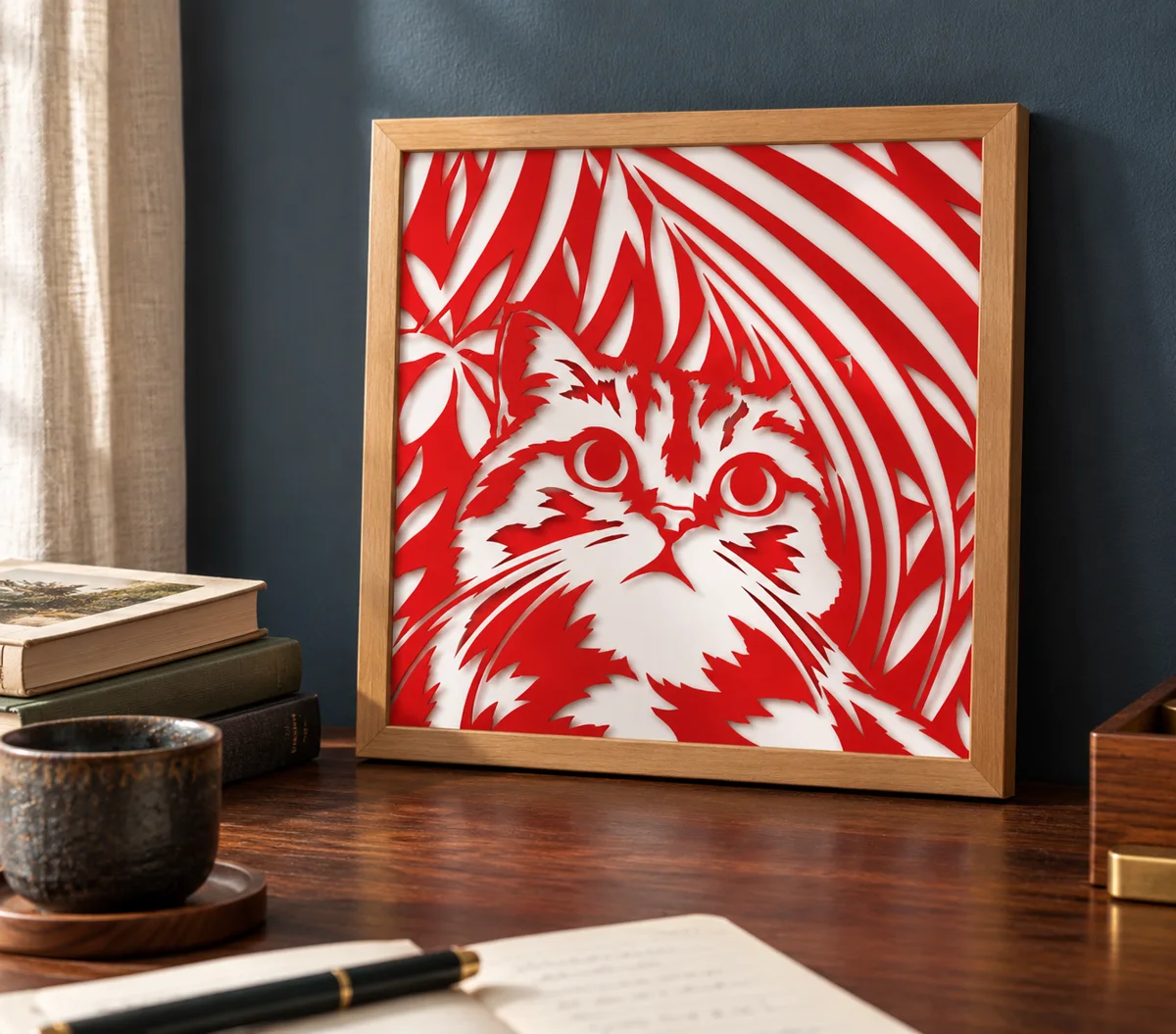
Turn a photo into a detailed silhouette: one sheet of cut paper over a contrasting backing.
- Best for
- Anything with a clear outline: pets, people, plants
- Sheets
- 2, sometimes one more to hold loose pieces
- Finished size
- 150 mm, 6 mm border
- Needs
- An AI that makes images, such as ChatGPT or Gemini
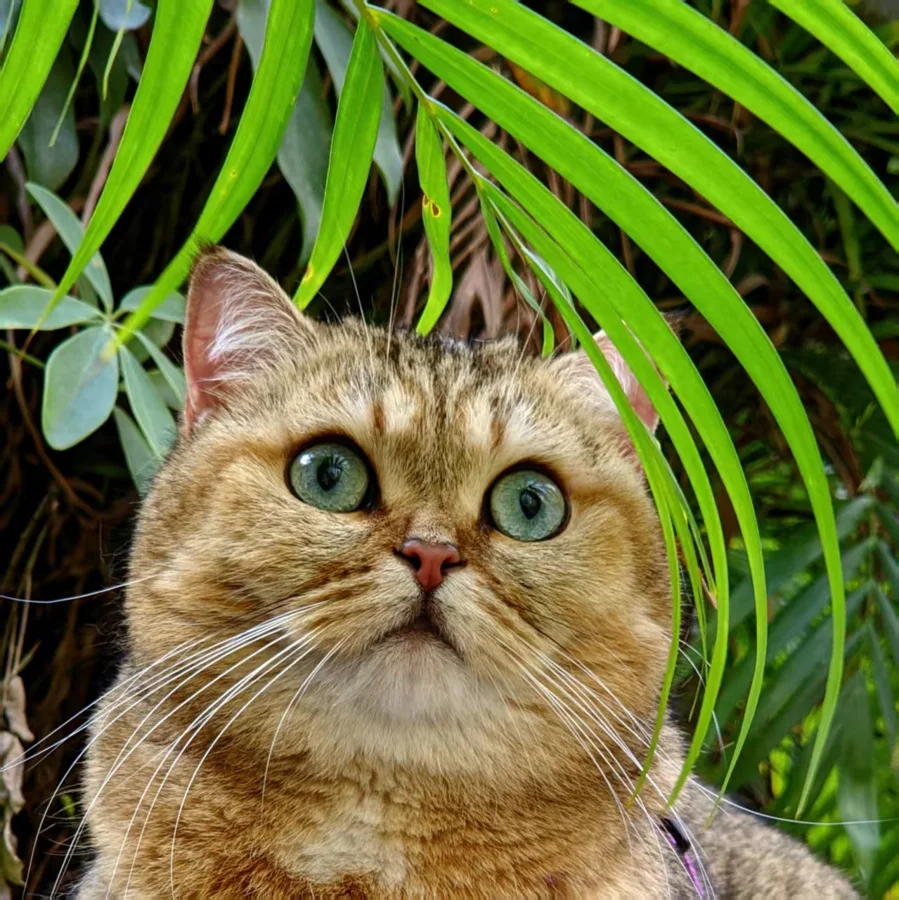
Pick a photo
- A subject with a clear outline against its background
- Good light, so the main shapes are easy to read
- Busy backgrounds are fine: leaves and patterns turn into cut-out shapes
- Keep the subject large. Small details are lost when they become paper
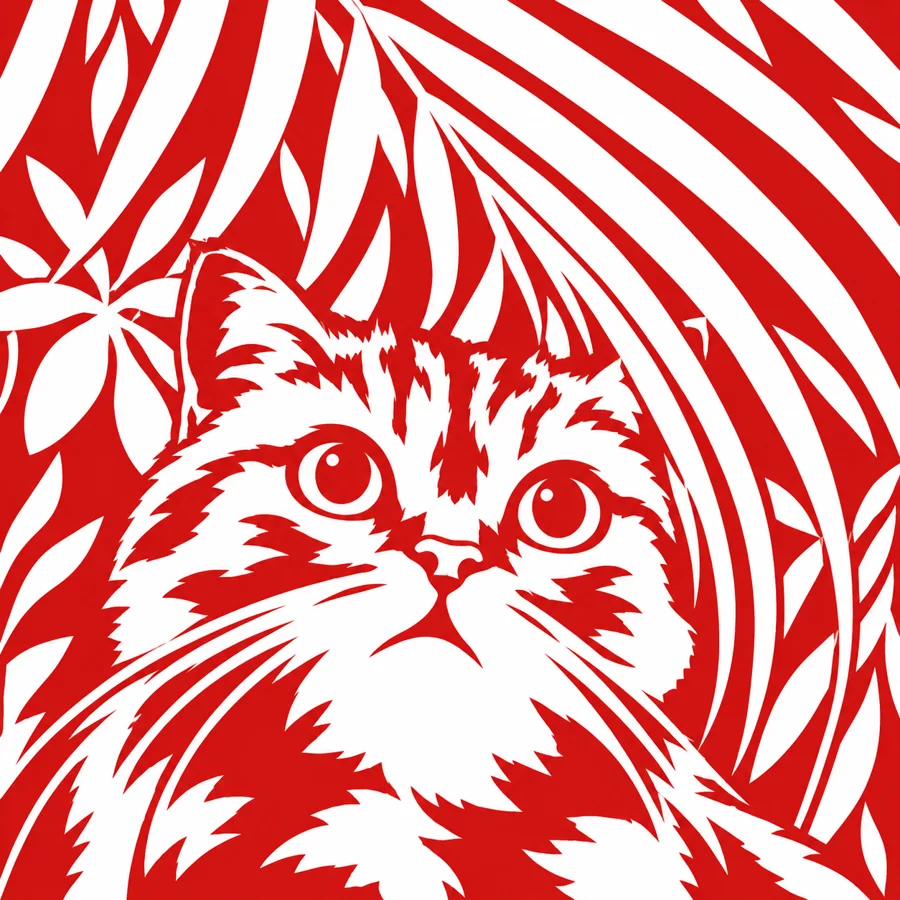
Turn it into the style
Use ChatGPT, Gemini or any other AI that can make images.
Prompt + your photo
- Copy the prompt
- Attach your photo
- Paste the prompt and send
Redesign the attached image as a single-layer papercut stencil.
Keep the EXACT original canvas size, aspect ratio, framing, crop, and composition. Do not resize, extend, crop, zoom, or reframe the image.
Use exactly two flat colors:
red = paper remains,
pure white = cut away.
Use one single, uniform solid red for all remaining paper areas. Do not use black, dark red, multiple shades of red, or any additional colors.
Preserve the original subject, pose, placement, proportions, and recognizable features, but simplify aggressively into a few large, bold, smooth shapes.
Merge texture and small details into large masses. Use only a few essential internal cutouts.
The red paper must form one connected, physically cuttable piece. Avoid floating islands, tiny holes, thin slivers, fragile bridges, and fine lines. If a detail cannot survive as a strong shape, remove it.
Use silhouette and large positive/negative shapes rather than outlines or texture.
No gradients, shading, texture, transparency, or fine linework.
The result must contain ONLY:
one flat solid red
and pure white.
Bold, minimal, clean, recognizable, physically cuttable, and SVG-friendly.
Generate the layers
Drop the new picture into the generator. It opens with the recommended settings for this style, and you can still change them:
- 2 colors
- Width 150 mm
- 6 mm border
- Dark color in front
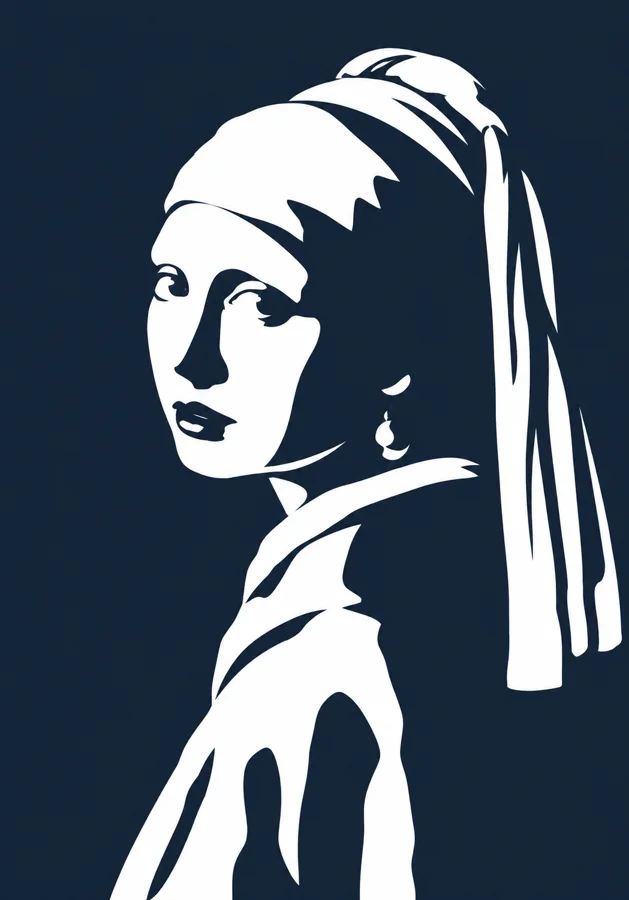
One sheet is cut and one sits behind it. Any two colors with strong contrast work, like the red on white and navy on white below. Try other pairs in the editor before you cut.
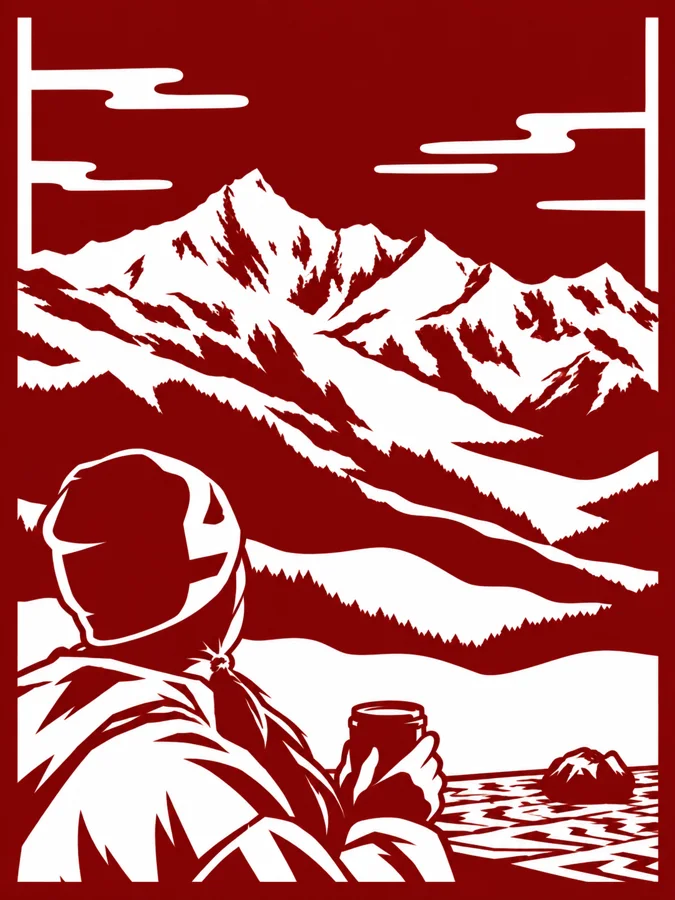
Made in this style
If it doesn't come out right
The picture depends a lot on the AI you use. The same prompt can come out quite differently in different tools, or even twice in the same one, so it is worth asking again or trying another tool.
- Pieces would fall out
- Parts that float free of the sheet need support. The generator adds a sheet to hold them, or you can ask the AI to keep every red area connected.
- Too many thin strokes
- Fine fur lines and whiskers are hard to cut. Ask for fewer, bolder shapes and no fine lines.
- It came out in more than two colors
- Ask again for one flat red and pure white only, with no darker reds or extra colors.
- It doesn't look like the photo
- Use a photo where the subject is large and clearly outlined, and say what the subject is in your message.