
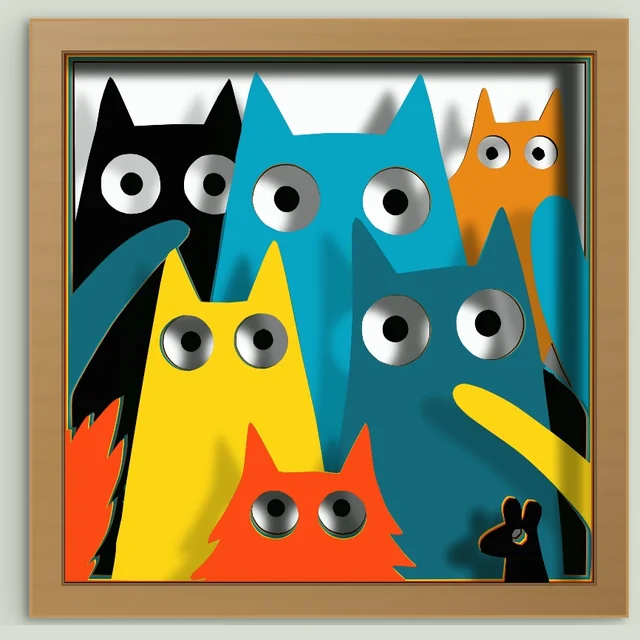
When the automatic order gets it wrong
The generator stacks colors by brightness, light in front or dark in front. That works for most pictures. It fails when the picture has its own idea of what is in front: cats sitting one behind another, a face behind a window, a character holding something. Brightness does not know which cat is closer.
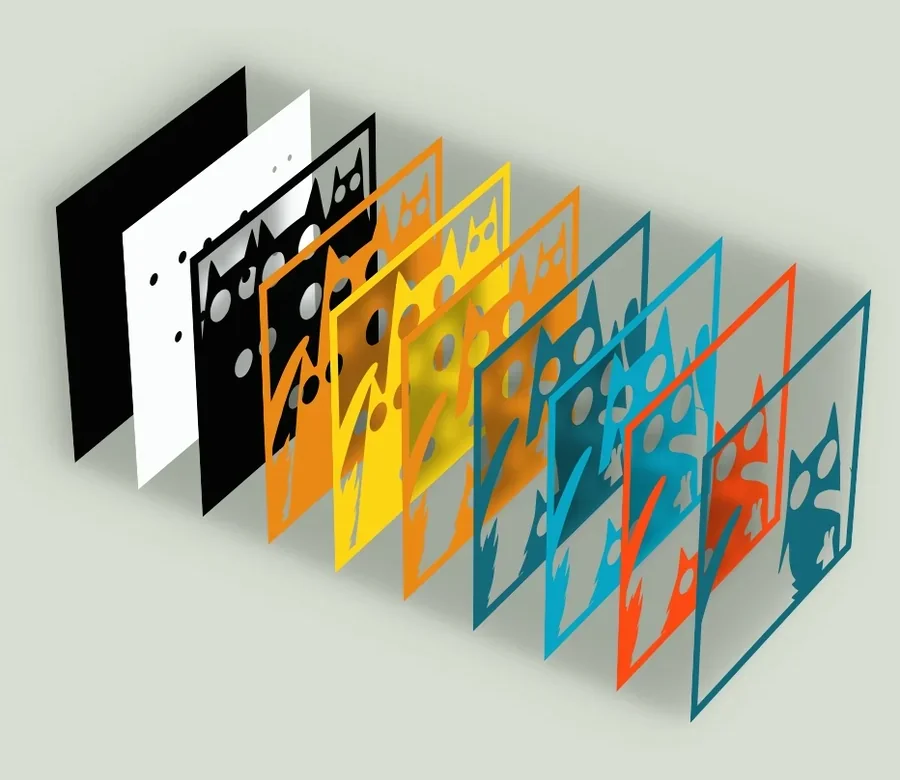
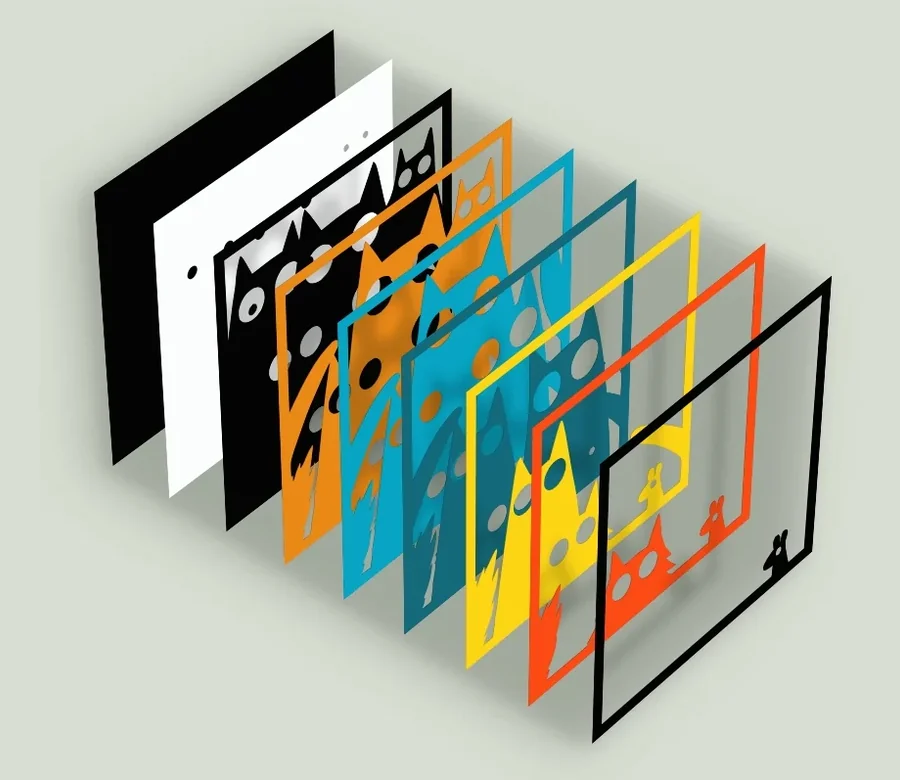
From the front, both orders look the same. The difference is in the stack, which sheet sits in front of which:
Arrange the layers yourself
- Generate as usual. Open your image in the generator and generate it.
- Open Customize layer order. In the result panel, choose Customize layer order.
- Move the rows. The list shows one row per color, front on top. Drag a row, or use the arrows, to move it.
- Check a color in the picture. Point at a row to light that color up in the picture. On a phone, tap the row.
- Regenerate. Choose Regenerate. The layers are cut in exactly the order you set.
Nothing changes until you regenerate, so you can try several orders and compare them.
Give one piece its own layer
A color can appear in several places that do not touch, like a tail apart from the body. When a color has two or more large pieces, its row shows a pieces button. Open it and choose Own layer for a piece, then move that new row wherever it belongs. You can also click the piece in the picture. To undo, choose Merge.
A piece placed right behind its own color is cut as one sheet with it, because the two look the same from the front. Put another color between them.
Fewer bridges
Keeping your order exactly means some pieces float on their layer and need bridges to hold them. Turn on Fewer bridges for a row and those pieces move behind the layer they sit on, so they need no bridges. They may then sit a little lower in the stack. See Islands and bridges for what a bridge is.
Going back
Auto returns to the automatic order. If nothing else changed, the automatic result comes back at once, without regenerating. Your arrangement is kept: open the list again and choose My order.
Free to try, downloads with Pro
Anyone can arrange, regenerate and preview. Downloading a custom order, or opening it in the editor, needs Pro. The automatic order downloads as usual with a free download or a single purchase. See Pricing.